
Venues
Restaurants, salons, hotels and conference centres with halls to fill.

Event software in three parts: CRM to sell, Experience to run, Production to show.
See the three parts ↓What it is
Use one. Use all three. They already speak the same language.
AIAI in CRM helps with replies and setup. You approve before anything changes.
Sell it
Turn enquiries into signed events.
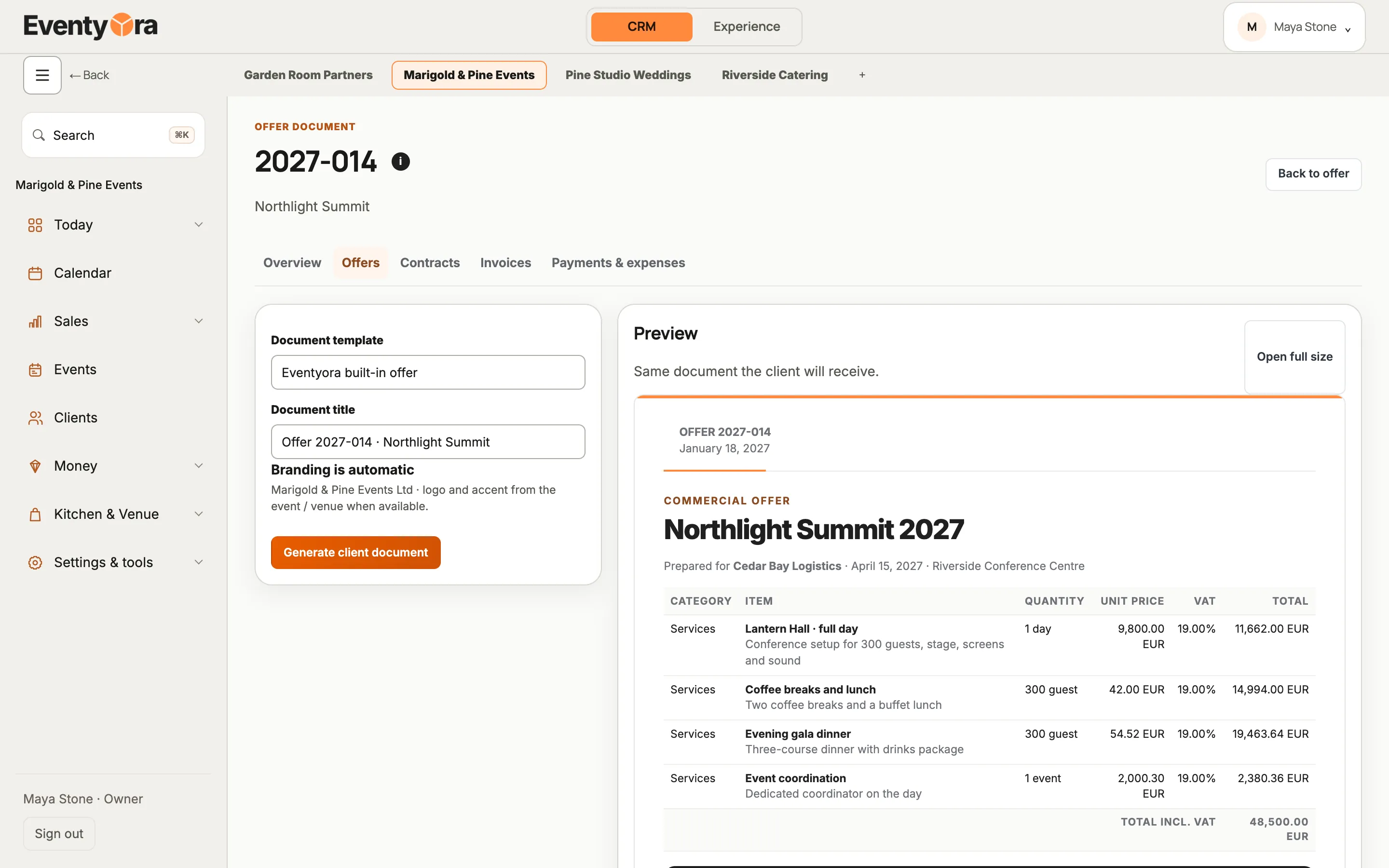
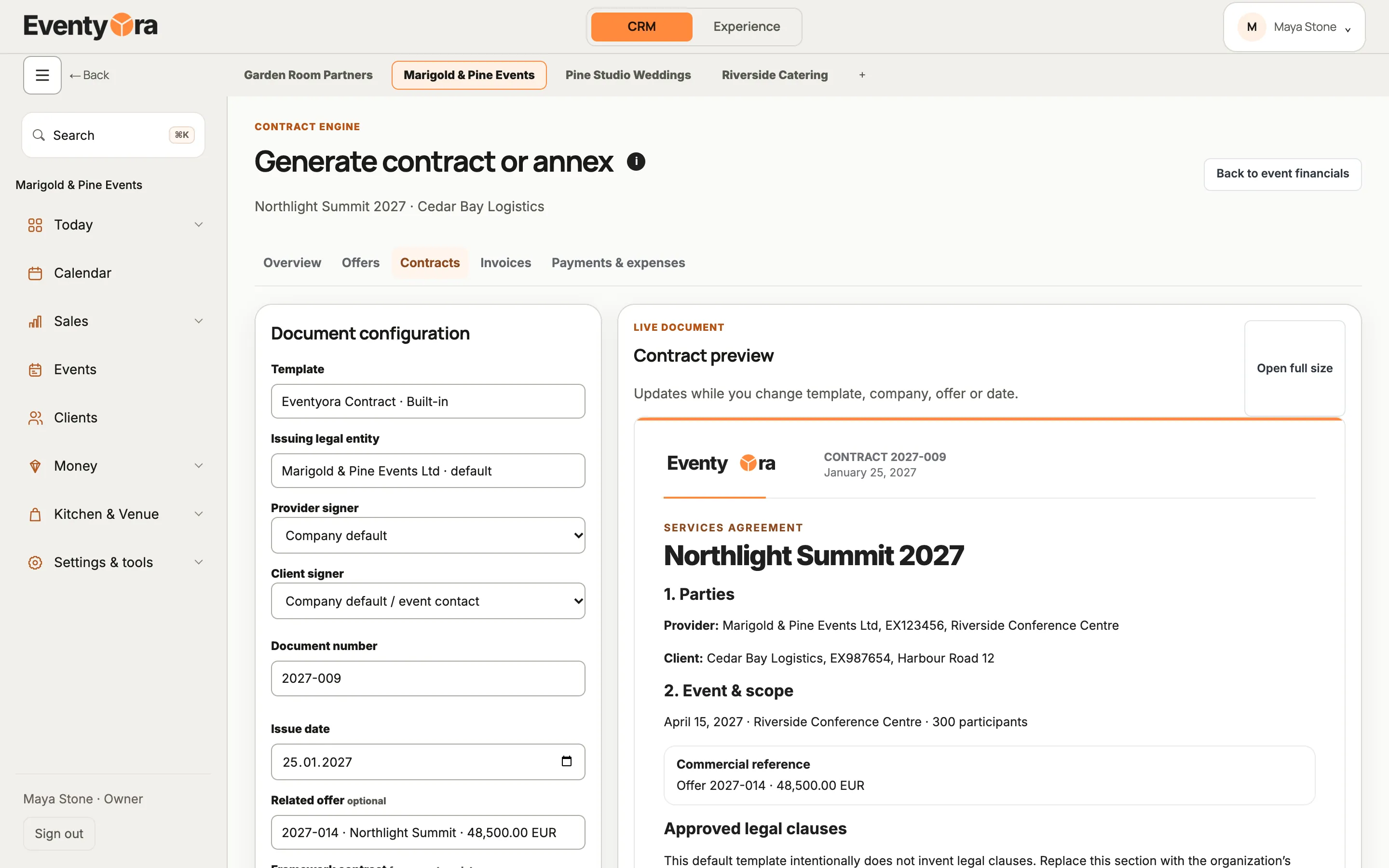
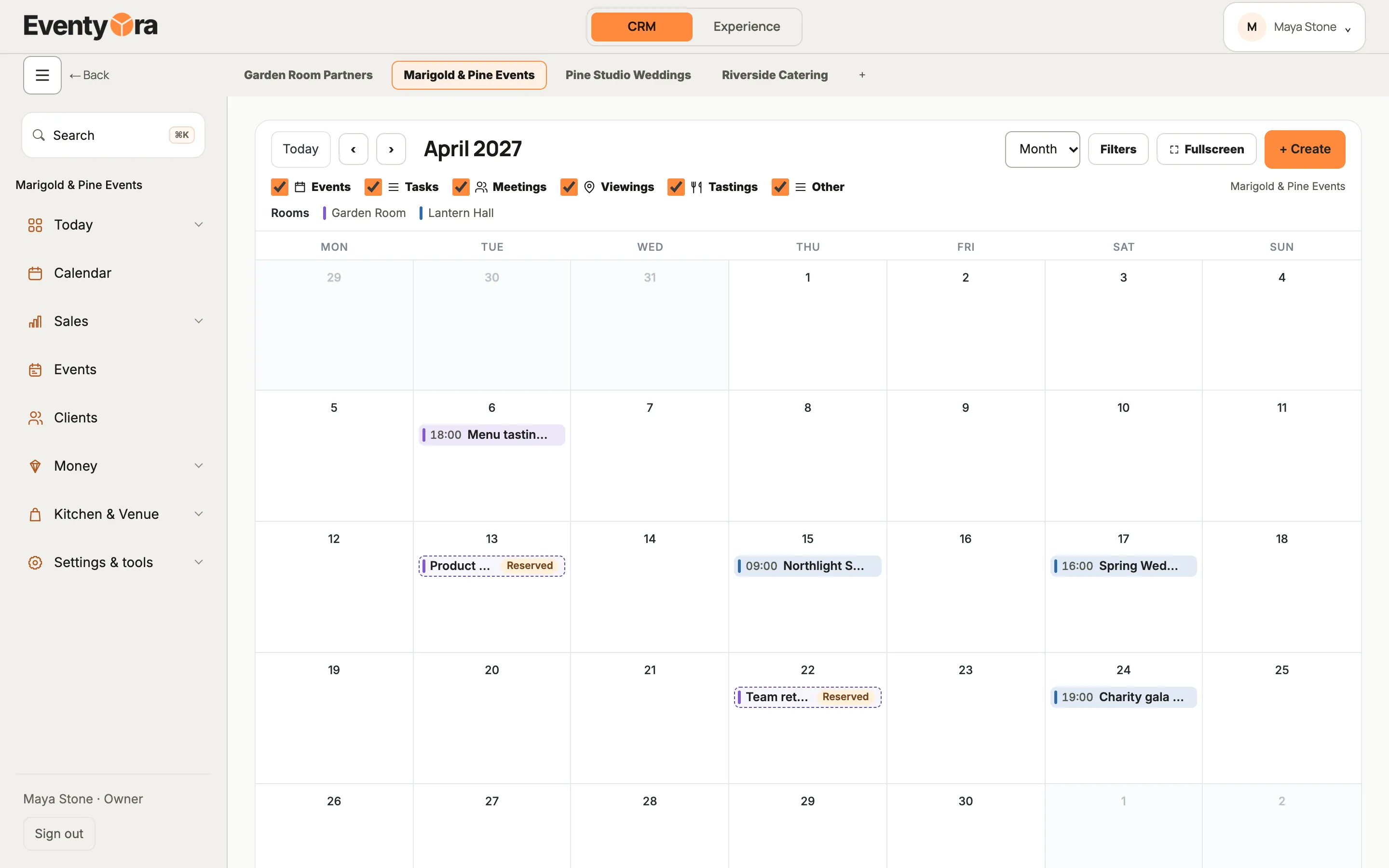
Offers, contracts, invoices and one calendar for every hall.
AIAsk Eventyora answers in plain language, drafts replies to your clients and helps set up your workspace. You send and approve.
For venues, agencies and freelance planners who sell events.
Sample data
Tap a step, or the glowing button on the screen.
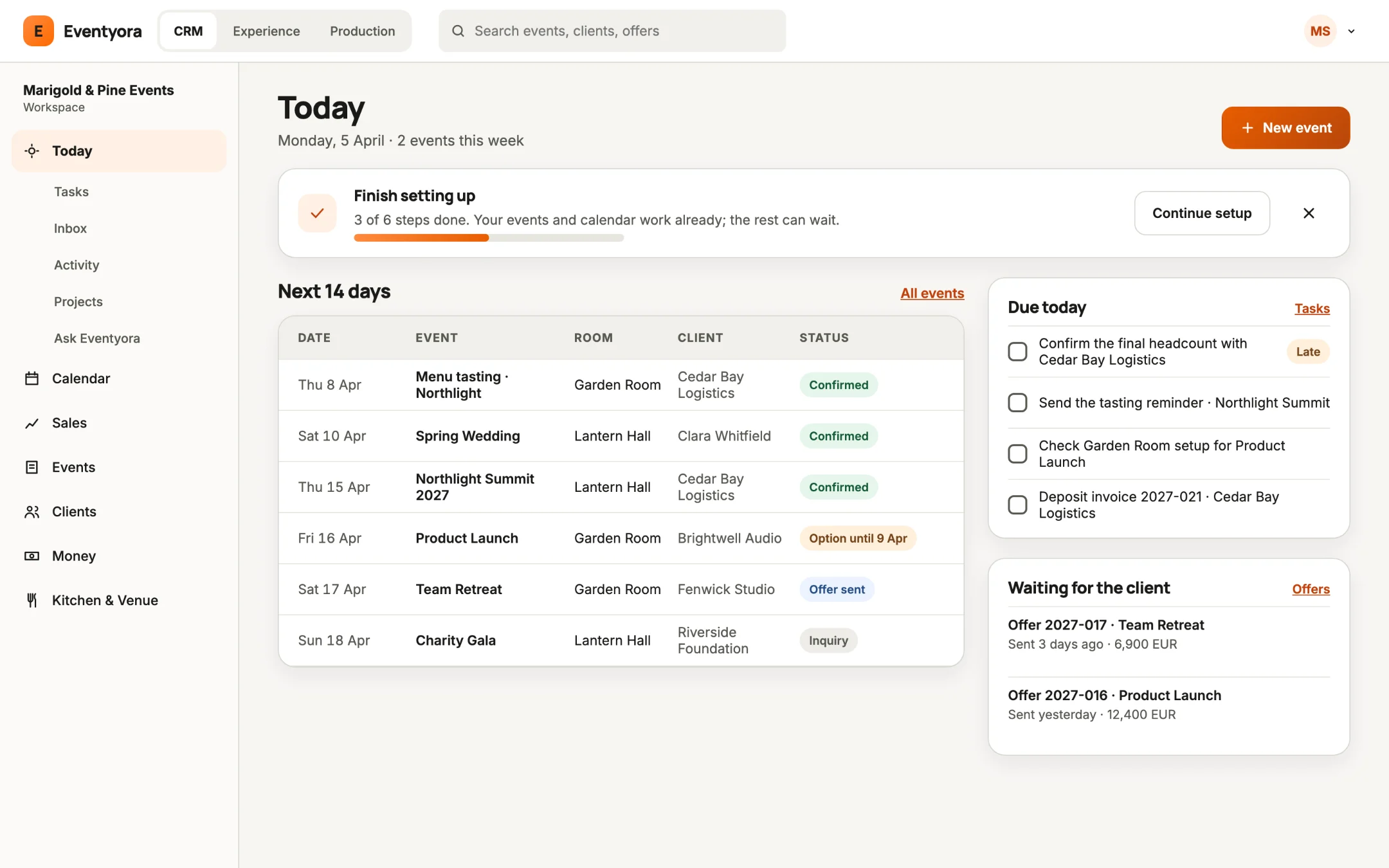
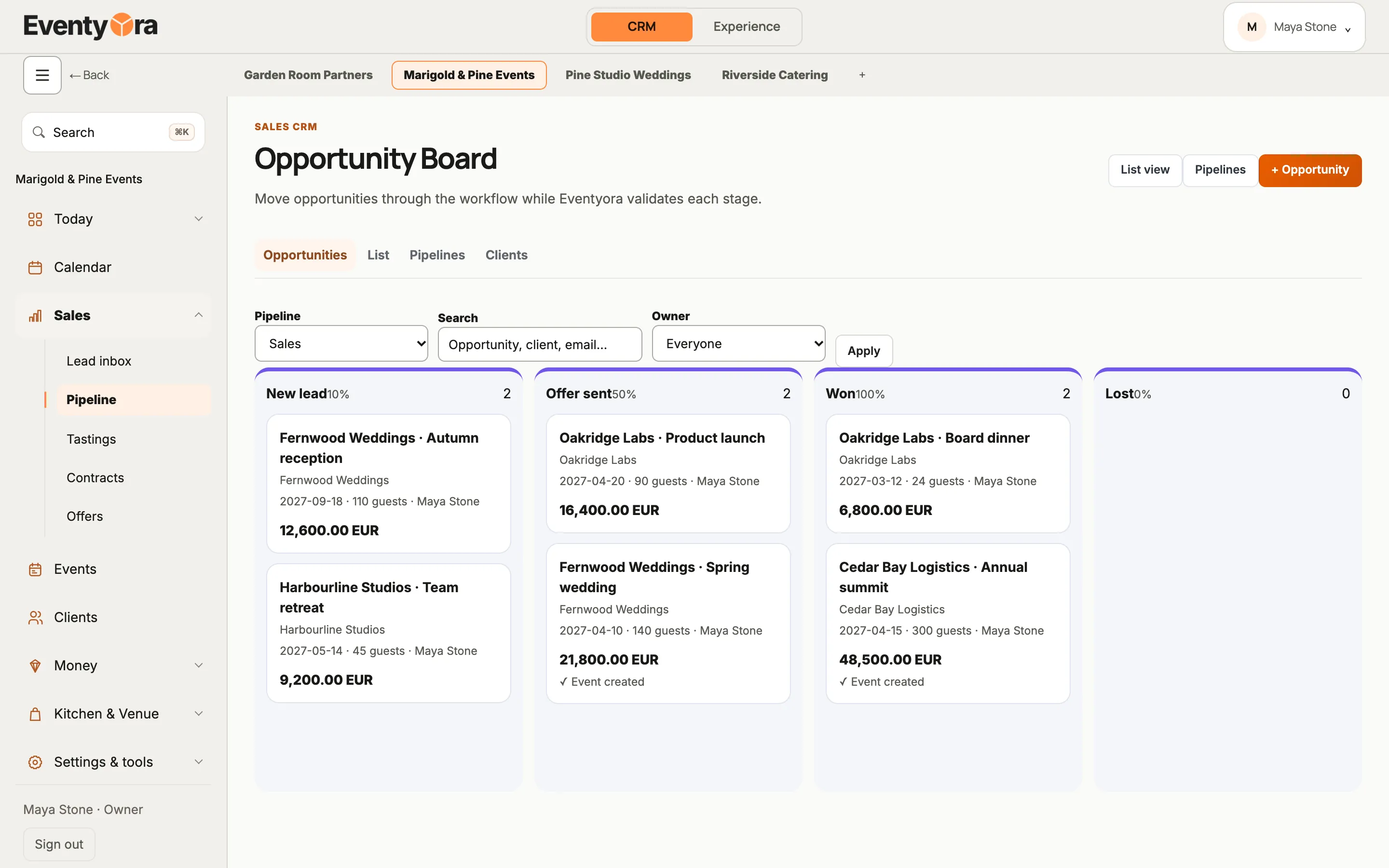
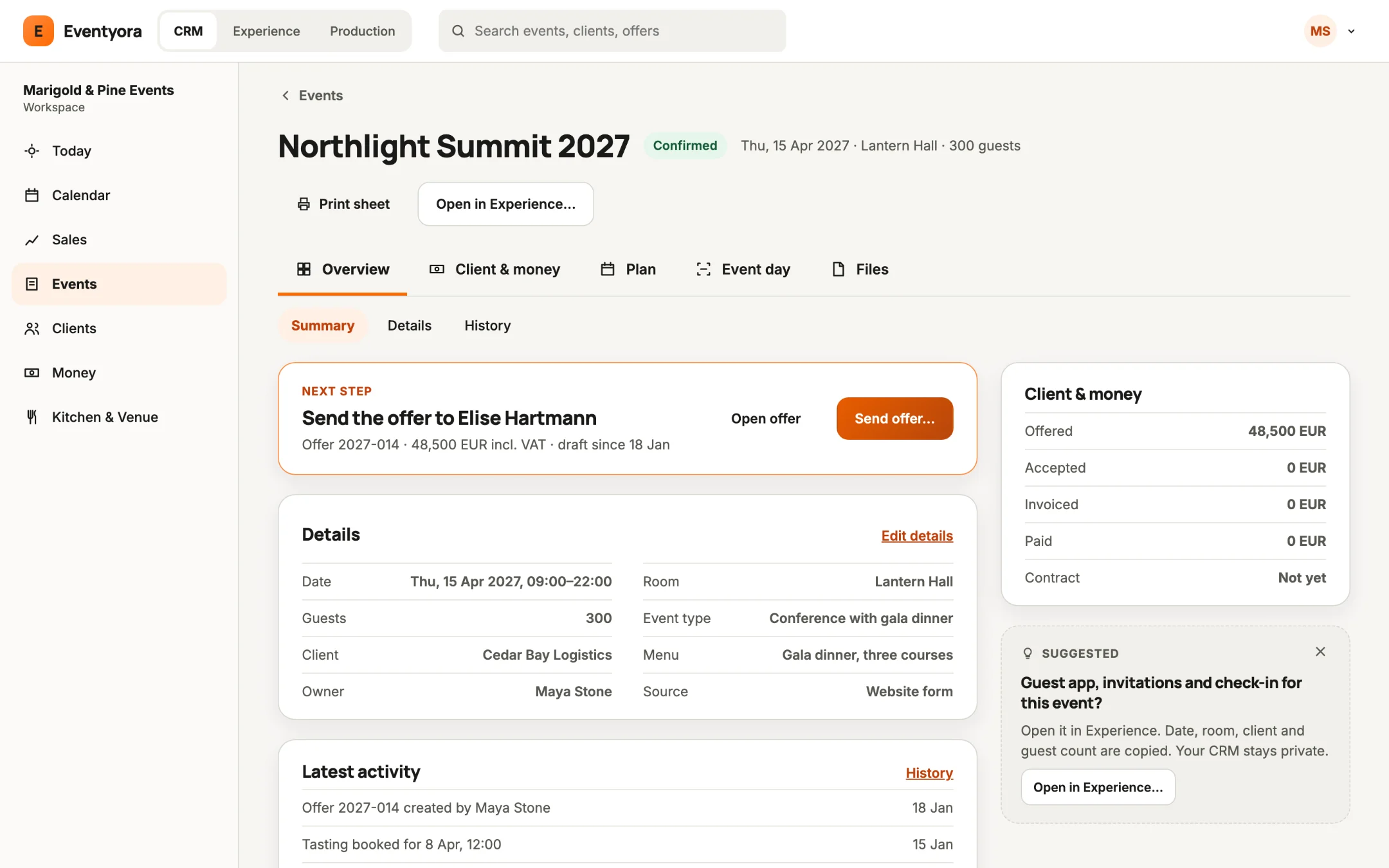
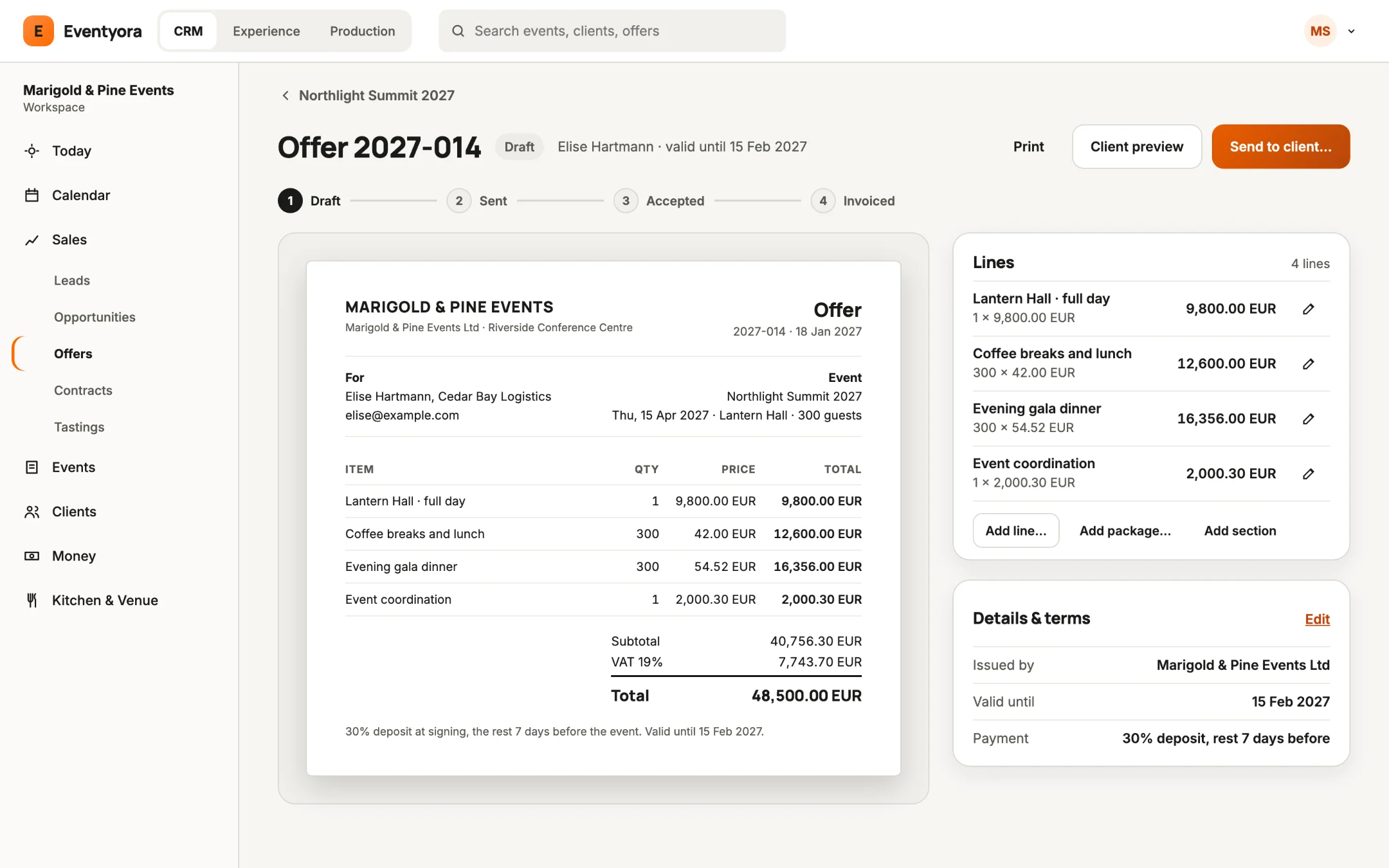
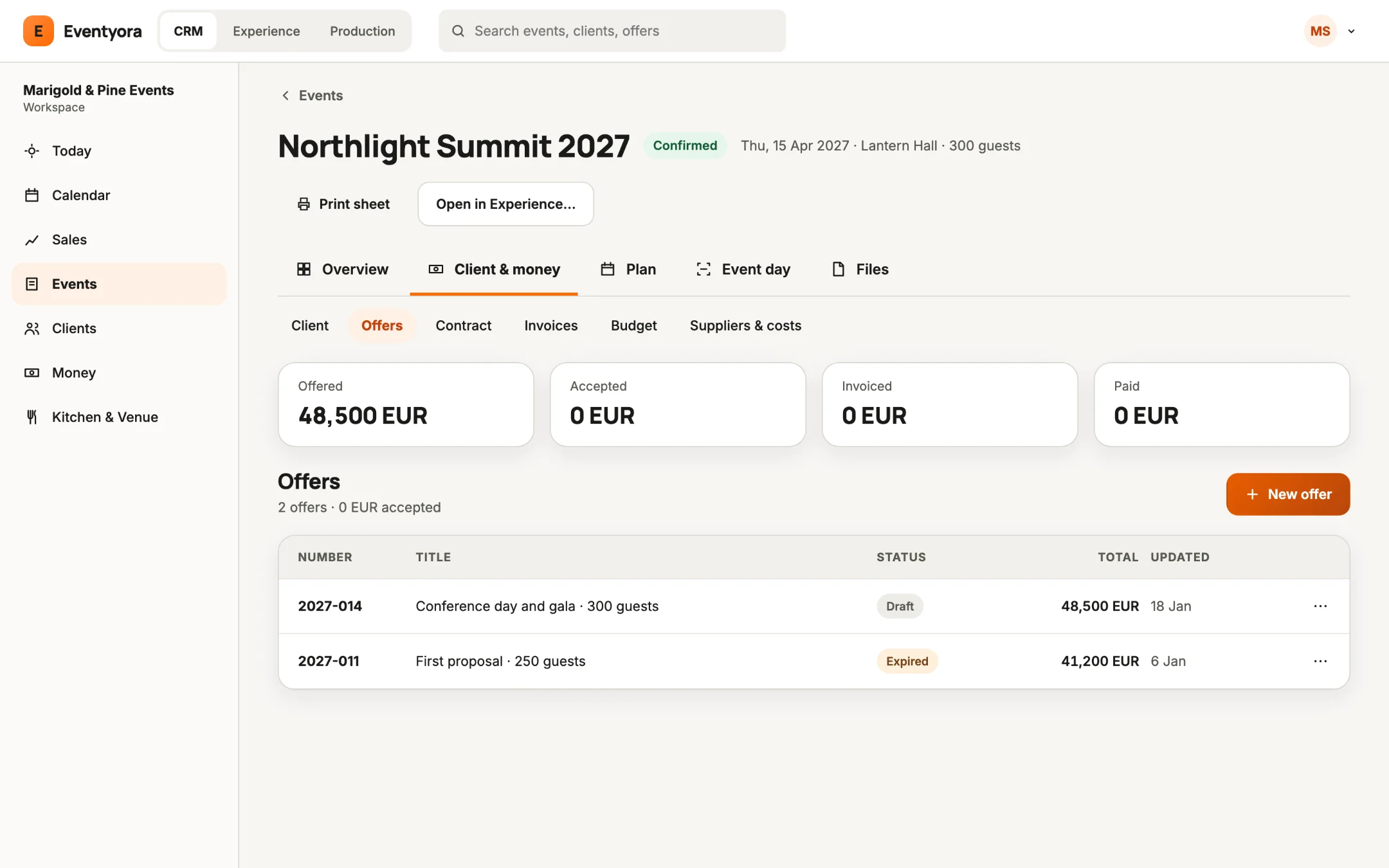
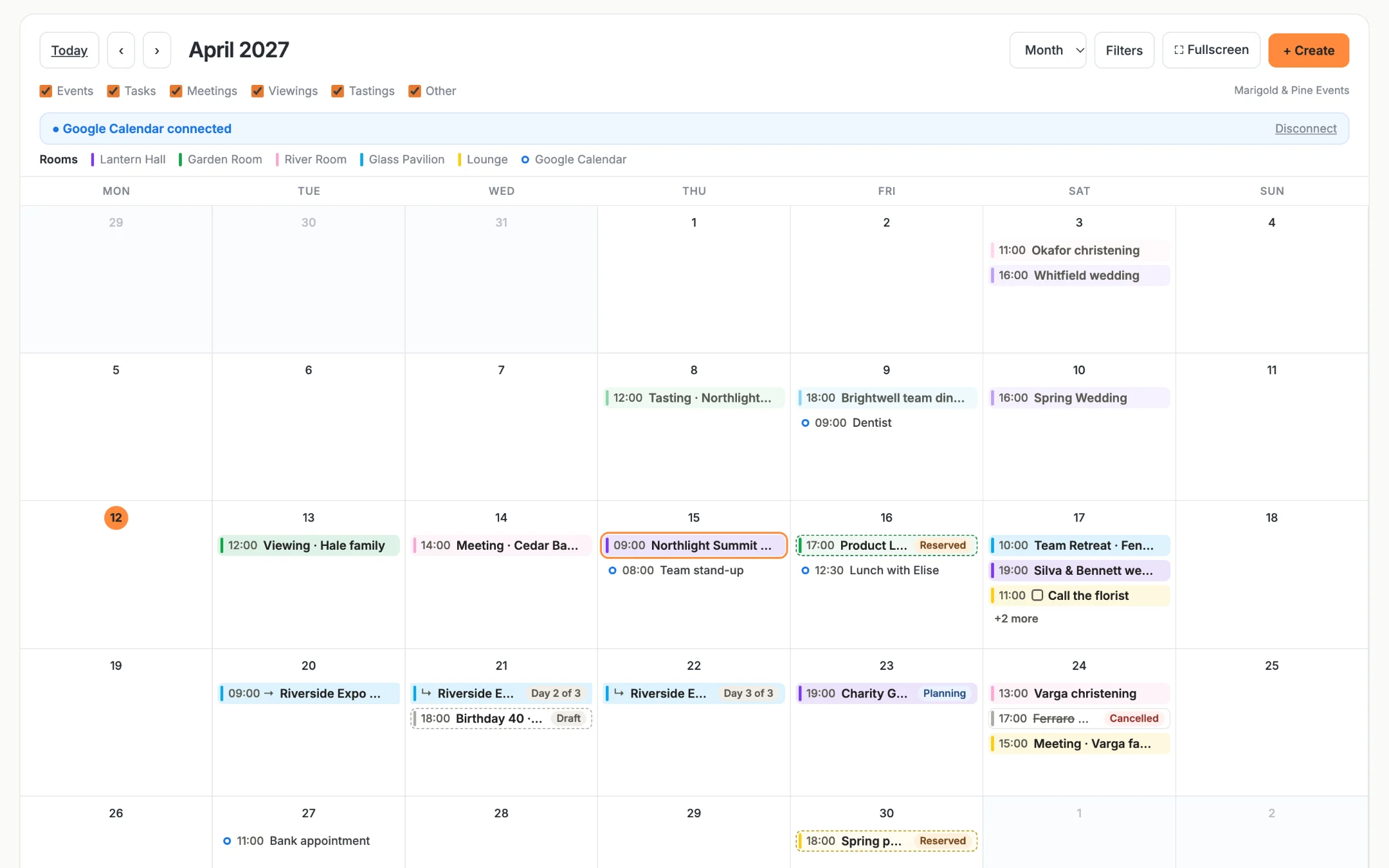
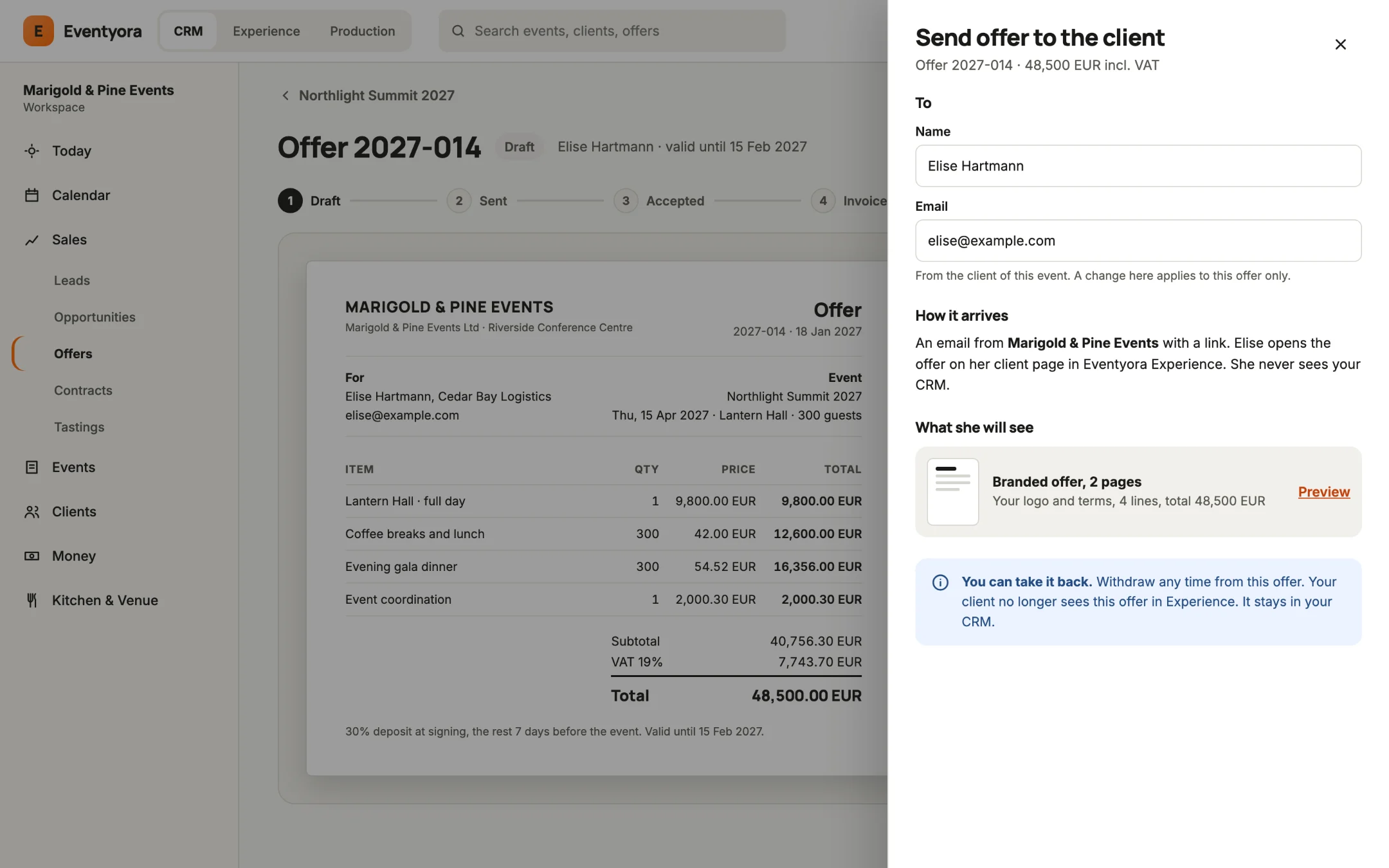
Today: what is next, what is due, and who you are waiting for.
Run it
Welcome every guest, without chaos.
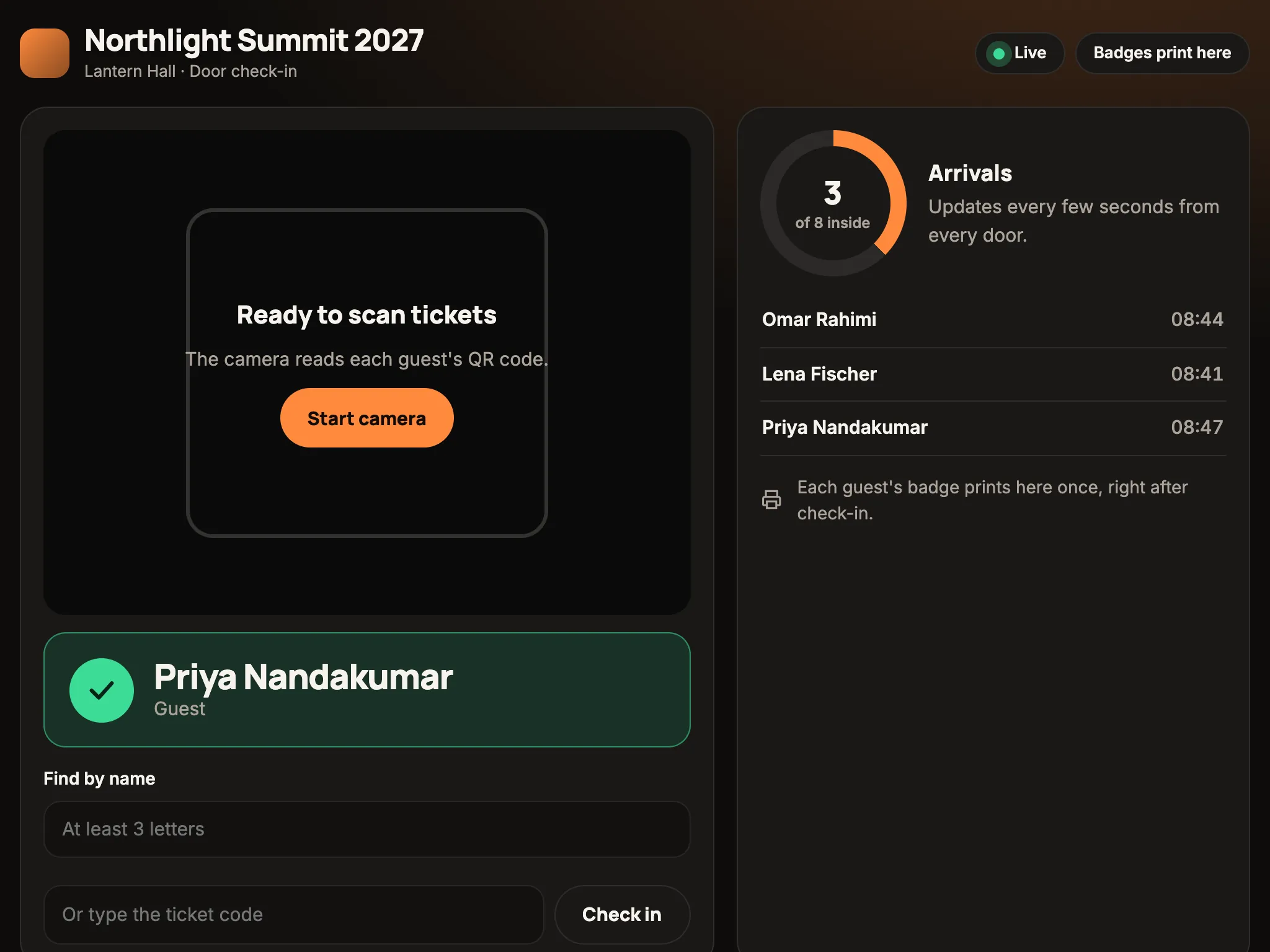
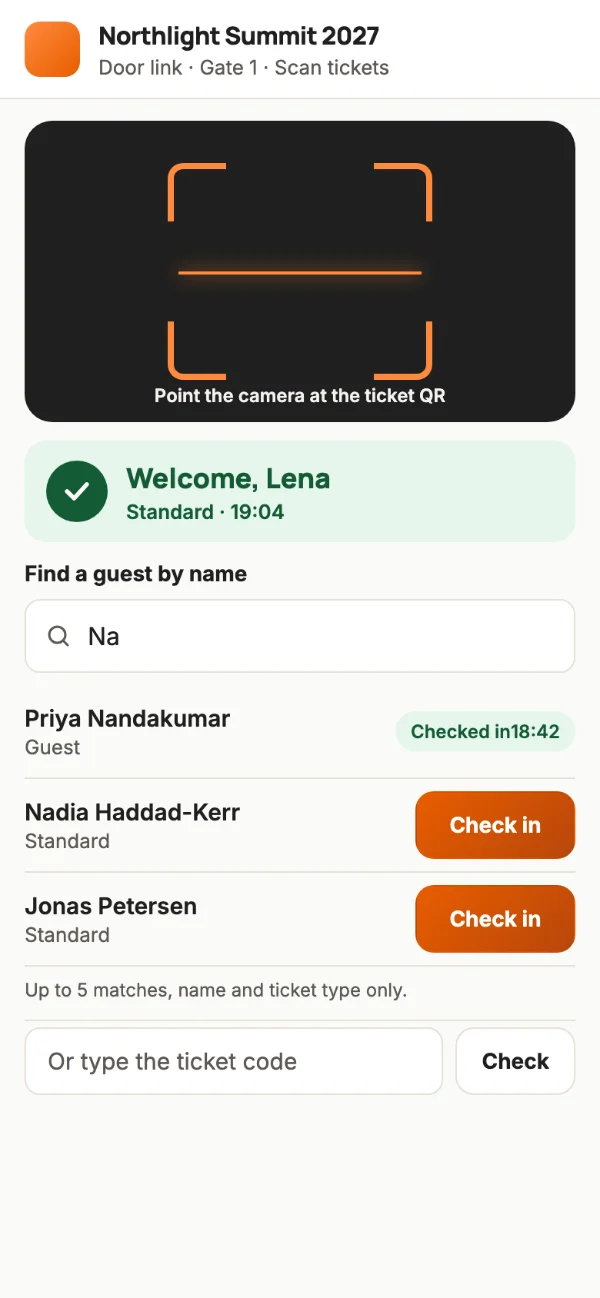
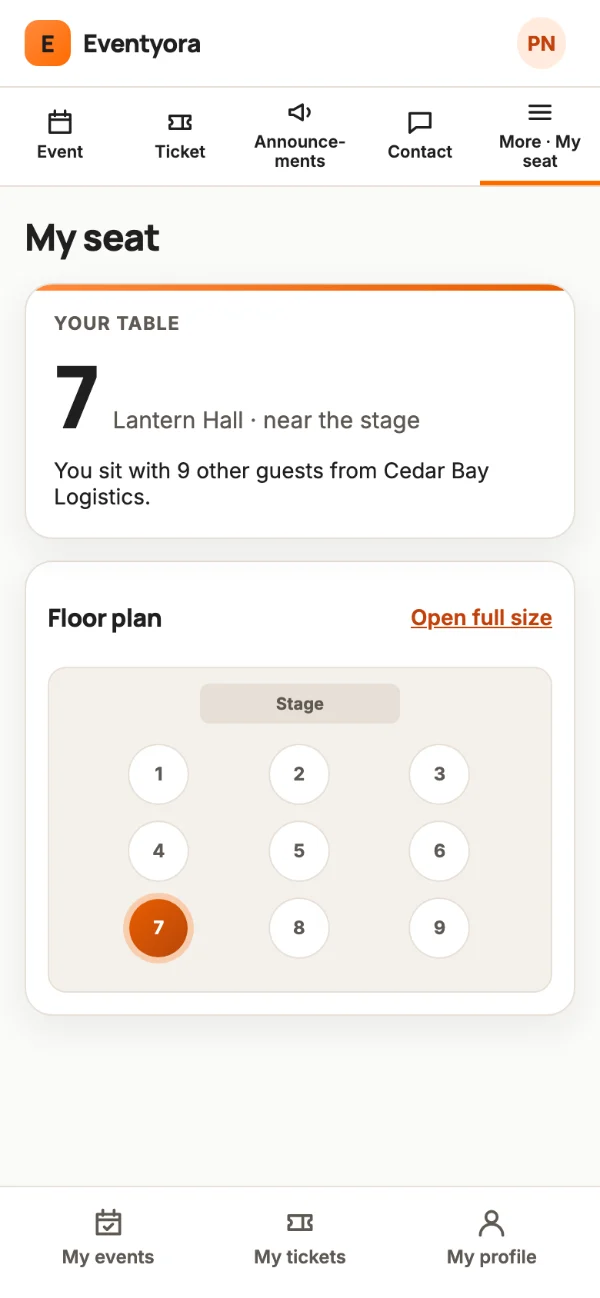
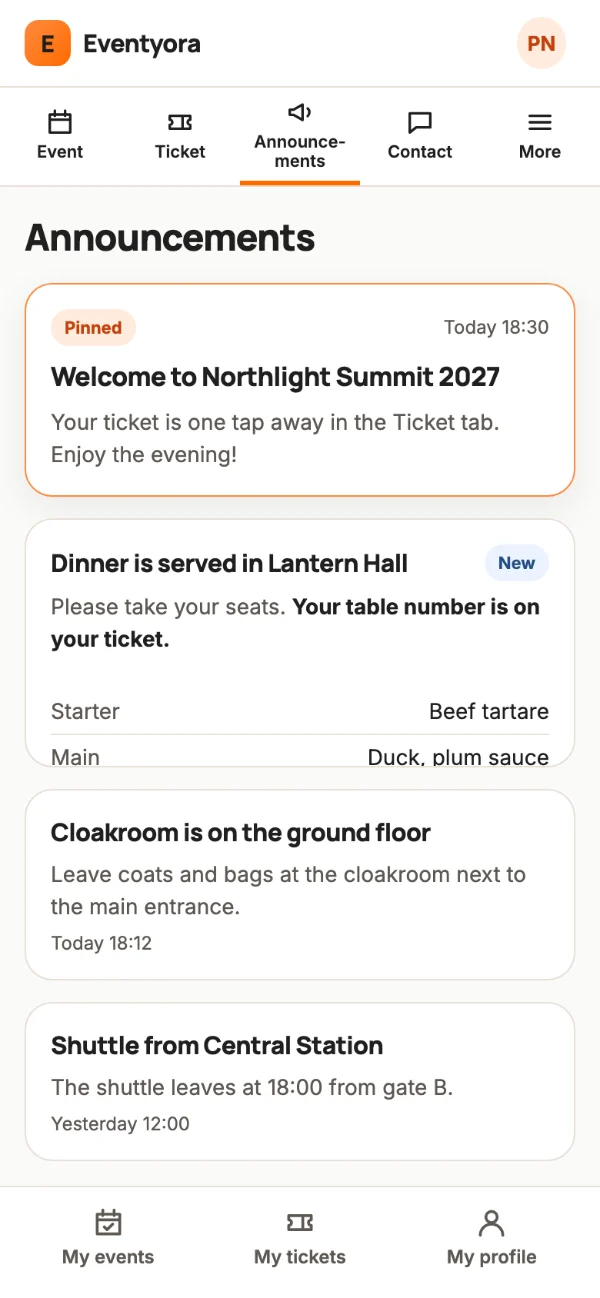
Tickets, invitations, door check-in, badges and a guest app.
For organizers running an event with a guest list: weddings, corporate events, congresses.
Sample data
Tap a step, or the glowing button on the phone.
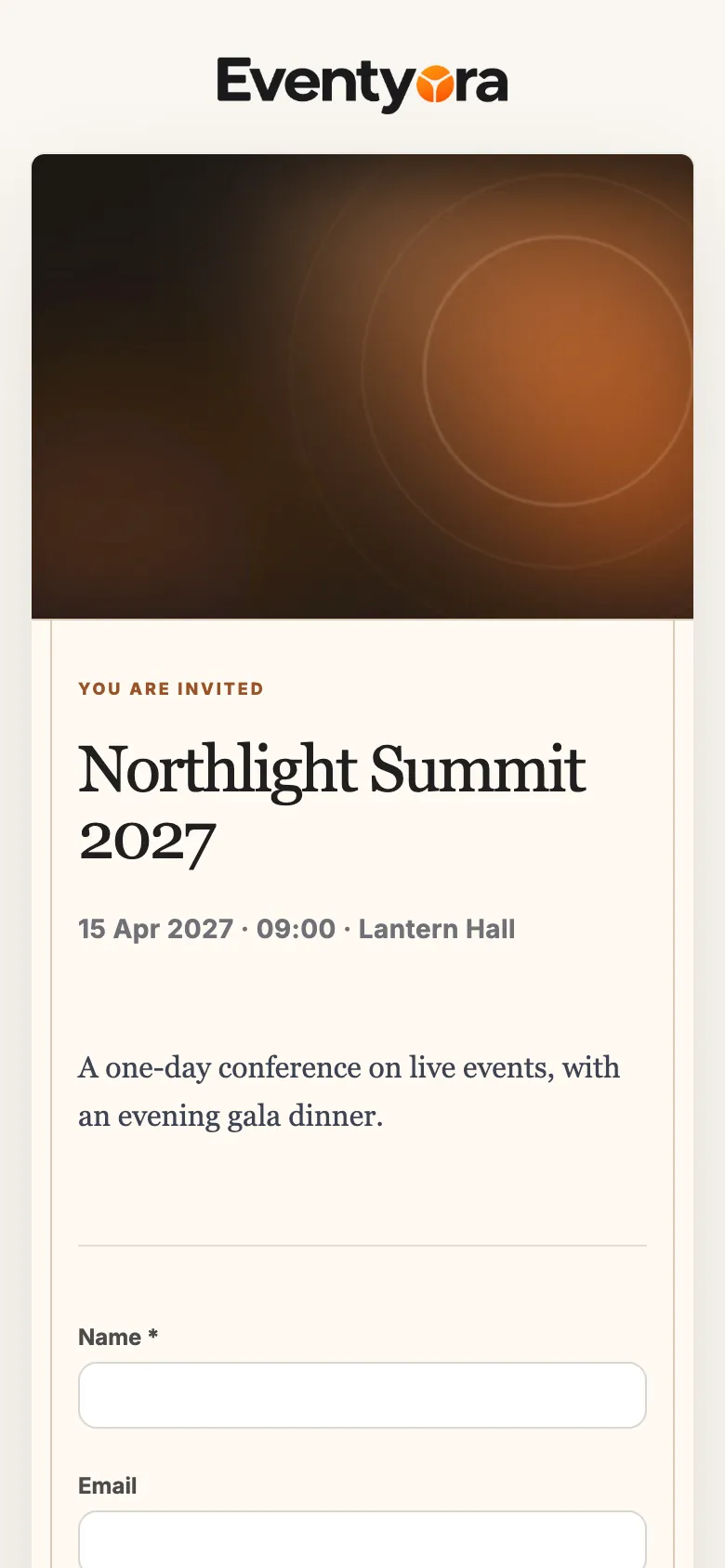
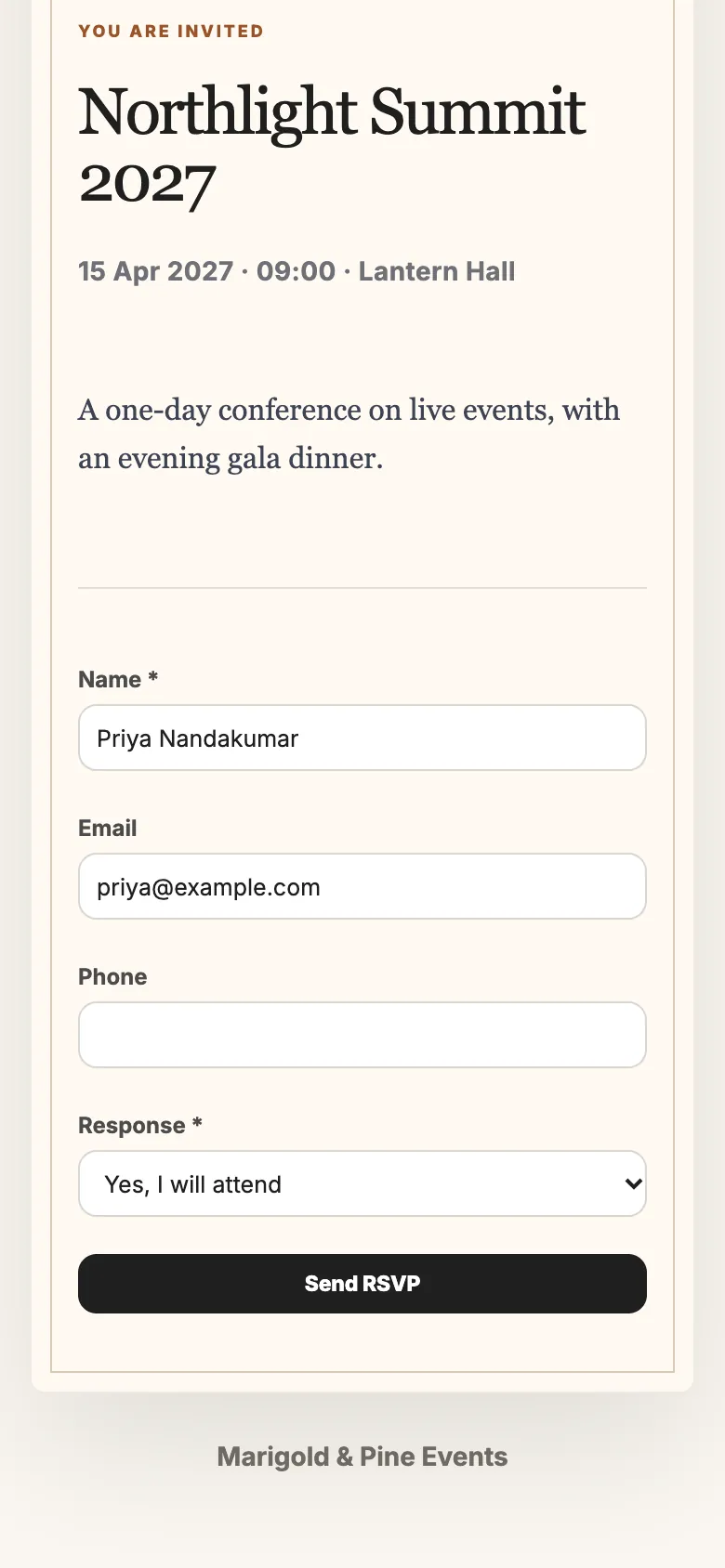
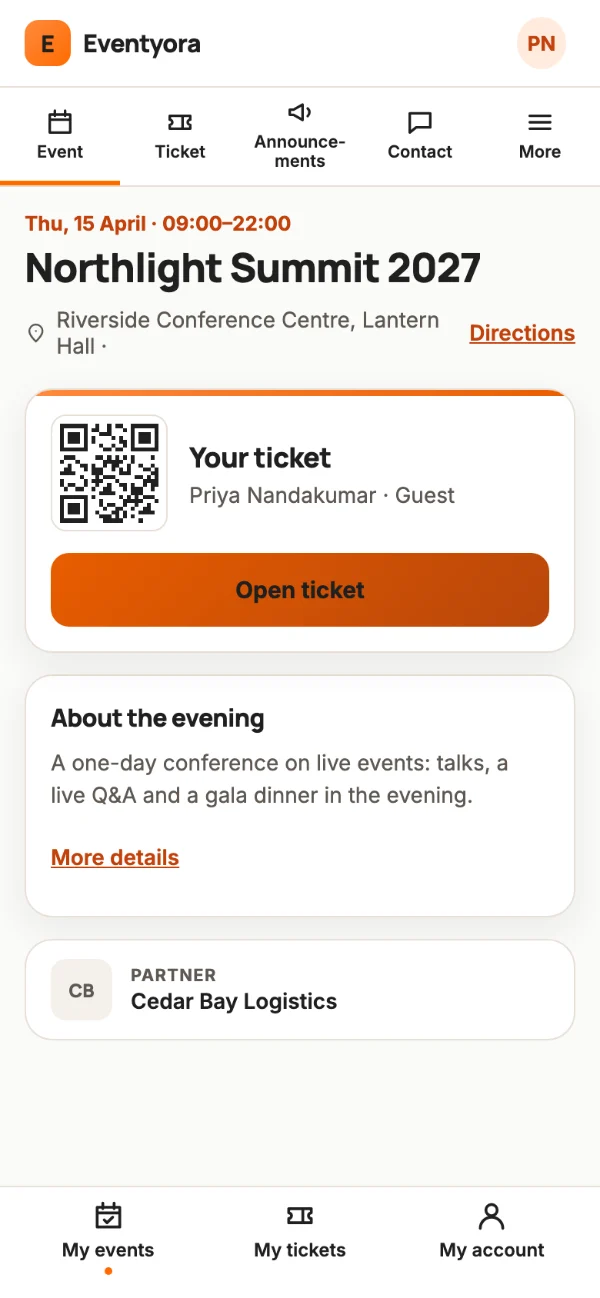
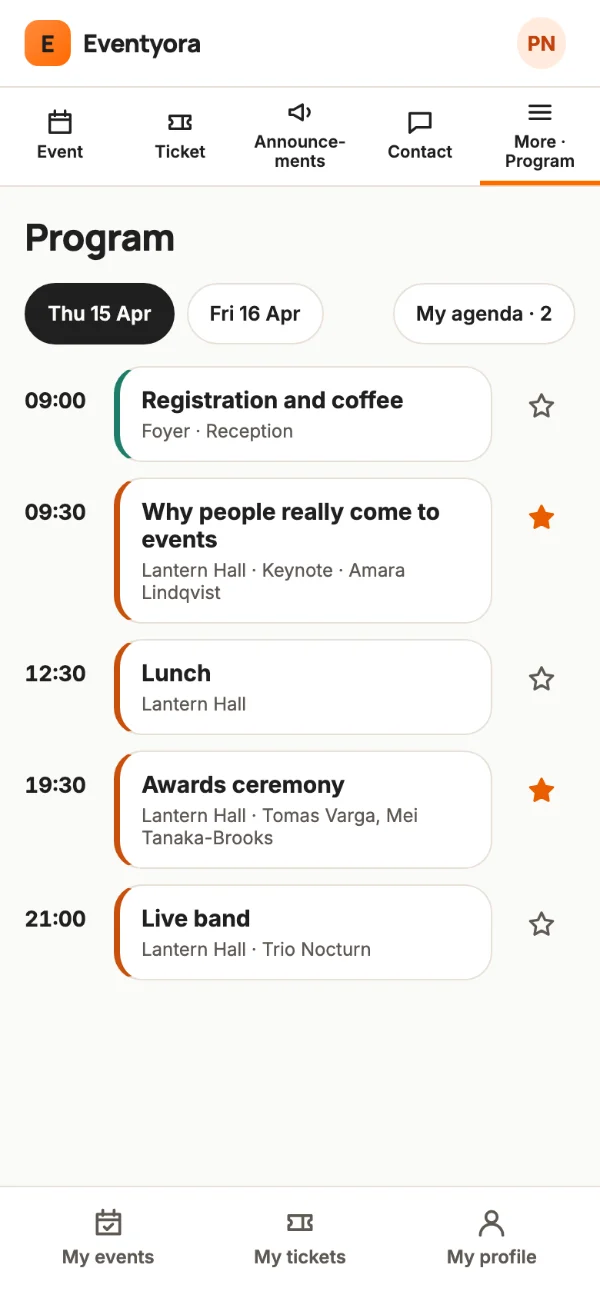
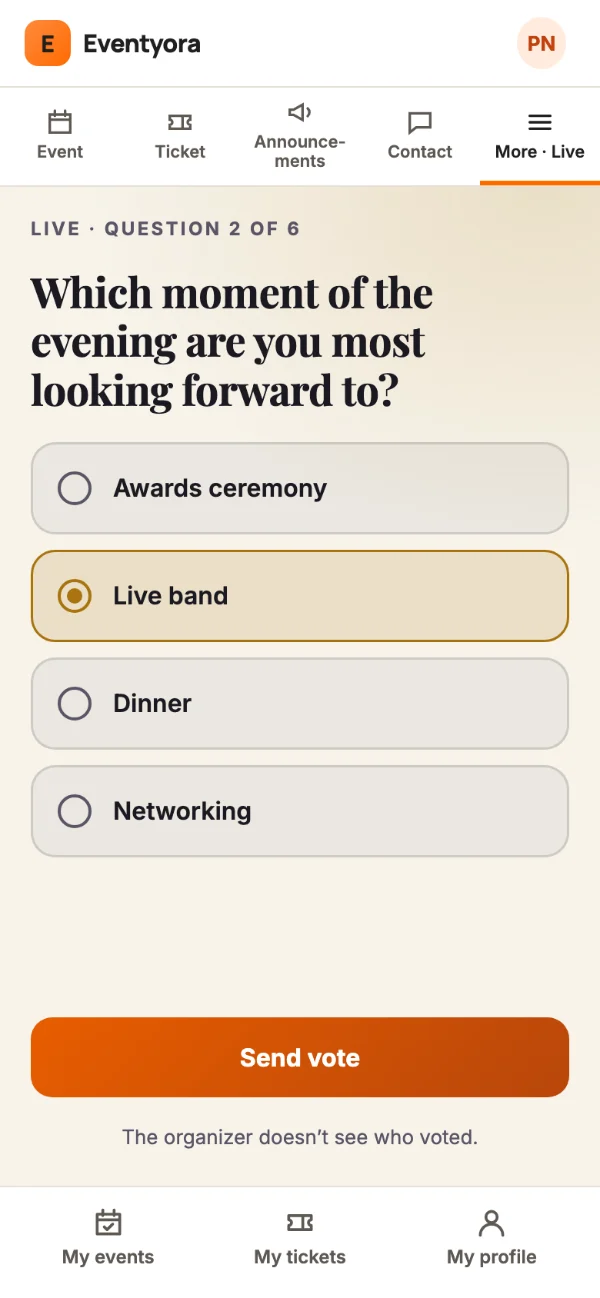
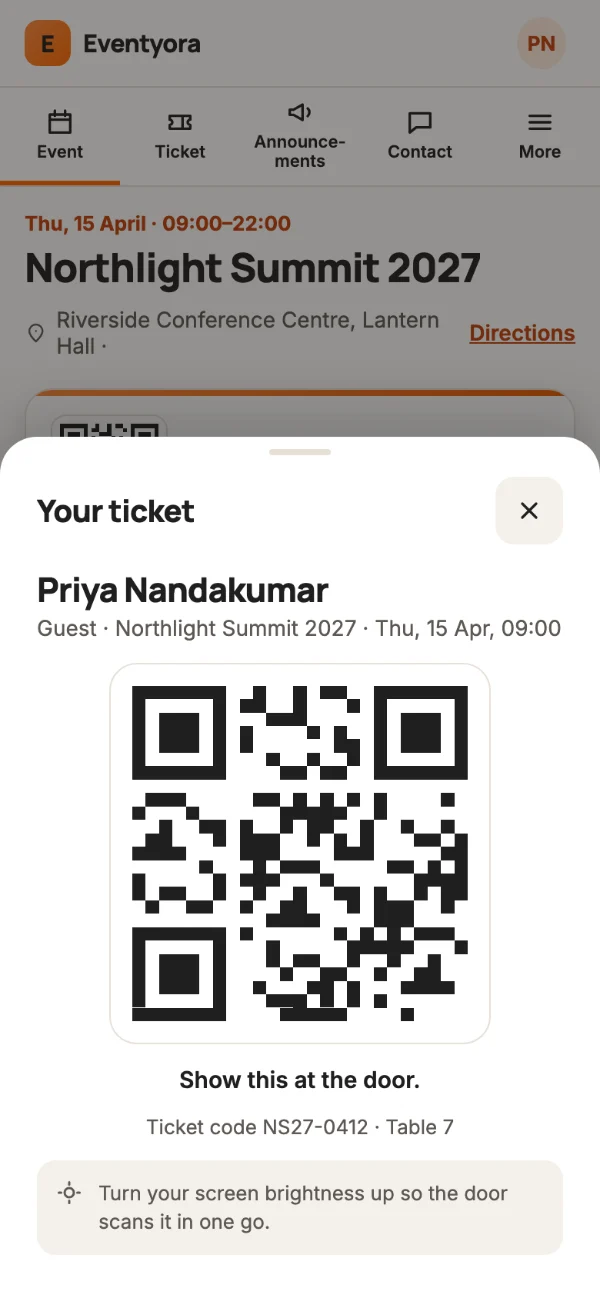
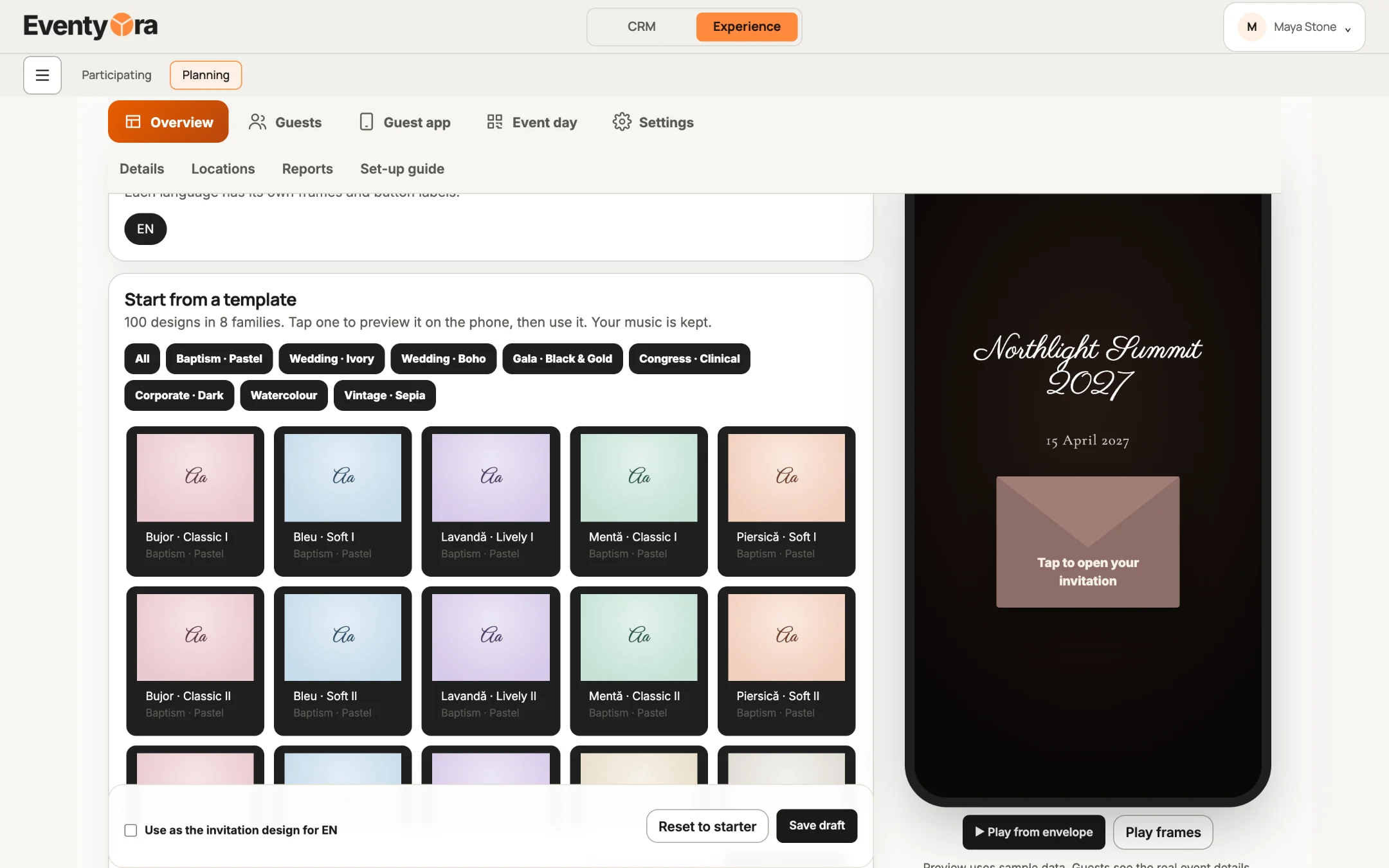
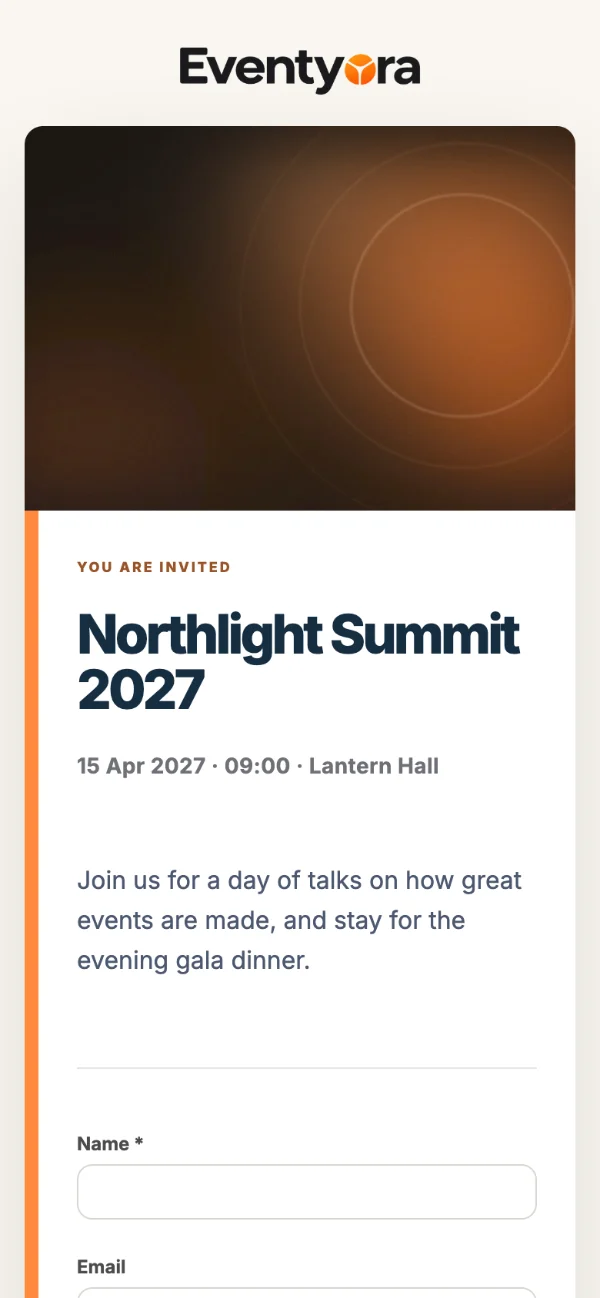
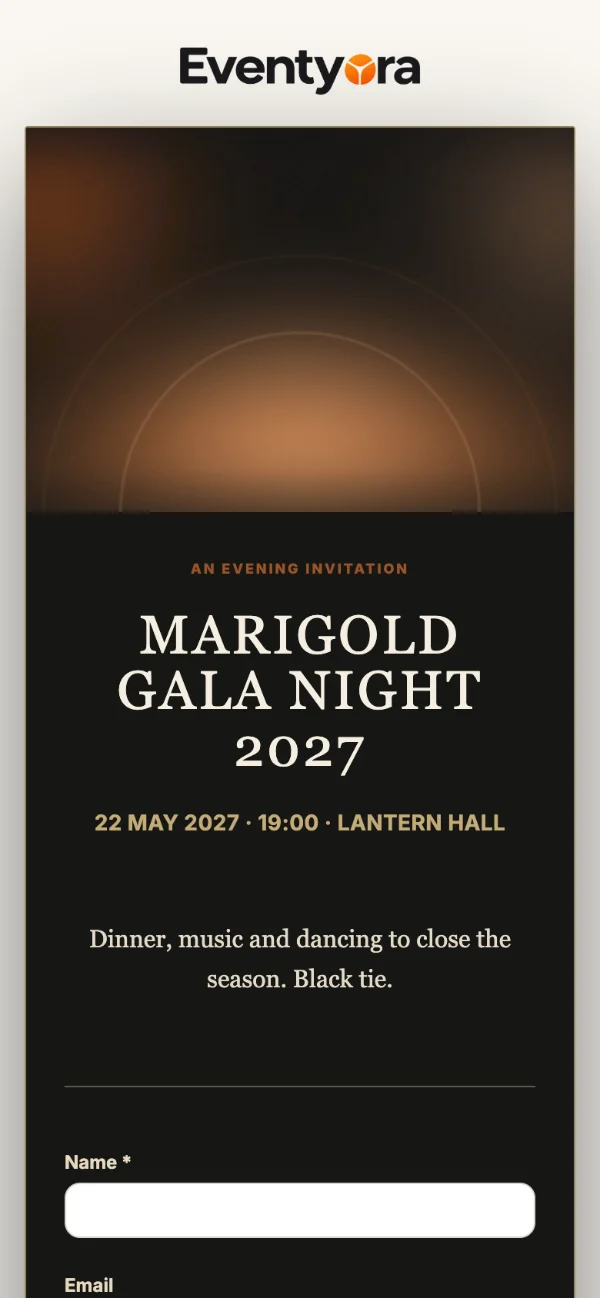
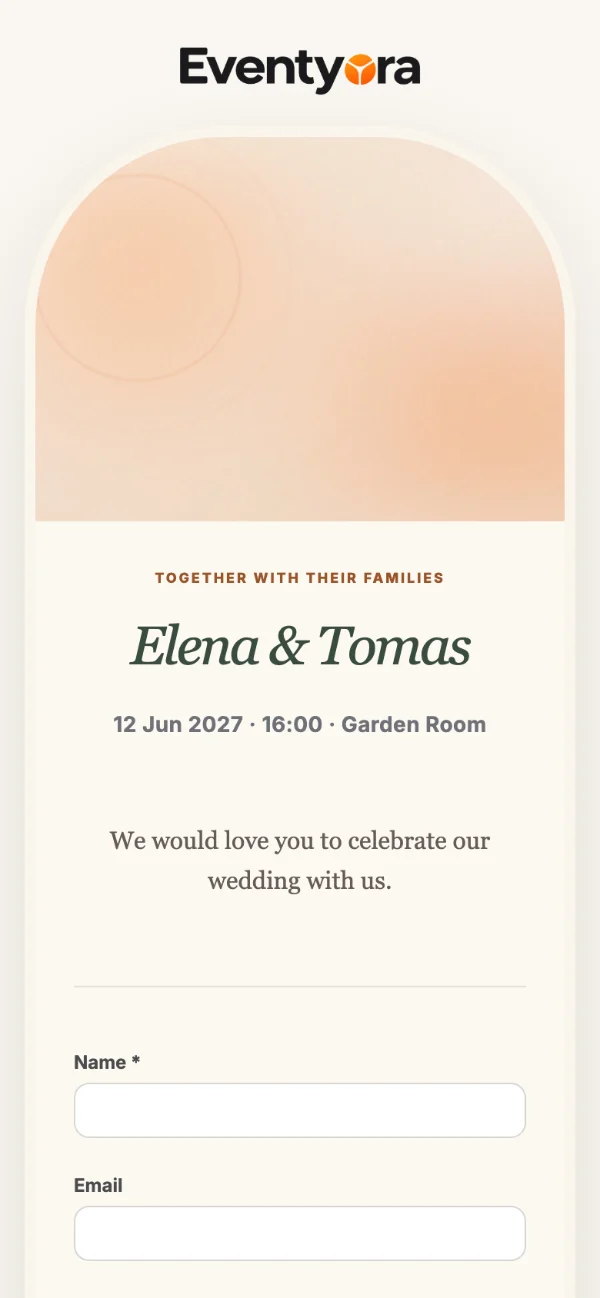
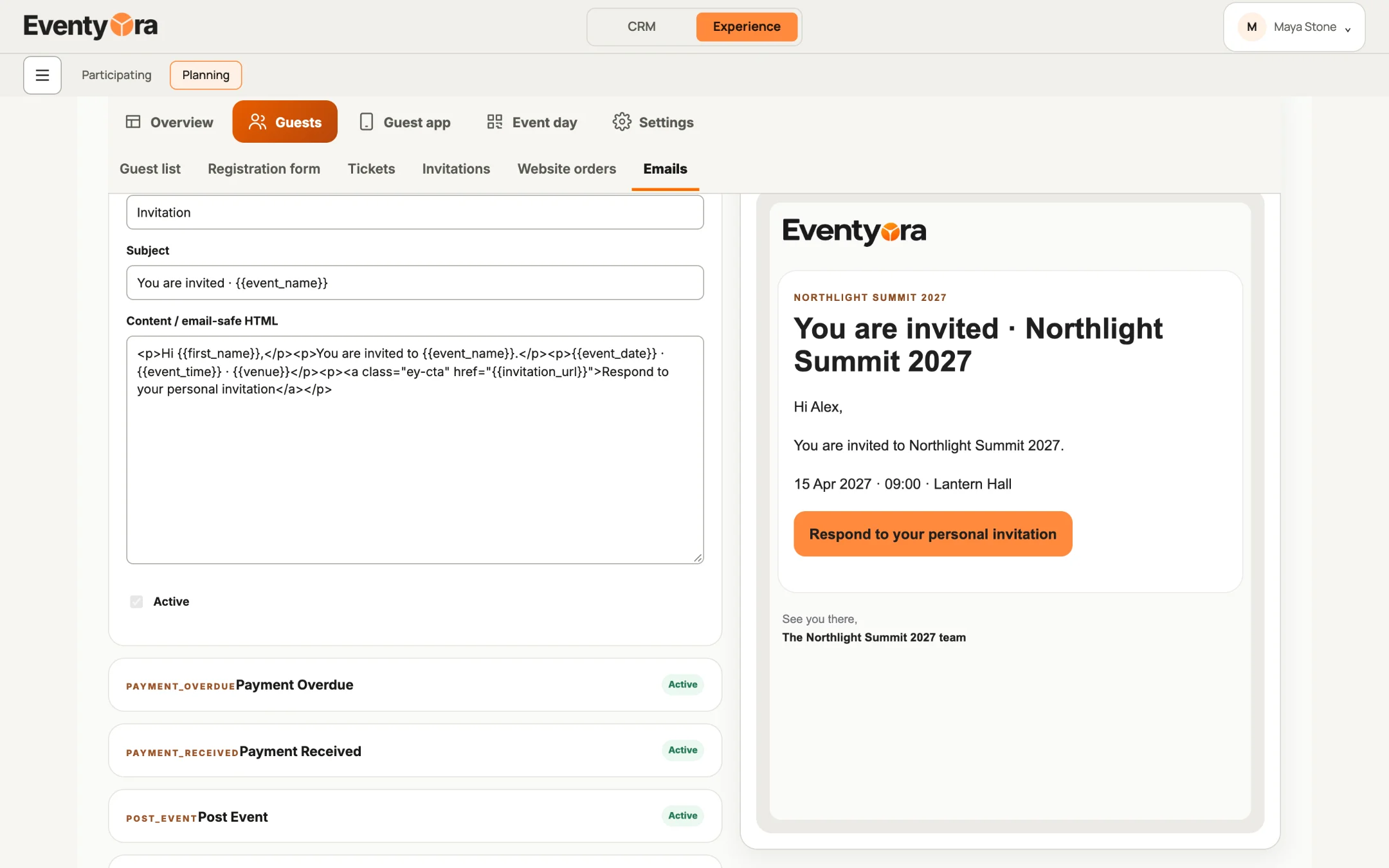
Invitations open with your event’s cover.
Invitations
Start from a design, add your cover and music, then send. Guests open an animated invitation and answer in one tap.
Show it
Run the room, not the laptop.
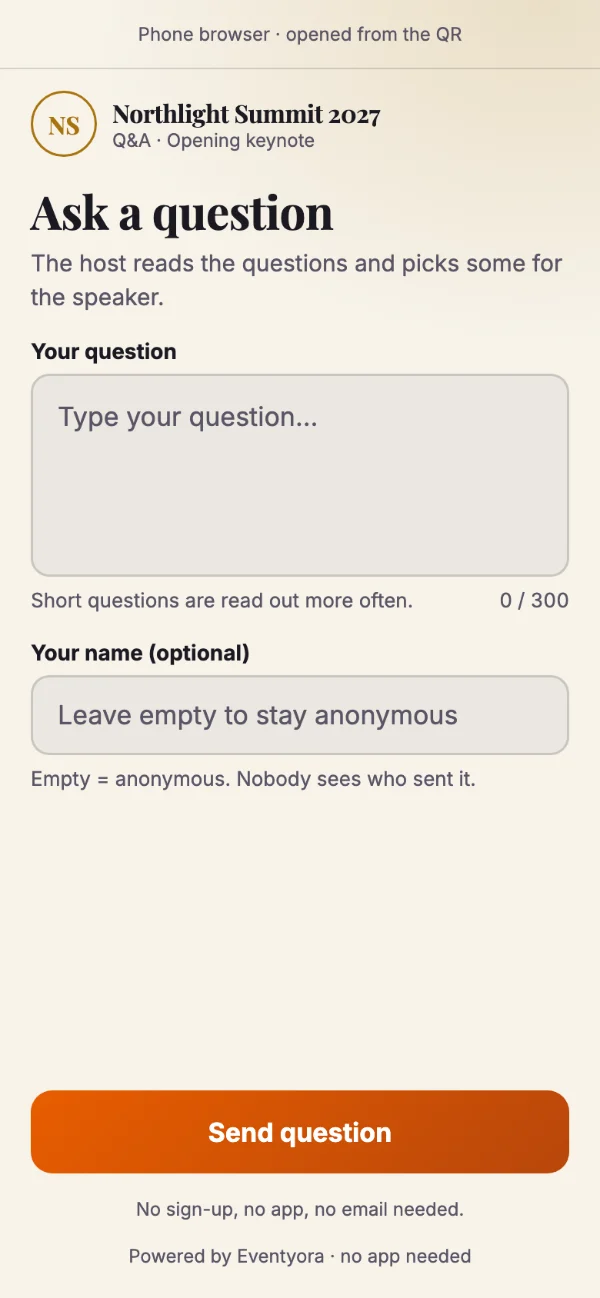
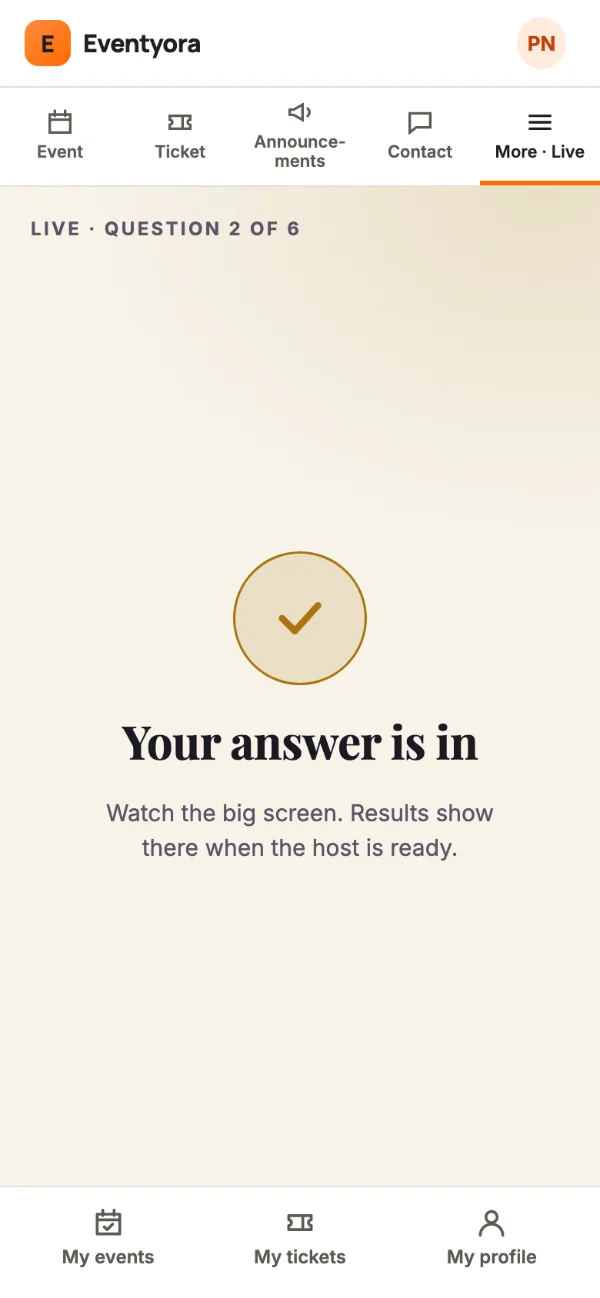
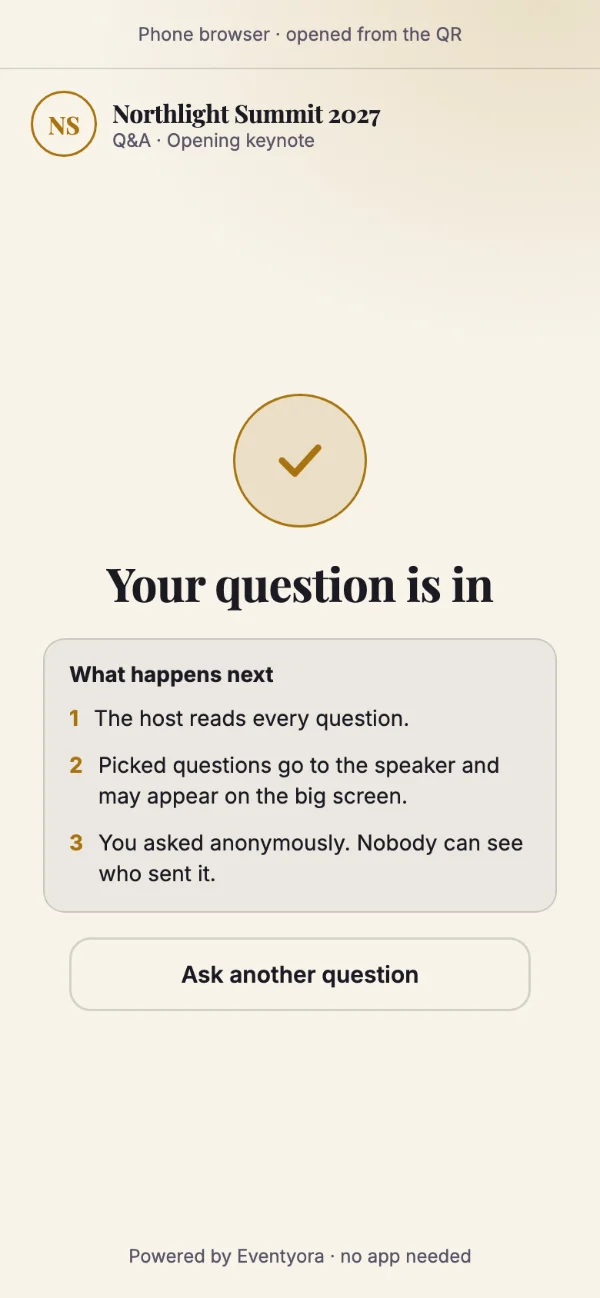
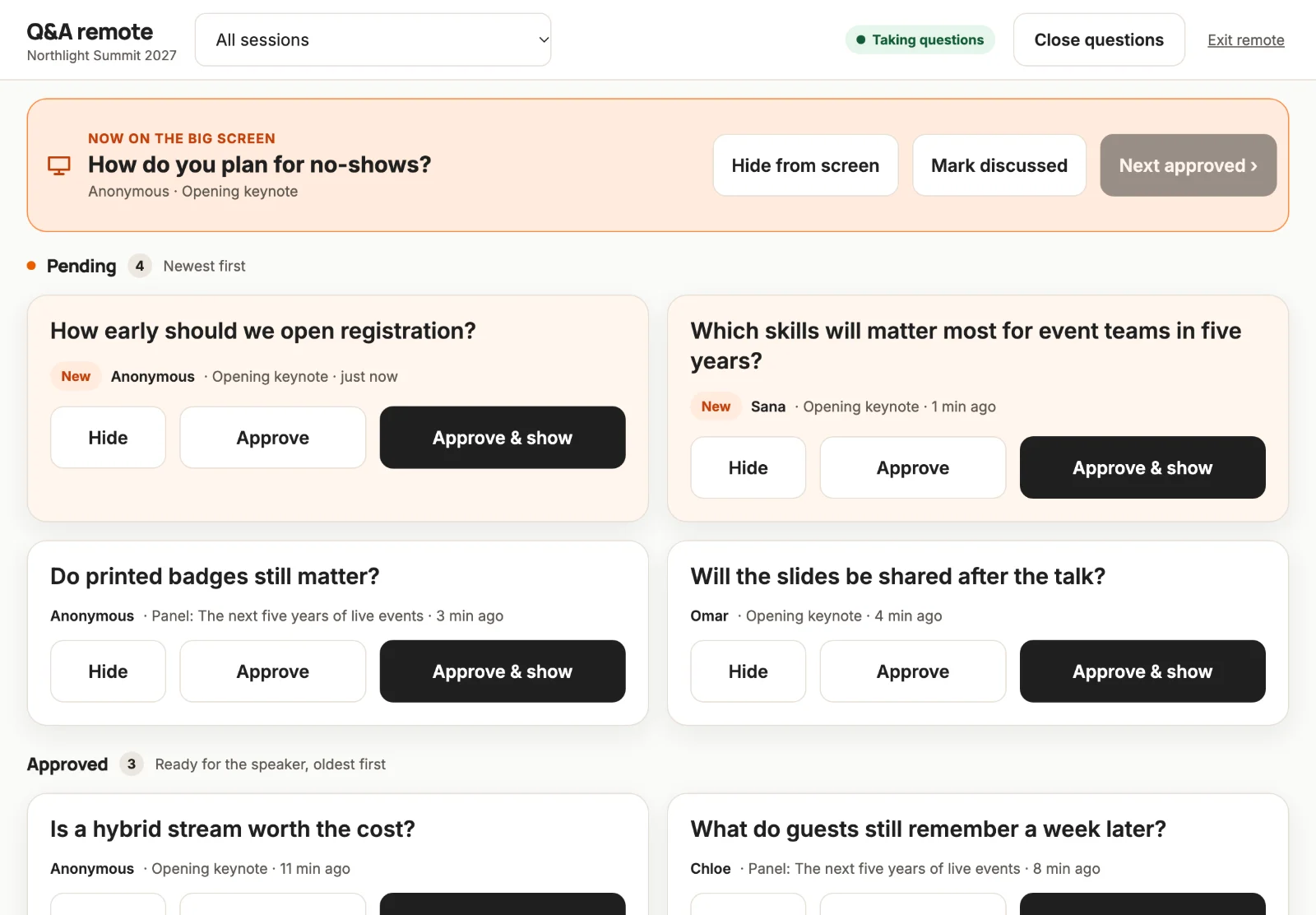
Live Q&A, polls, a big screen and a stage countdown.
For events with no guest list: conferences, shows, parties and sessions where the room just needs the tools.
Sample data
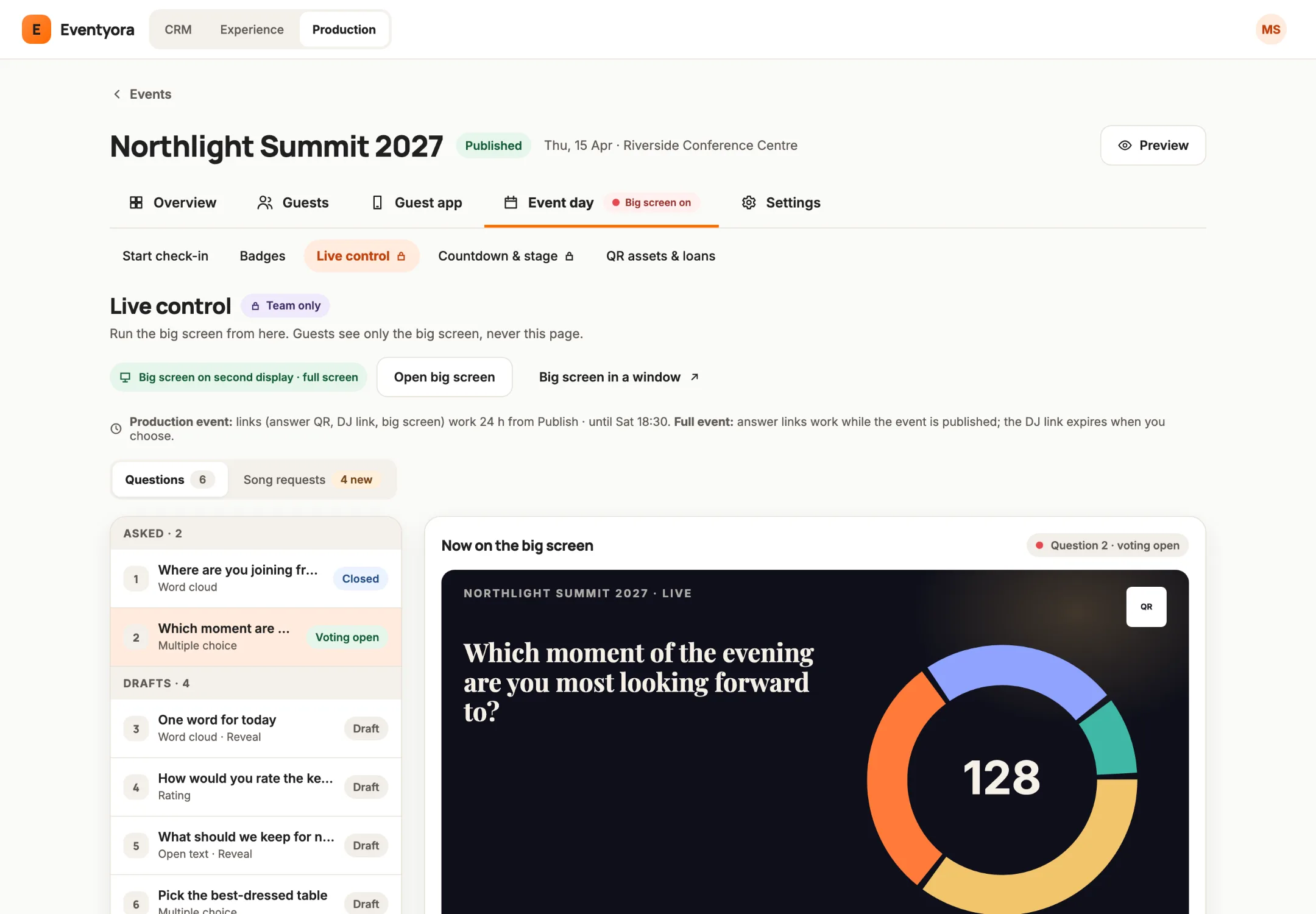
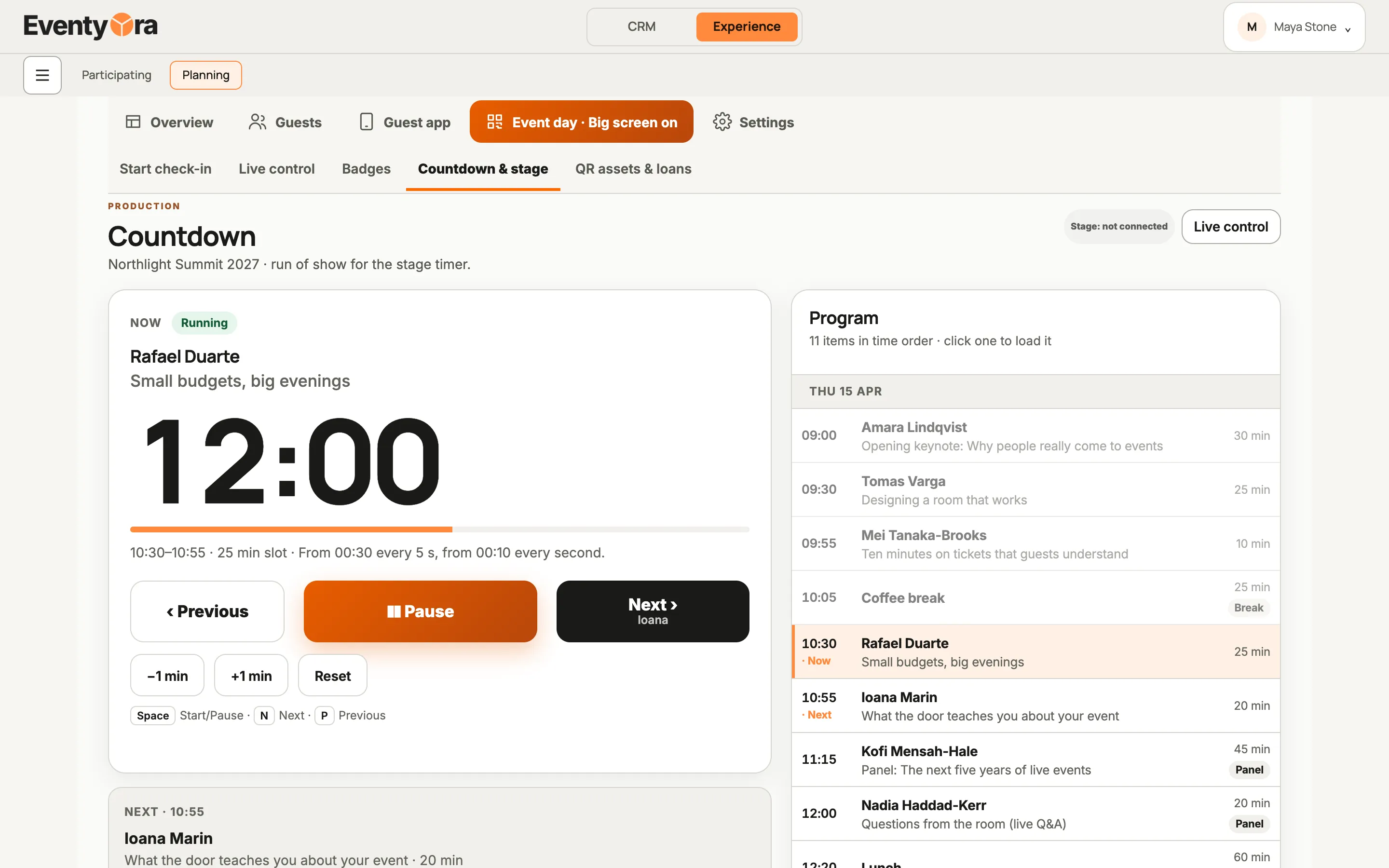
Three linked screens: the operator’s tablet, the big screen and a guest’s phone. Choose a type.
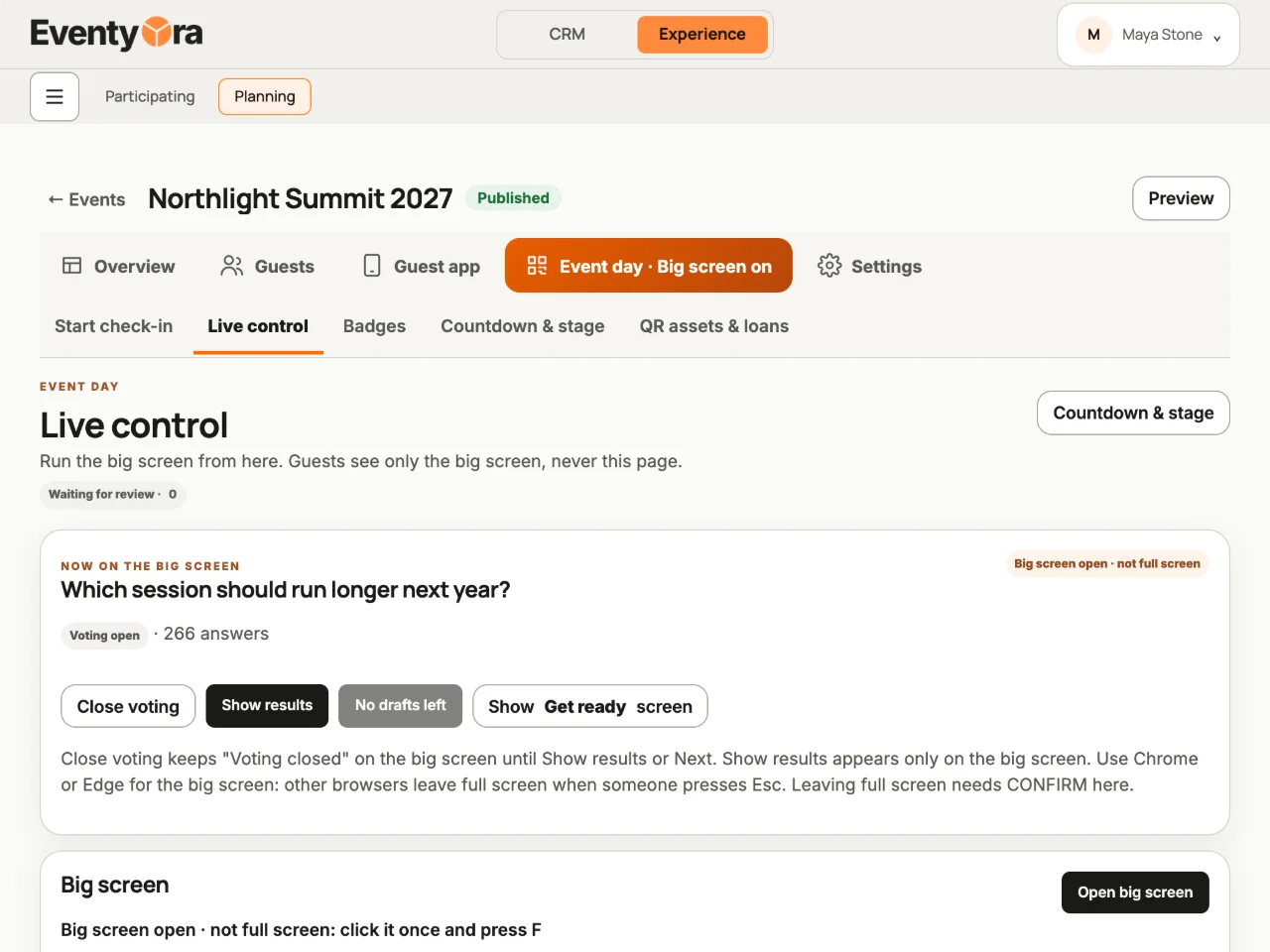
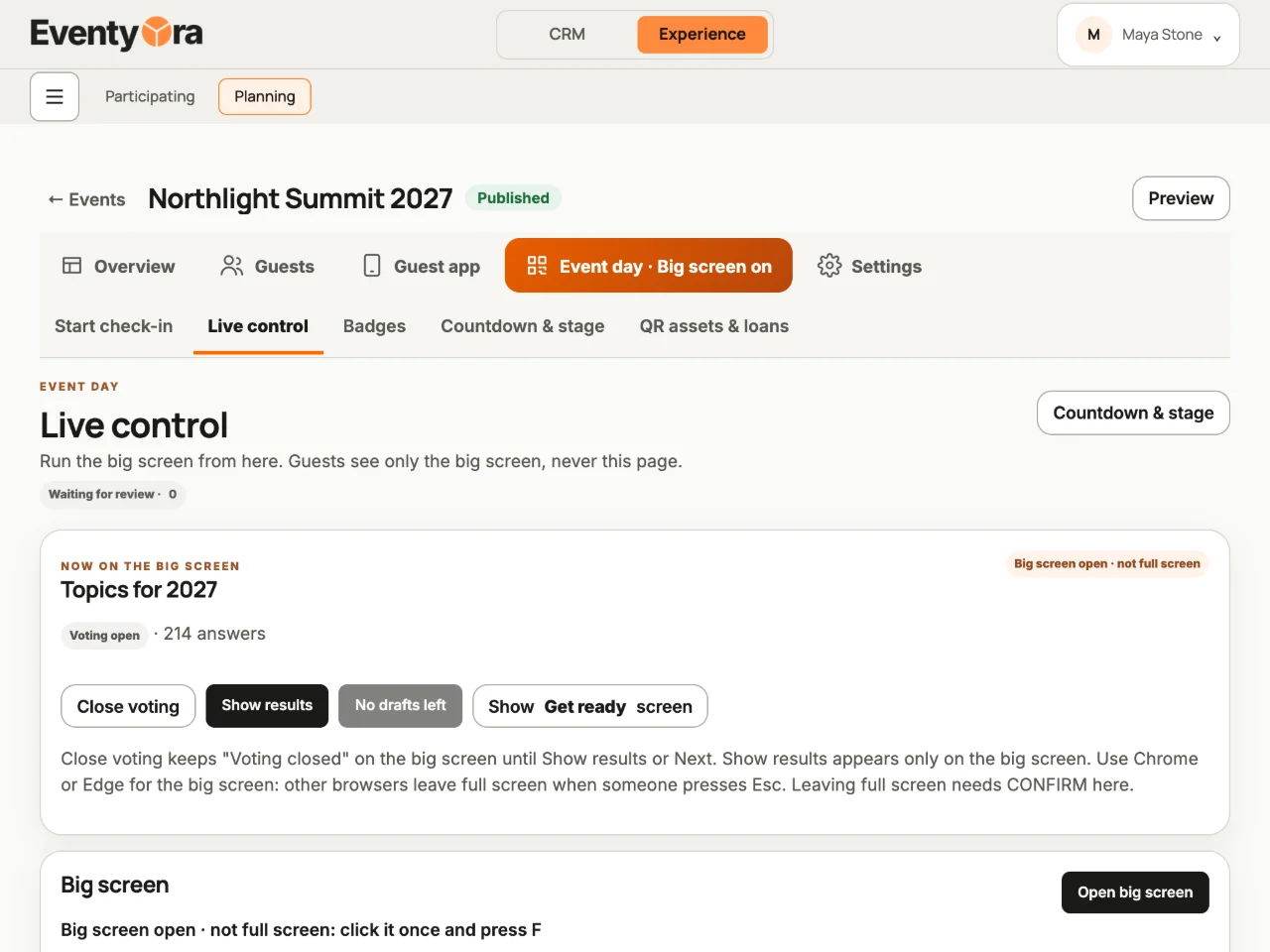
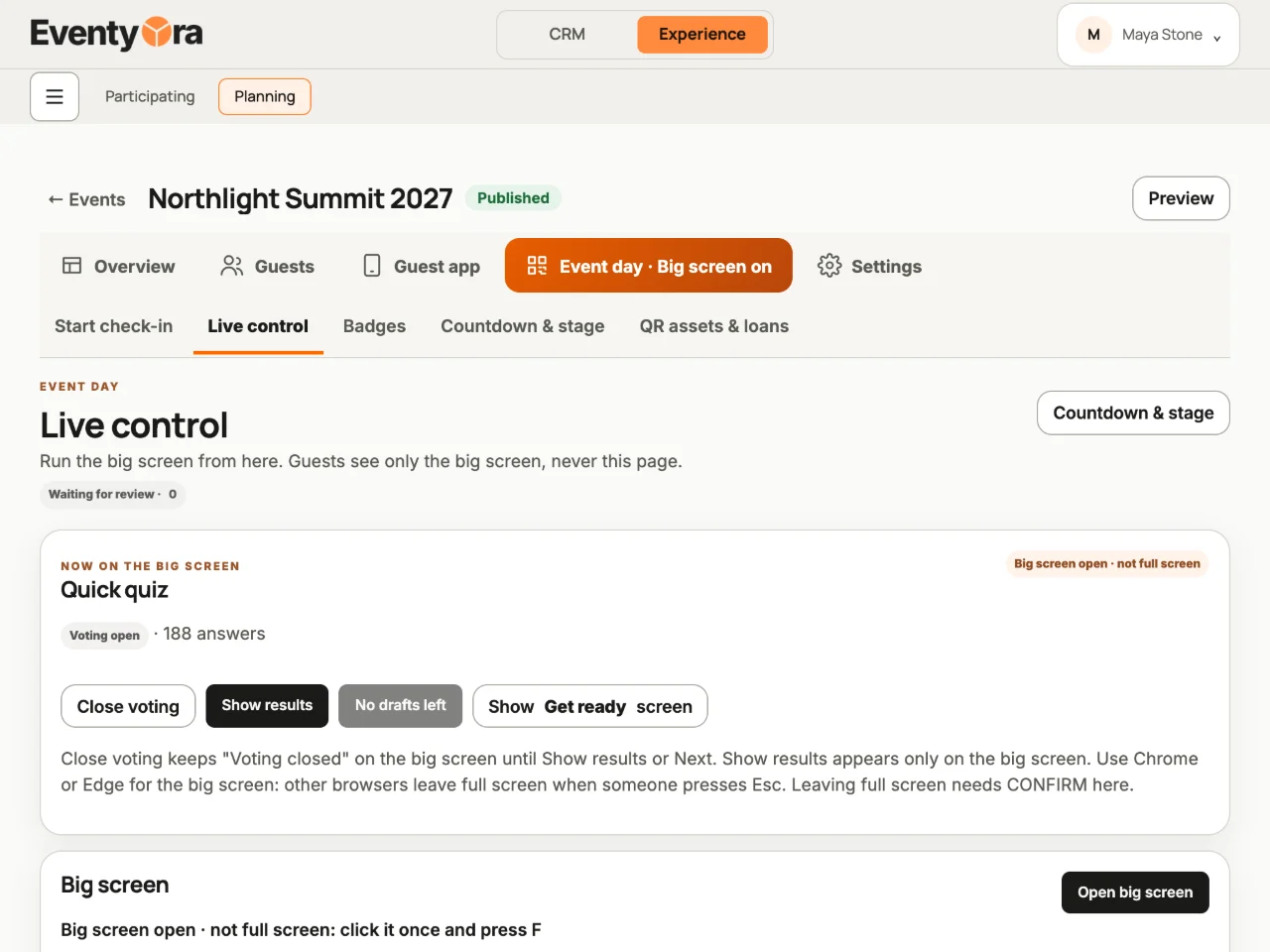
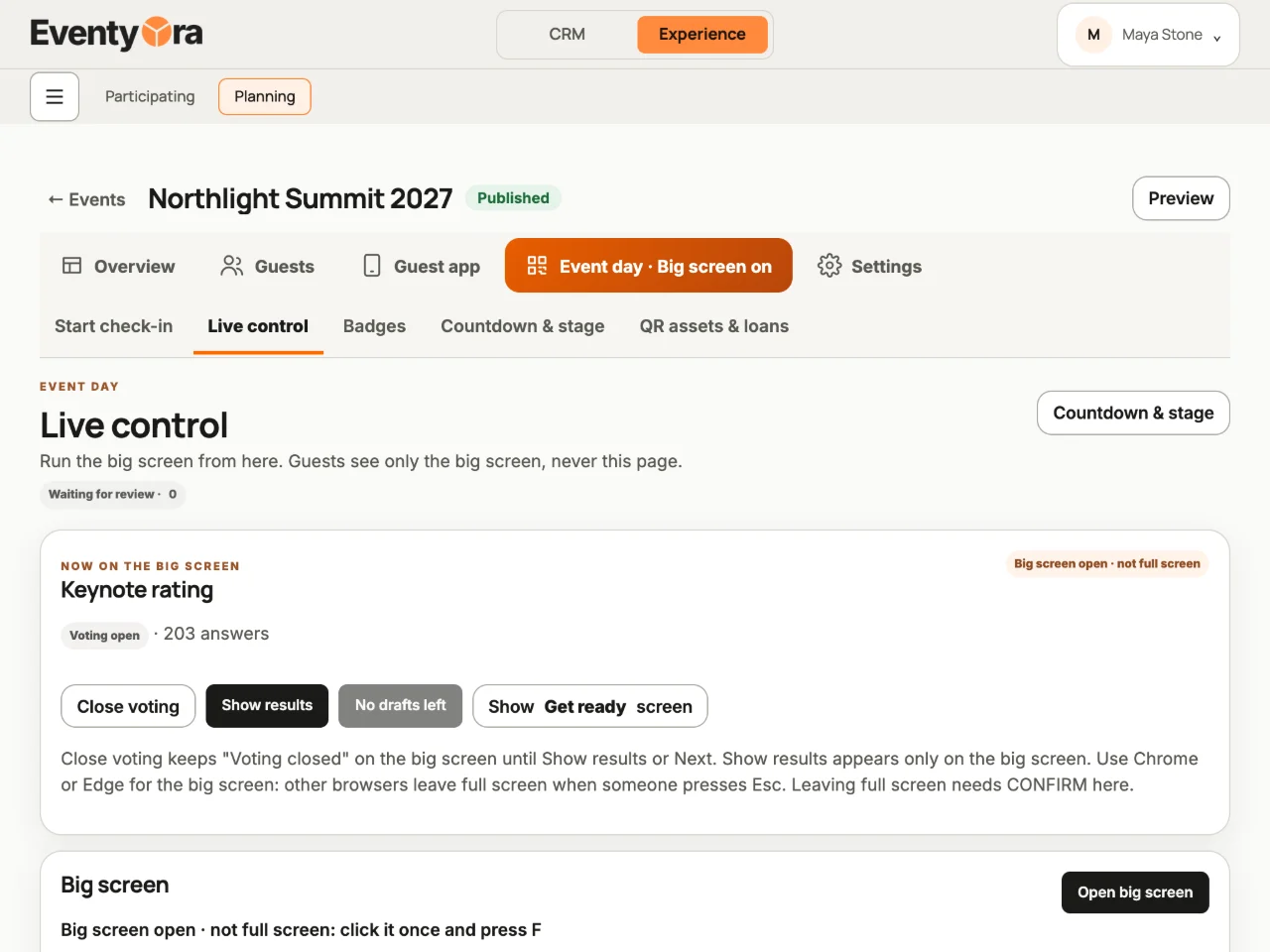
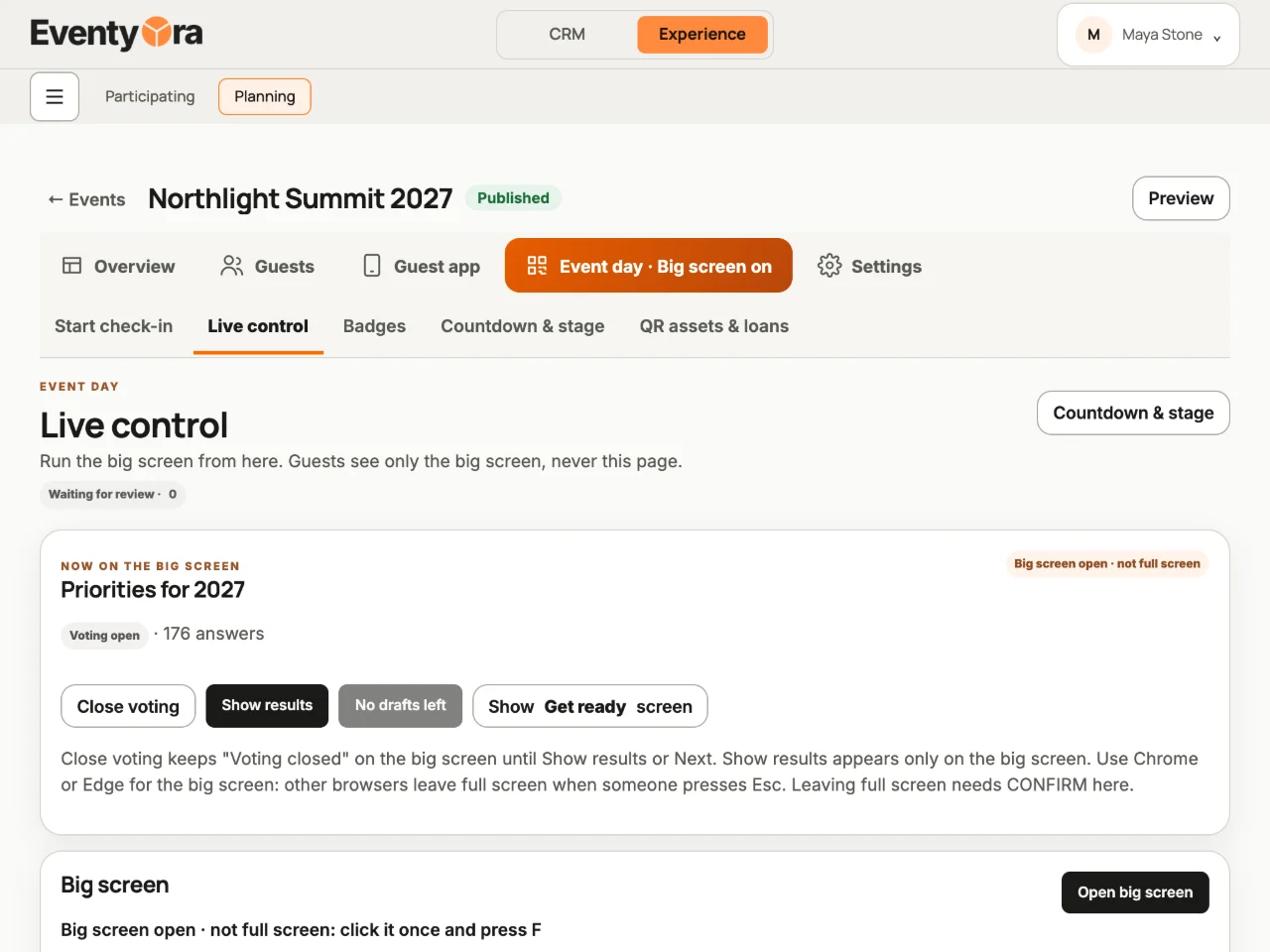
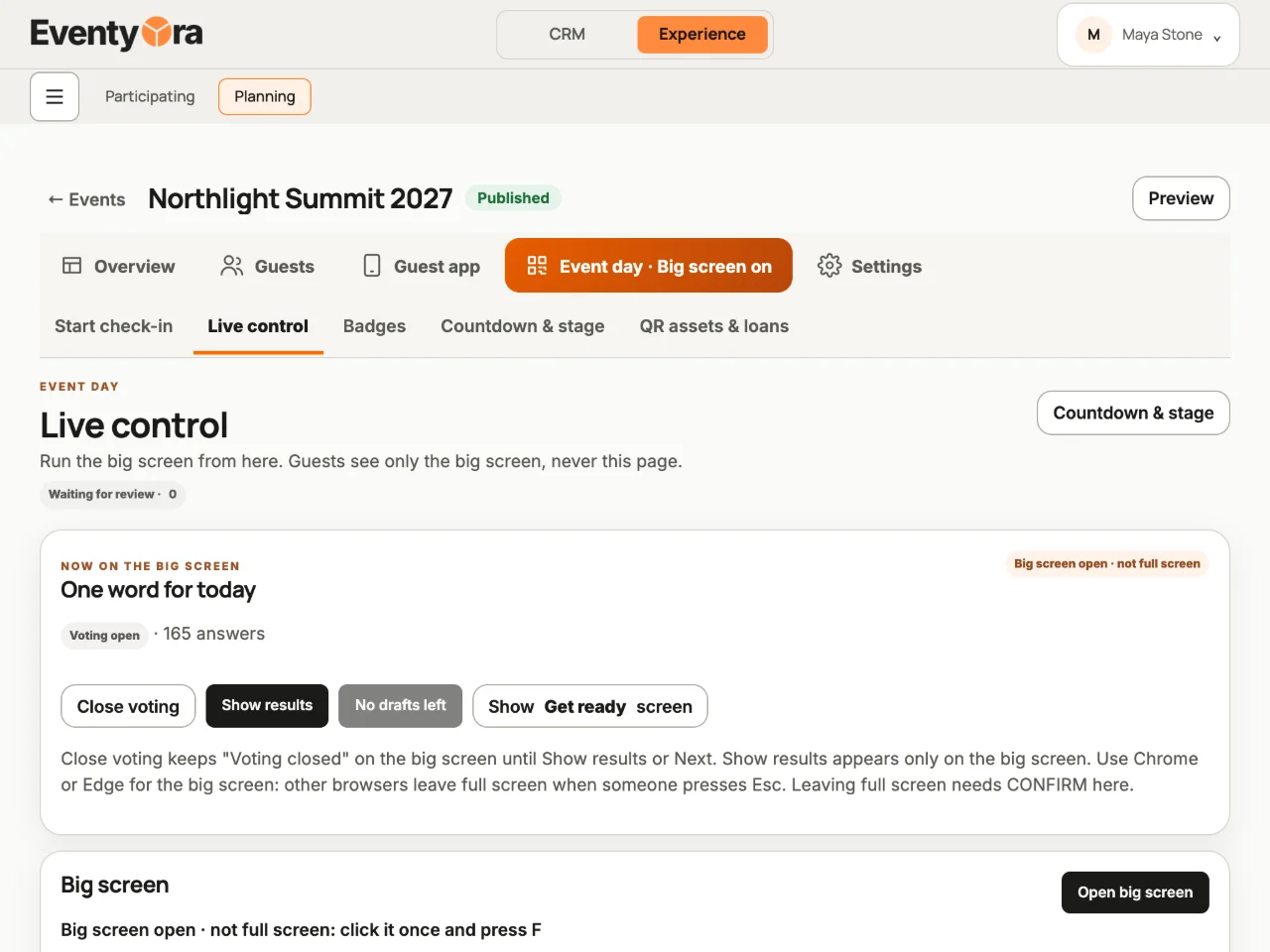
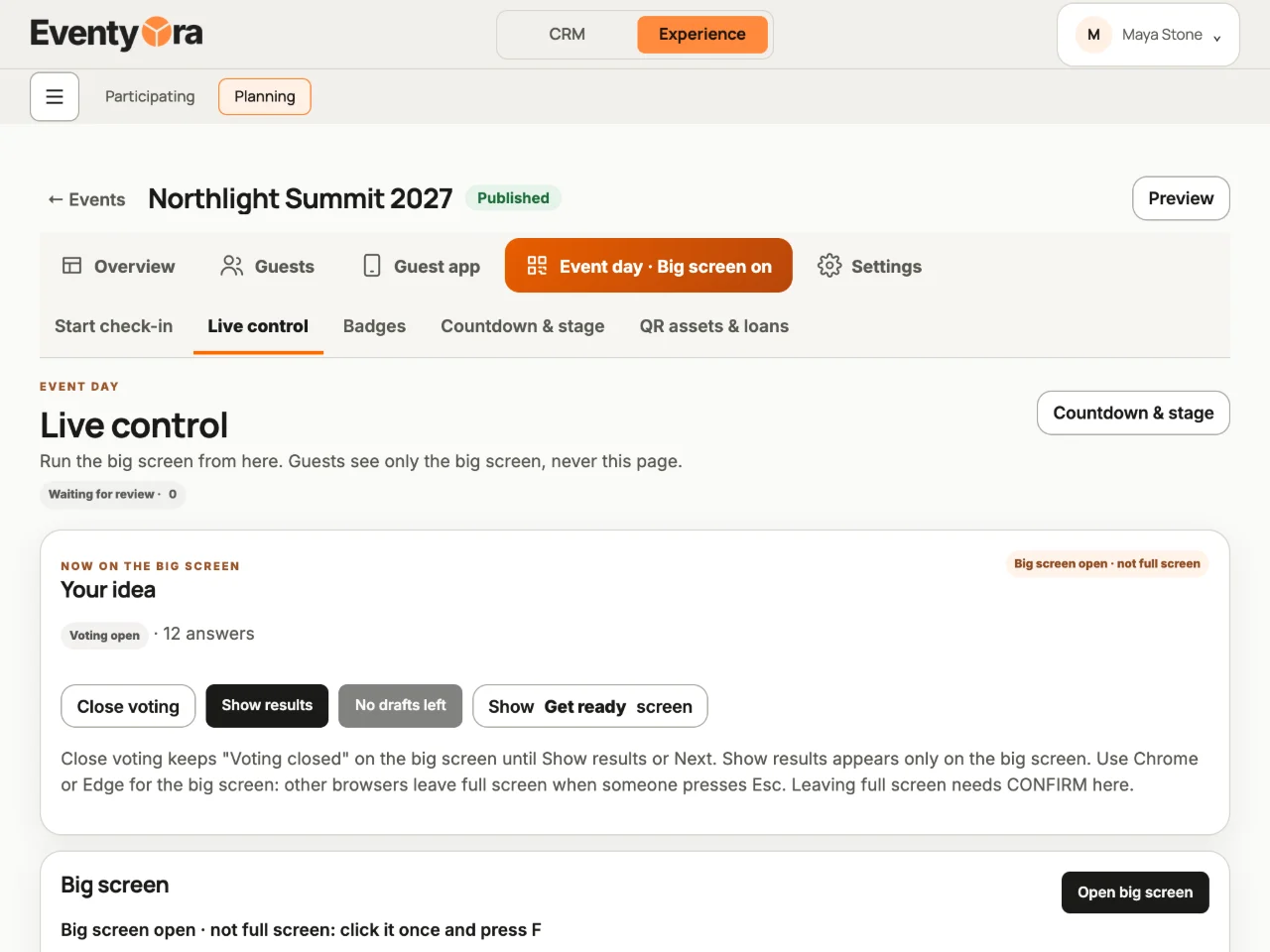
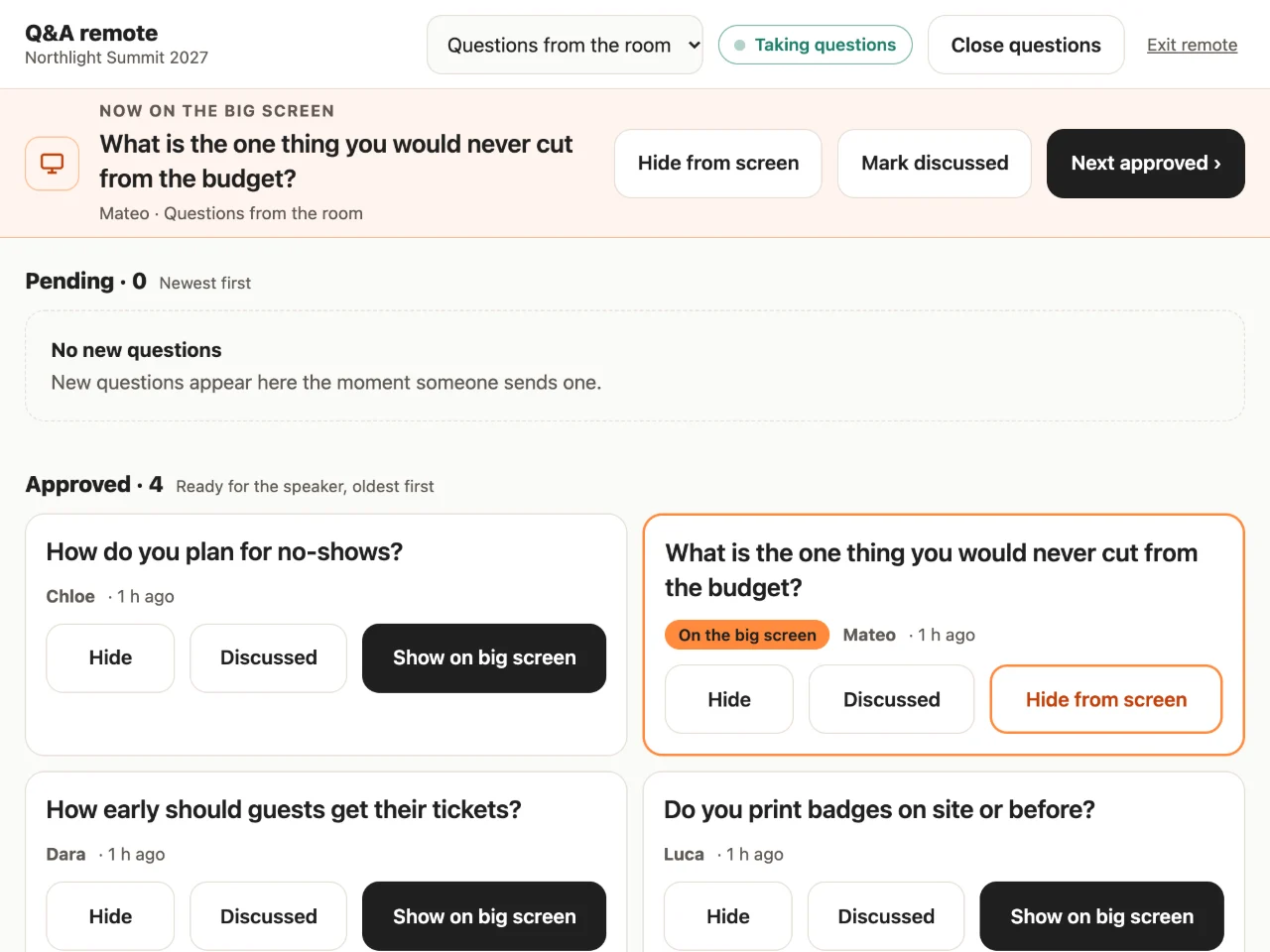
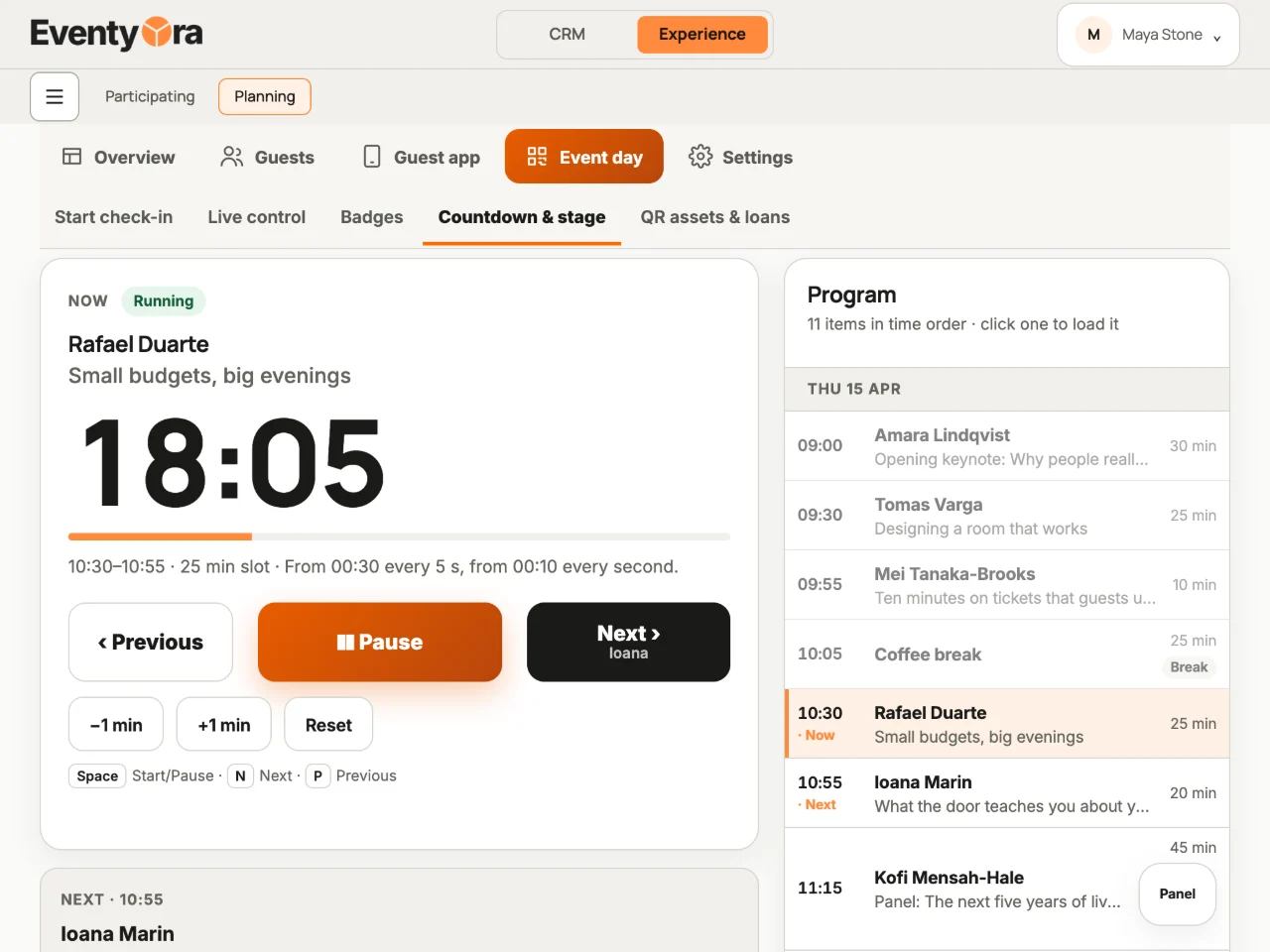
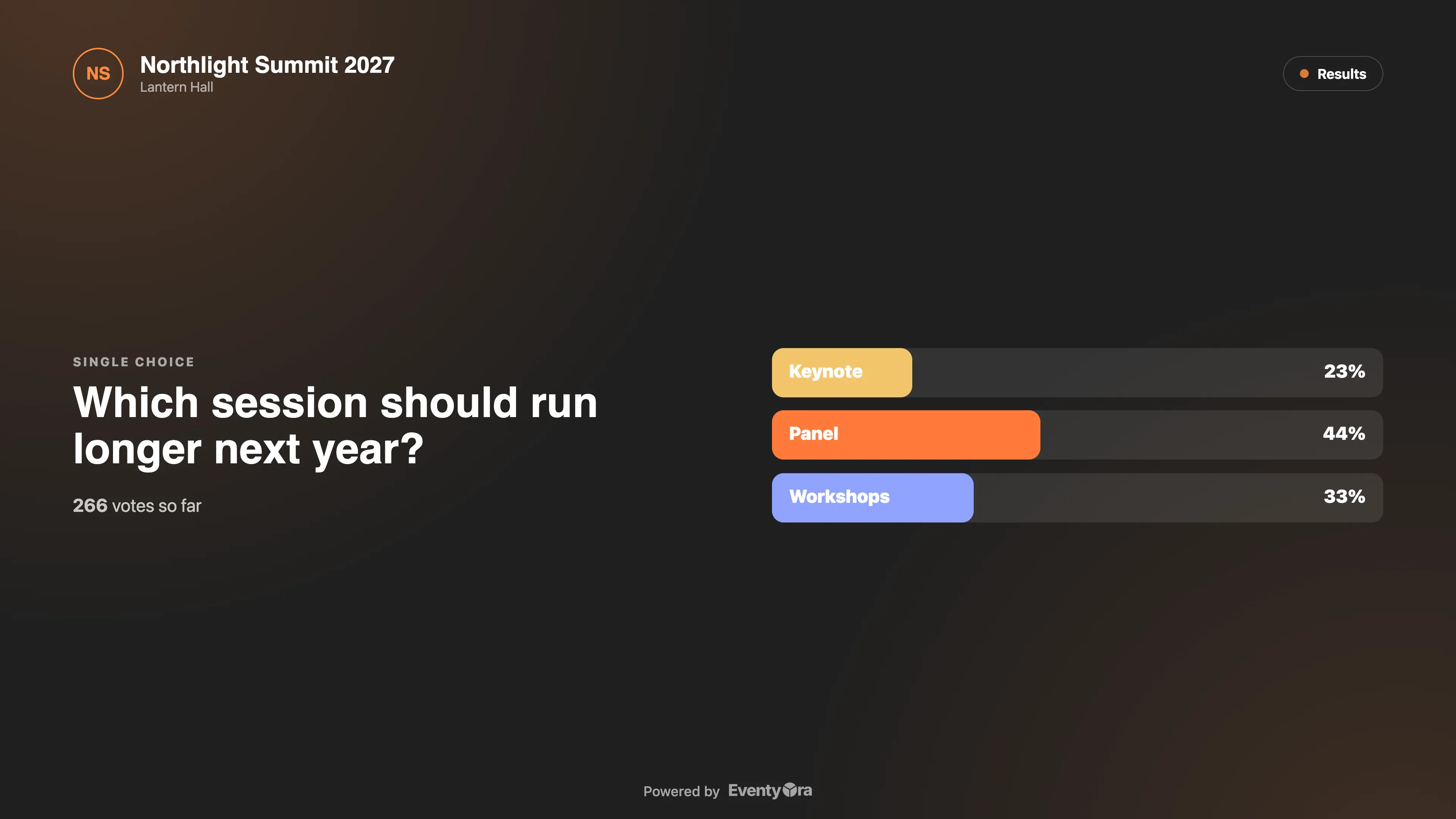
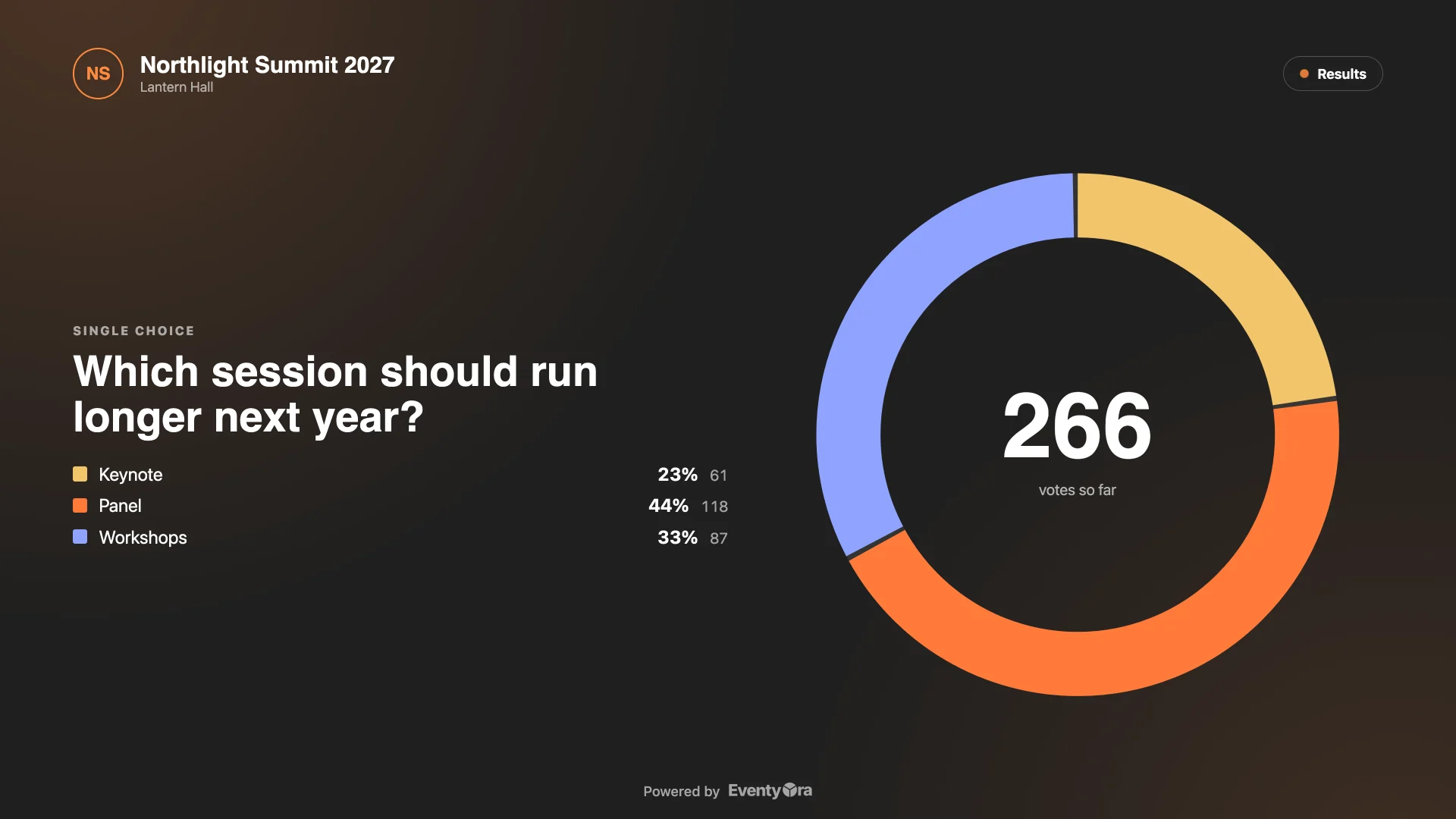
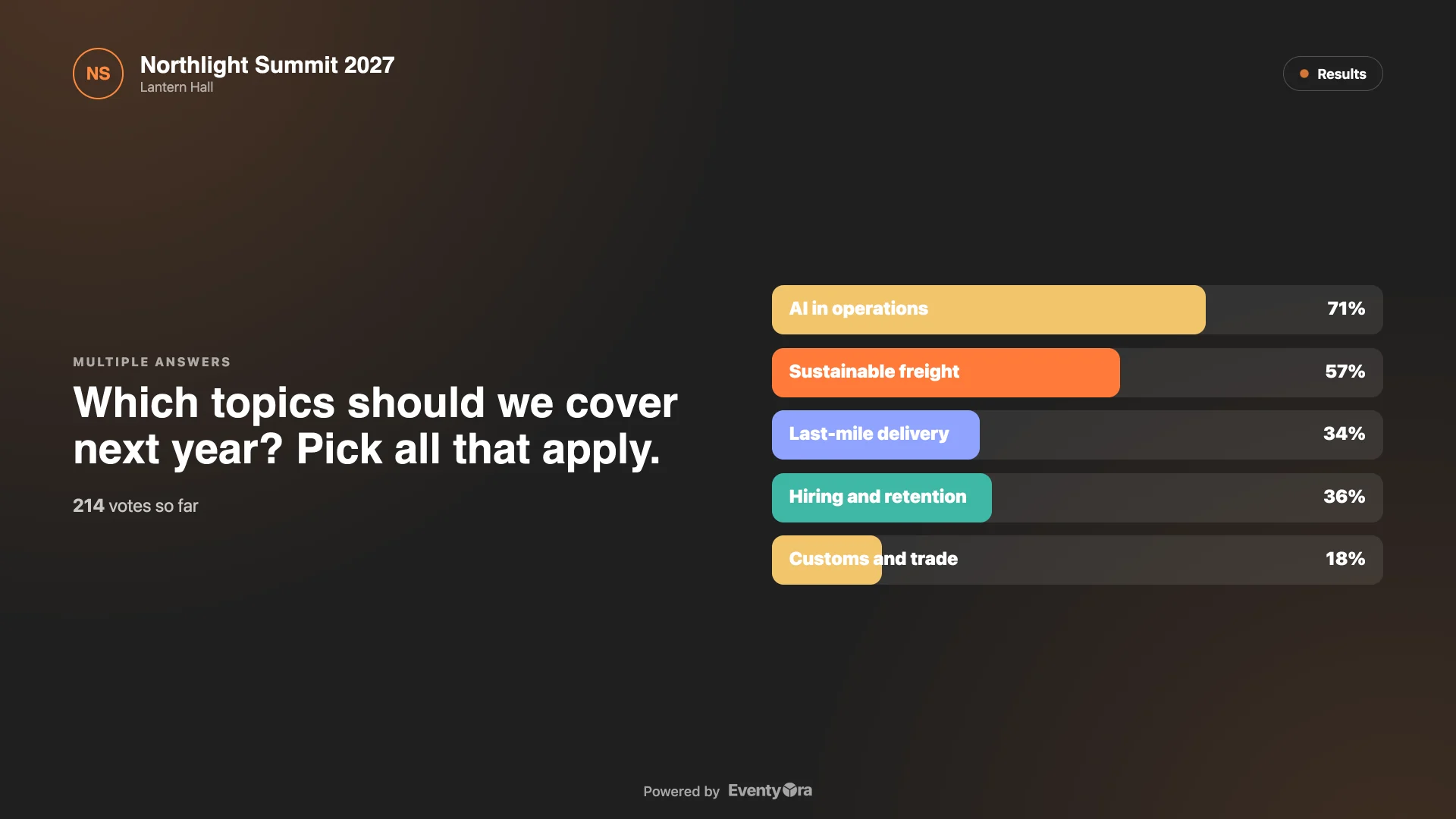
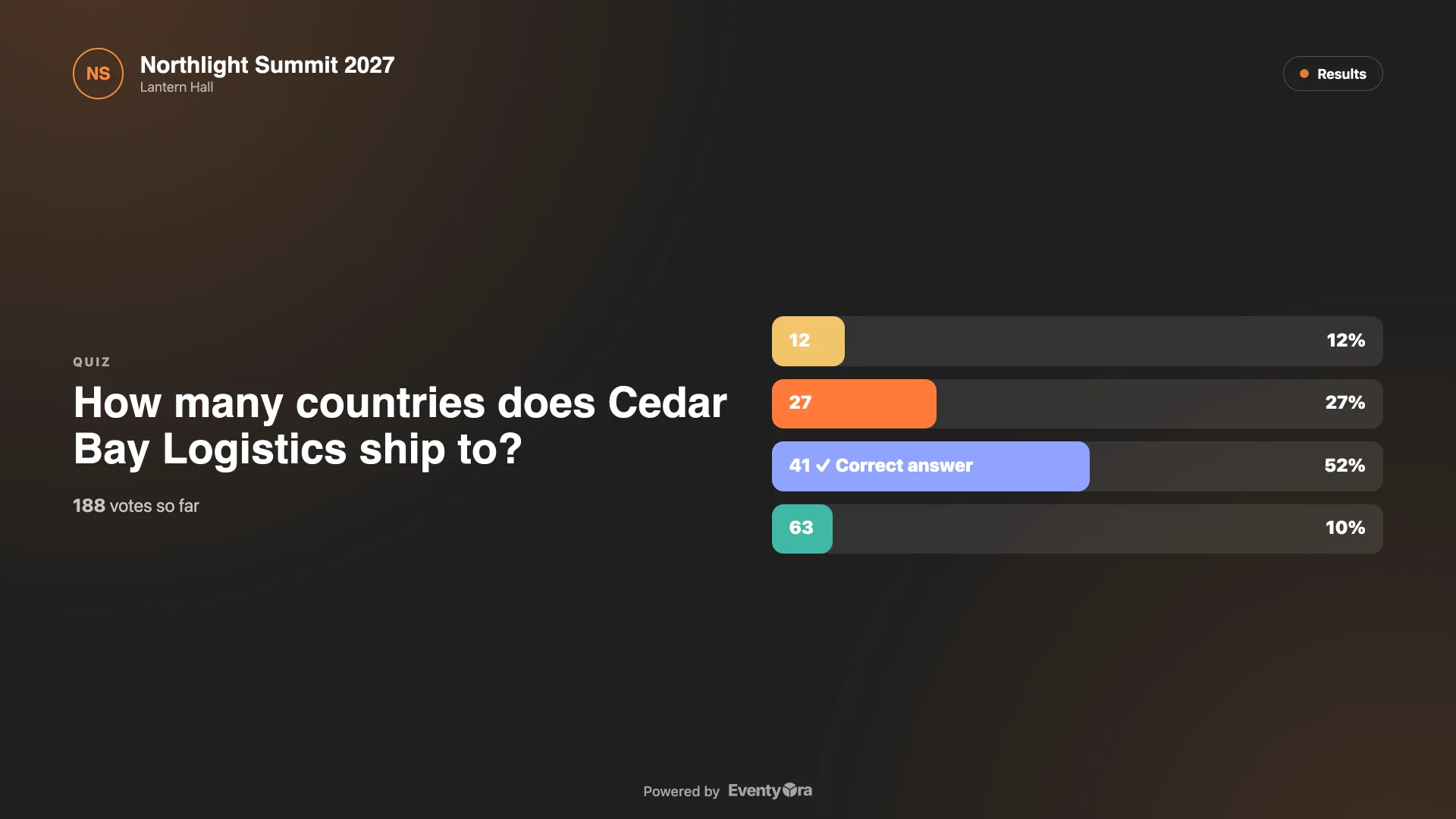
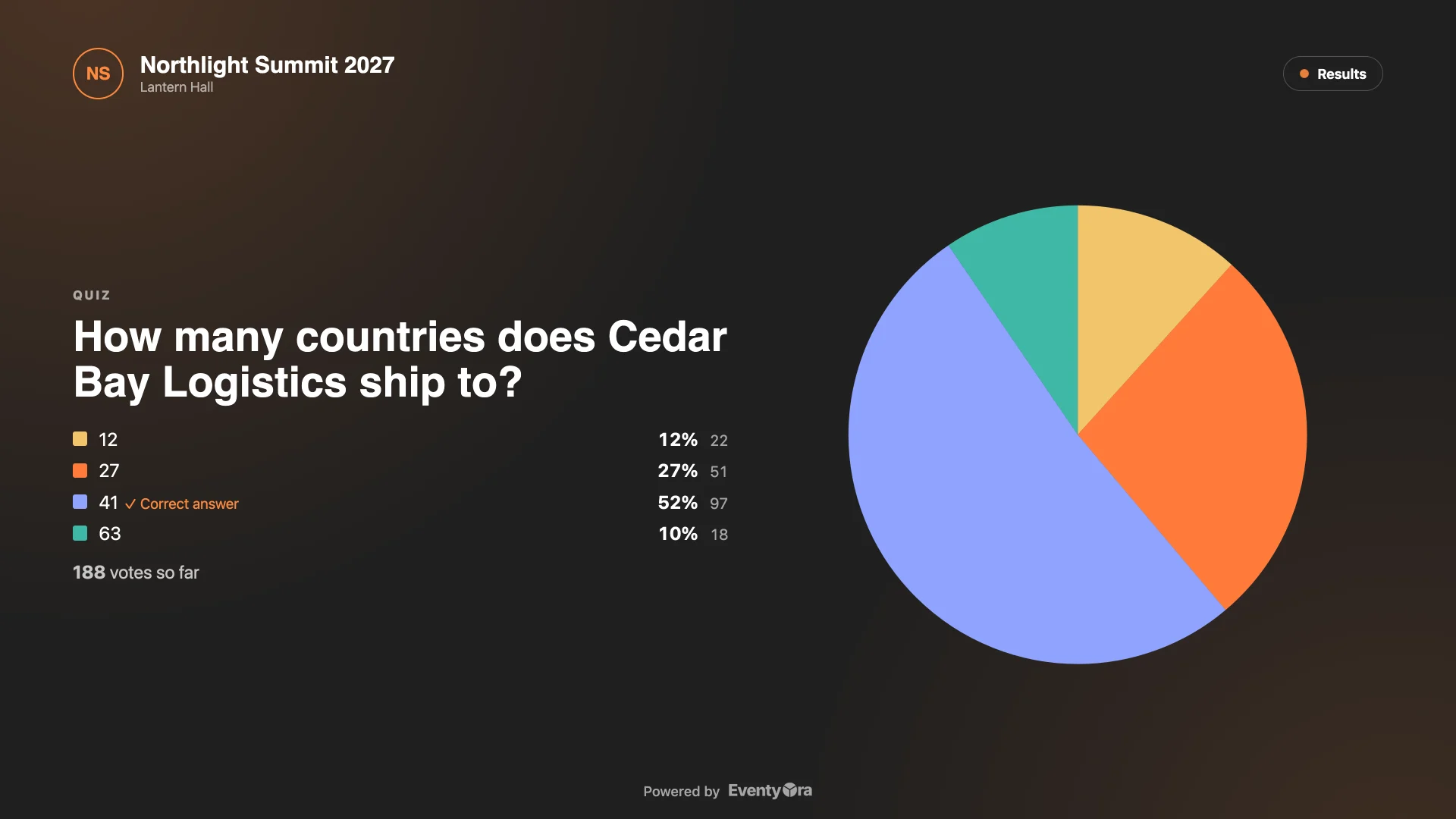
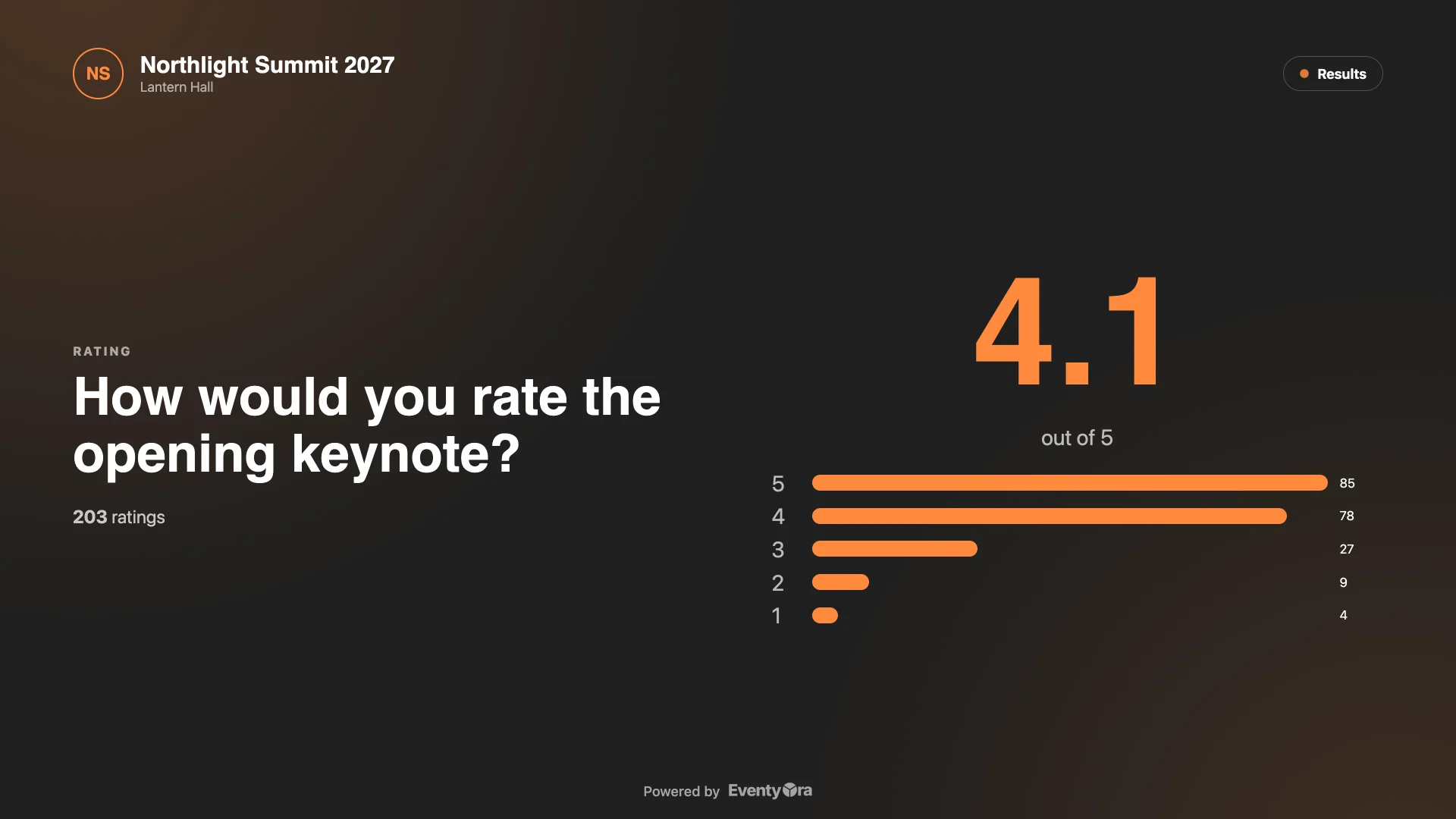
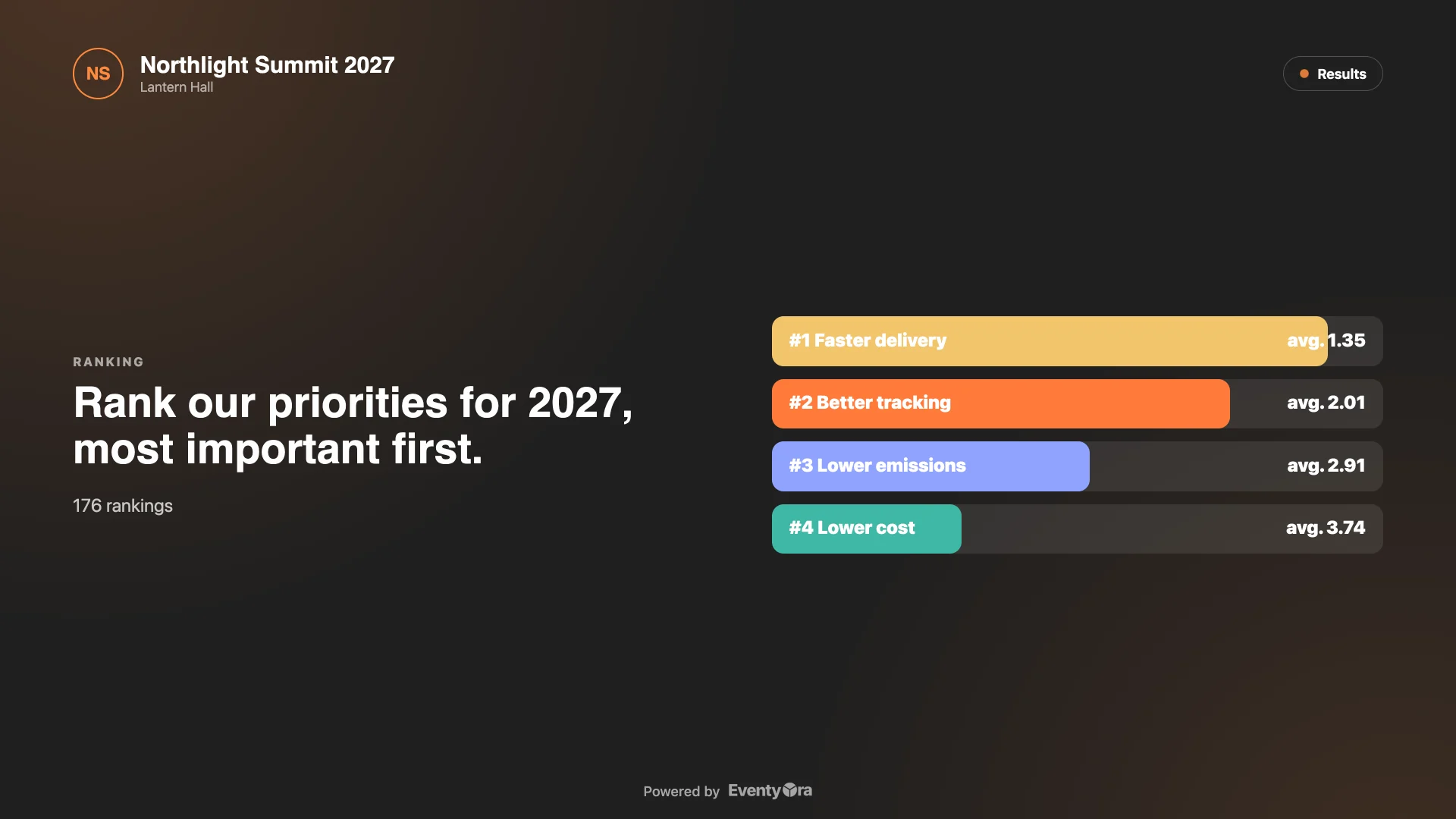
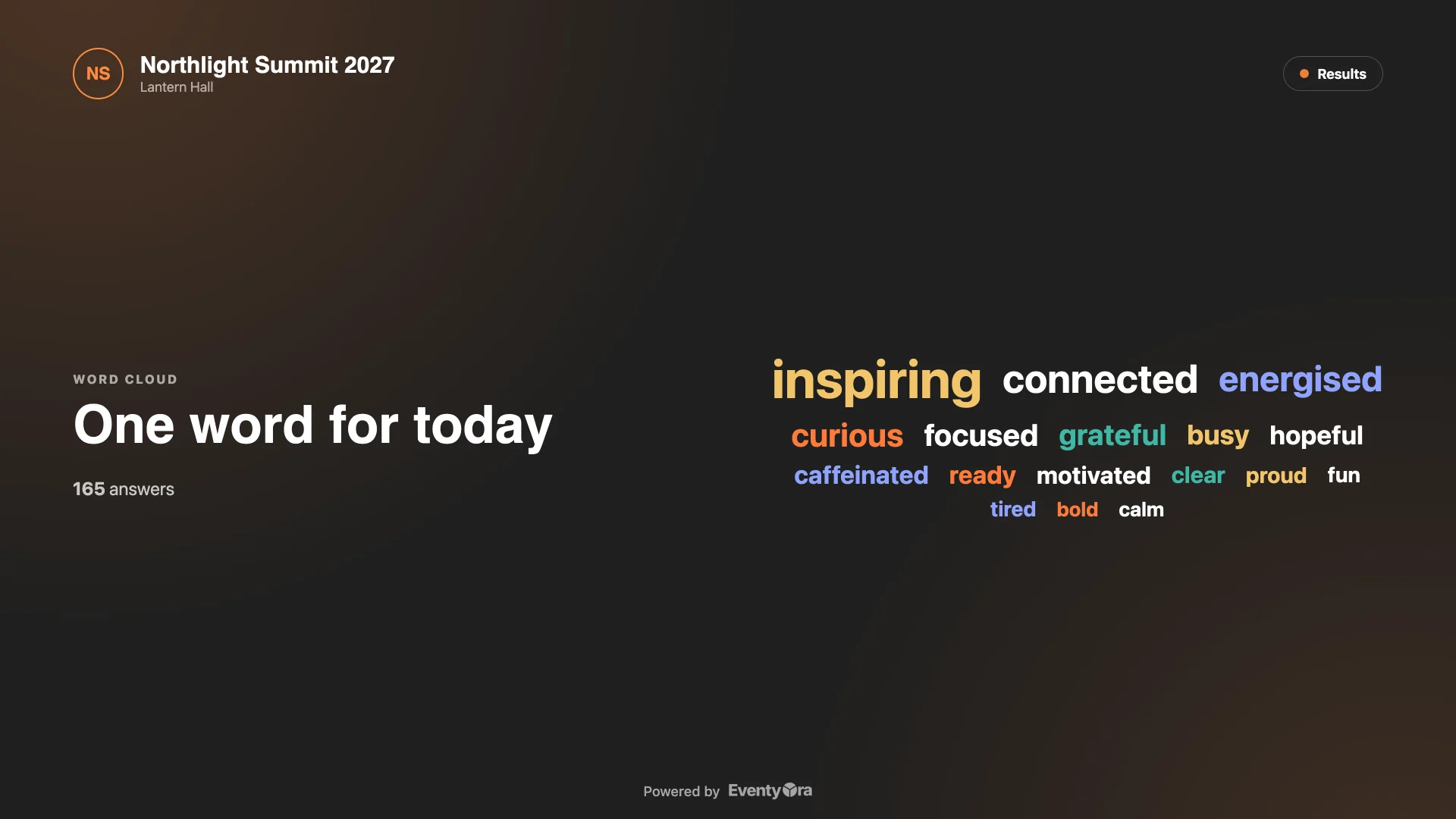
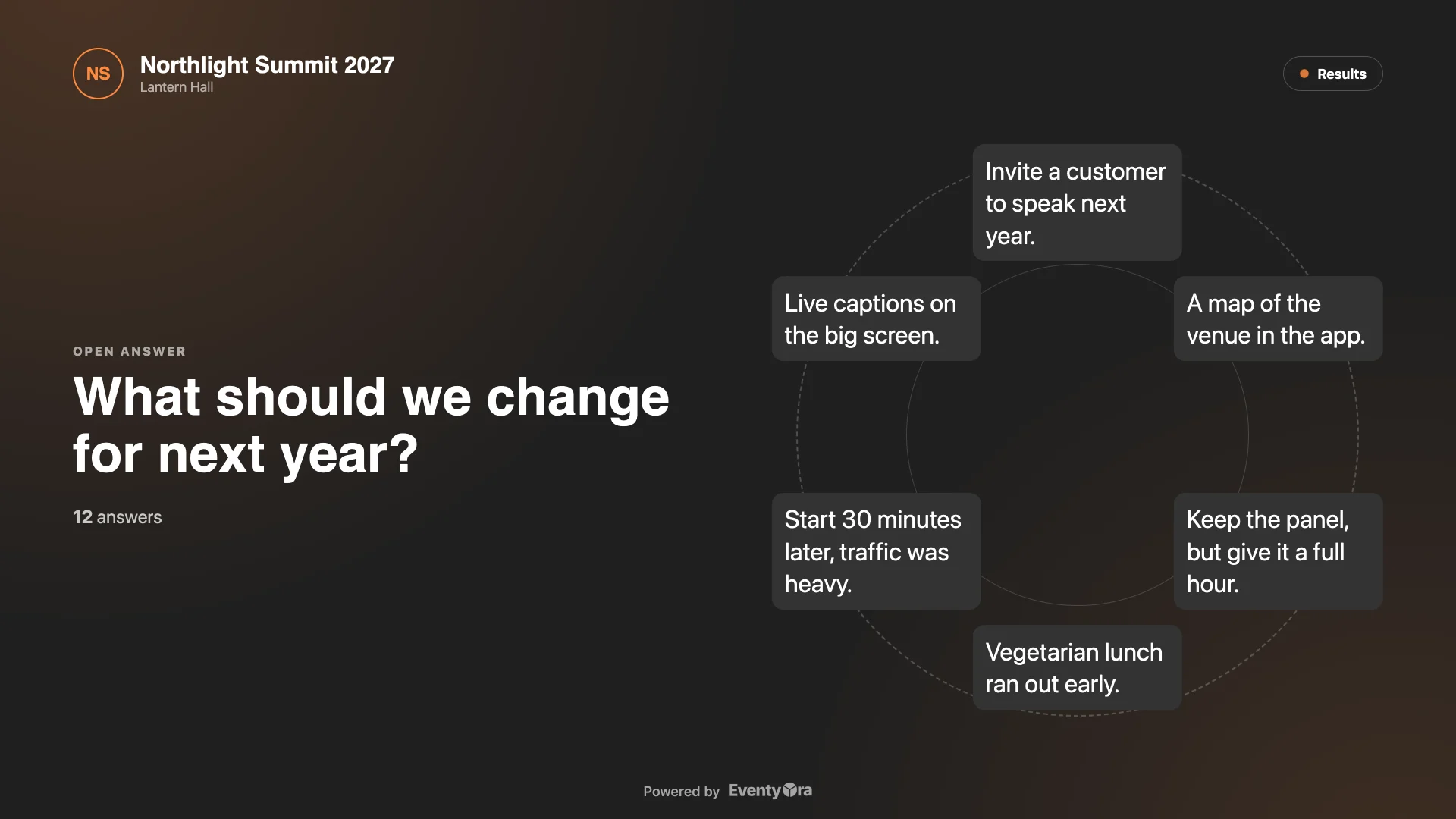
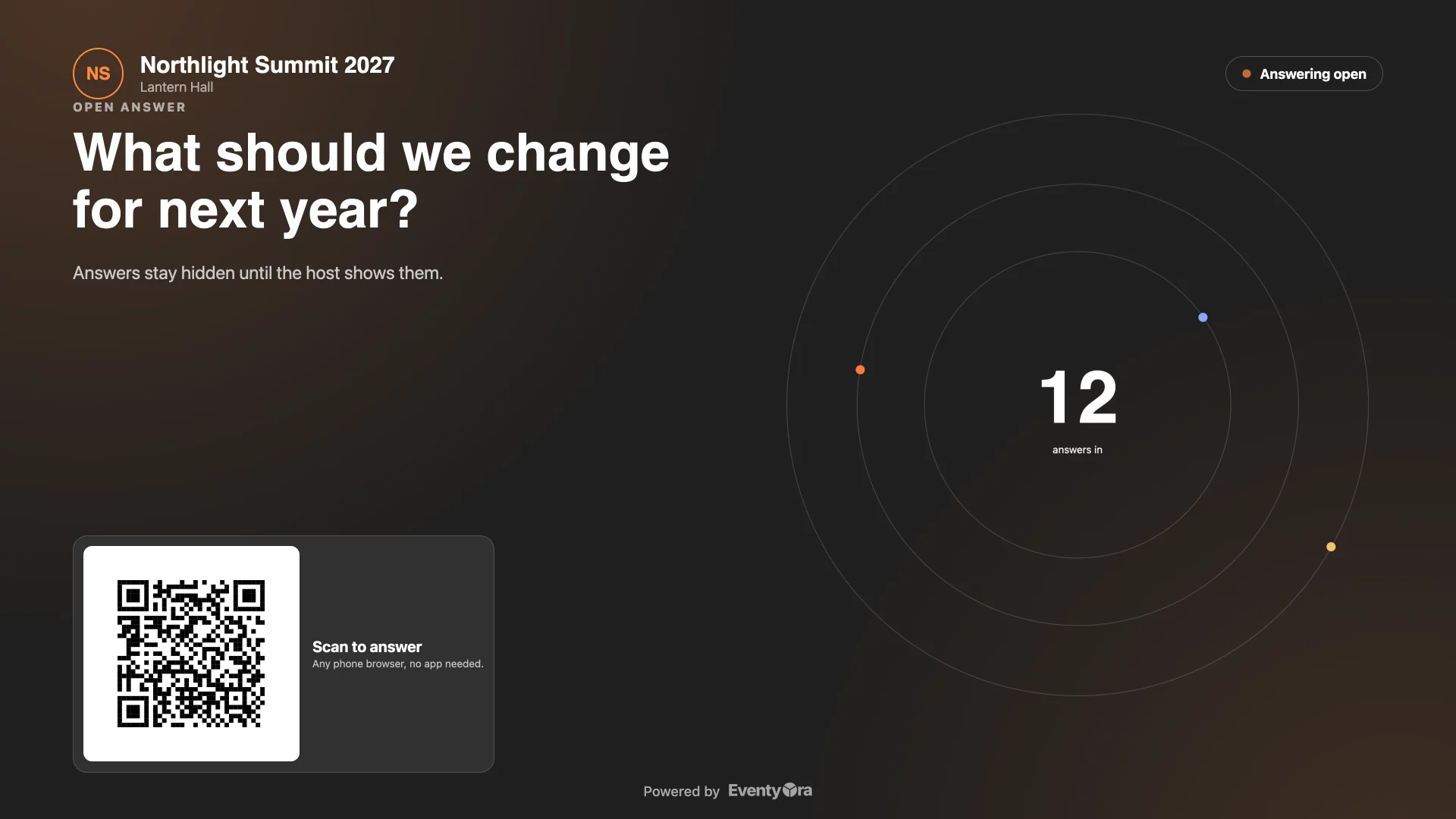
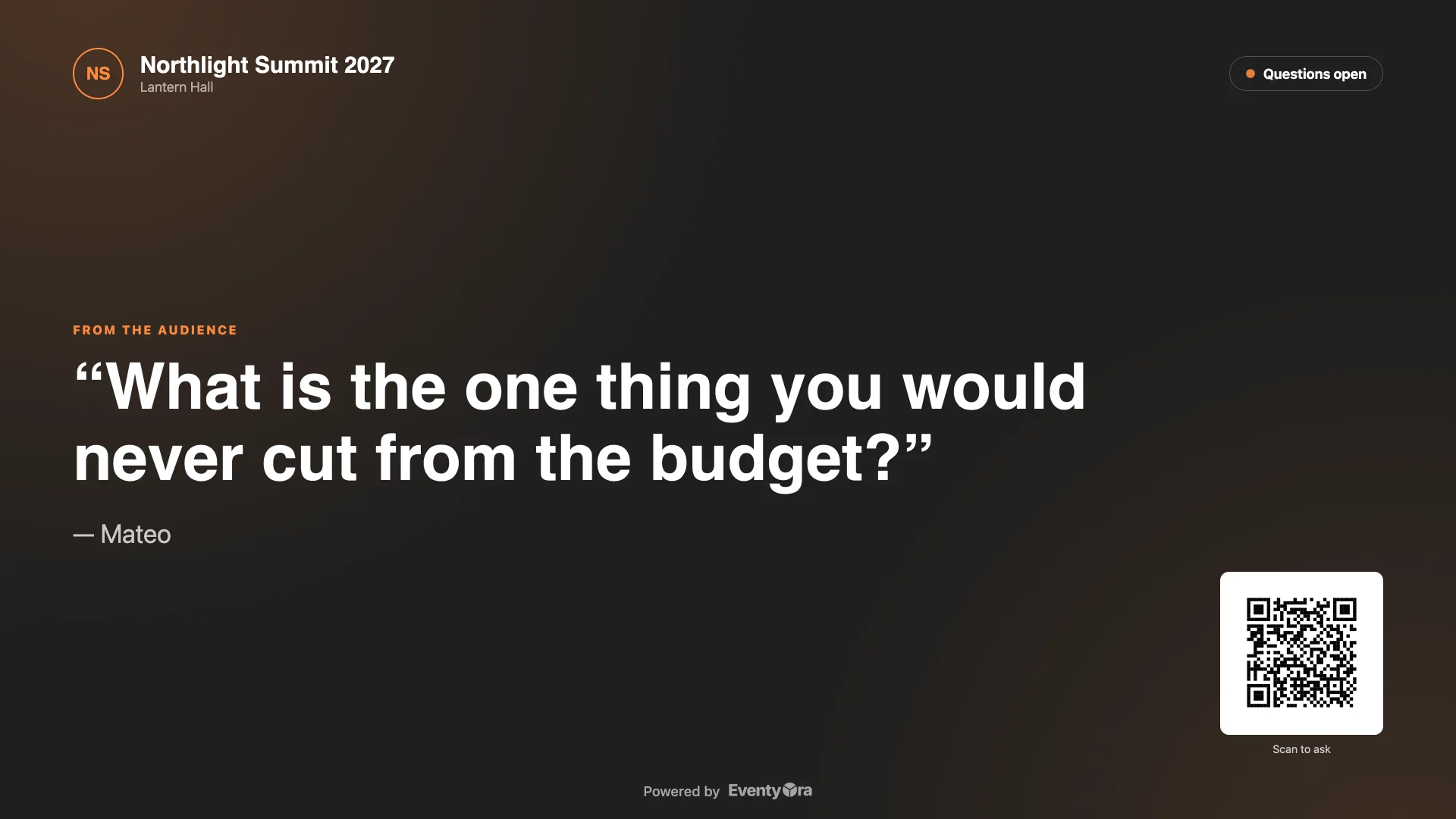
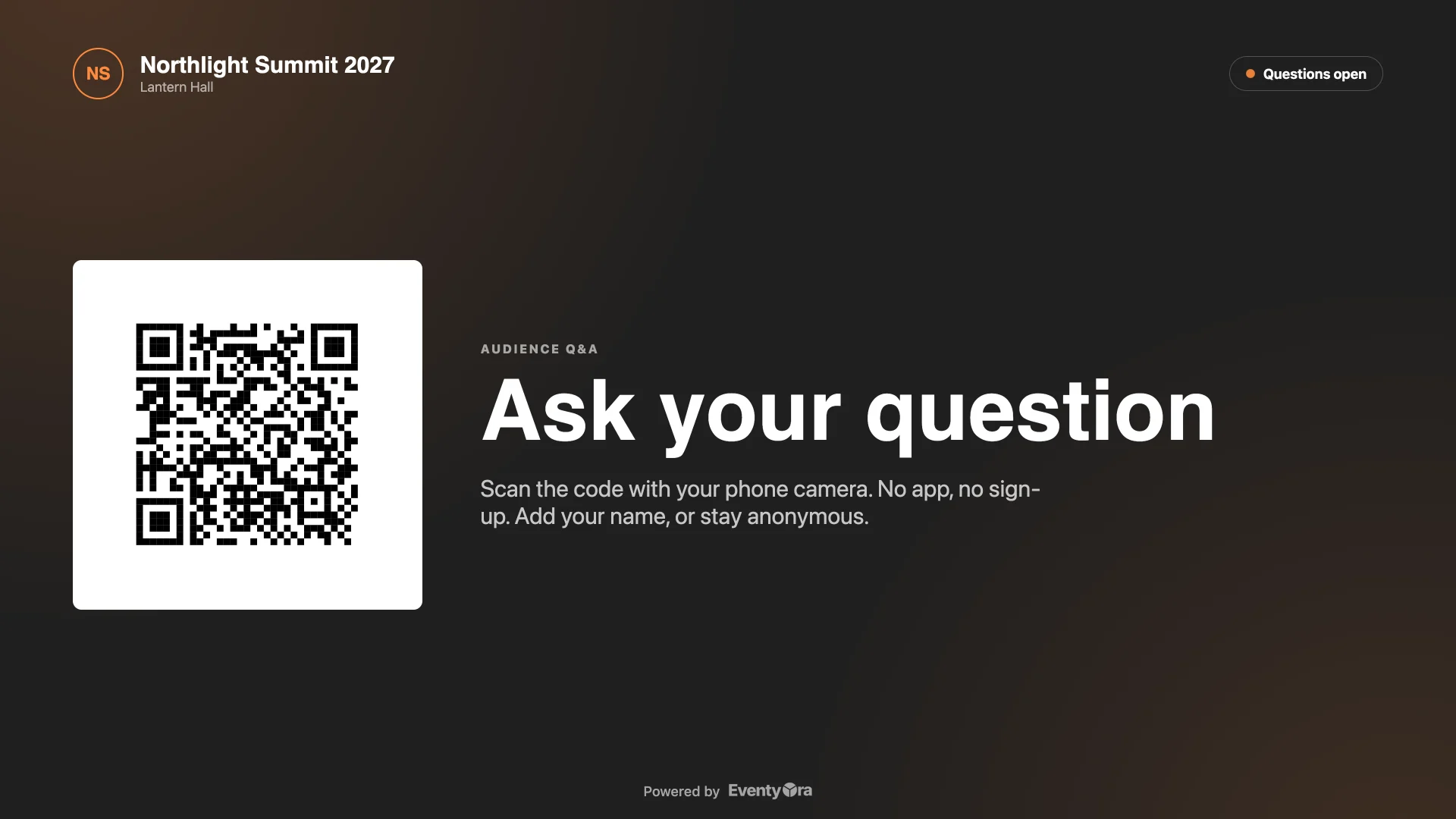
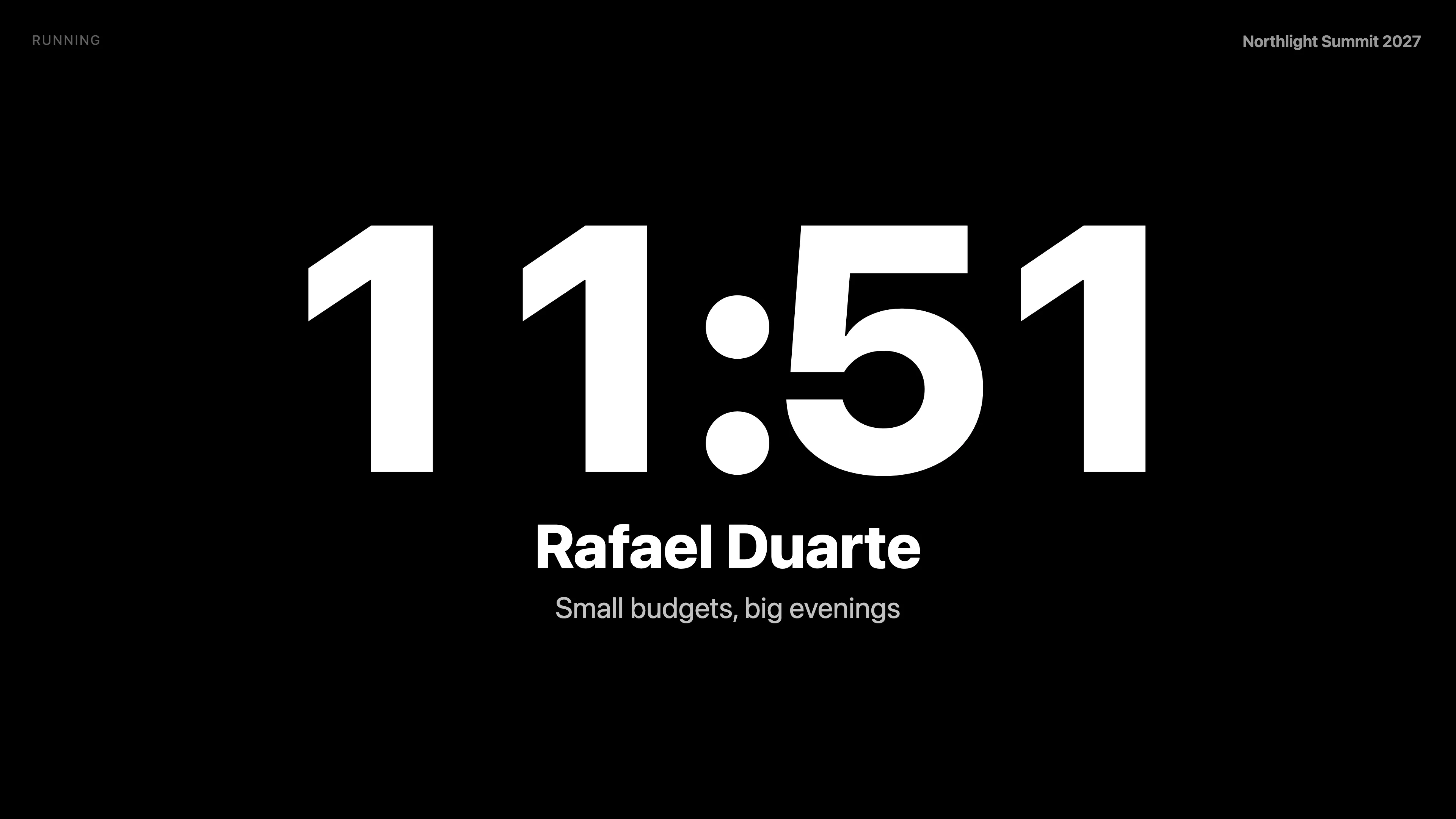
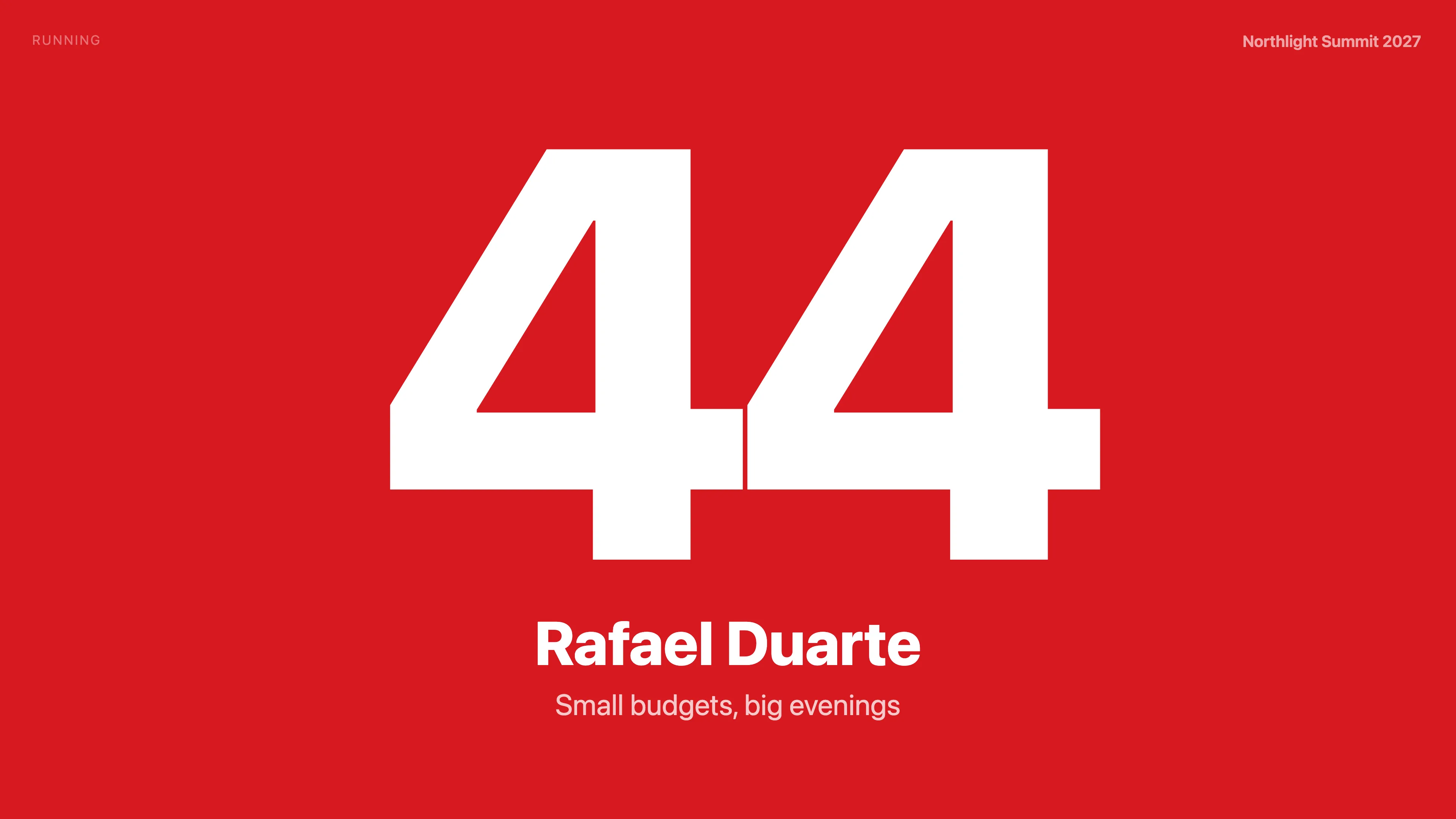
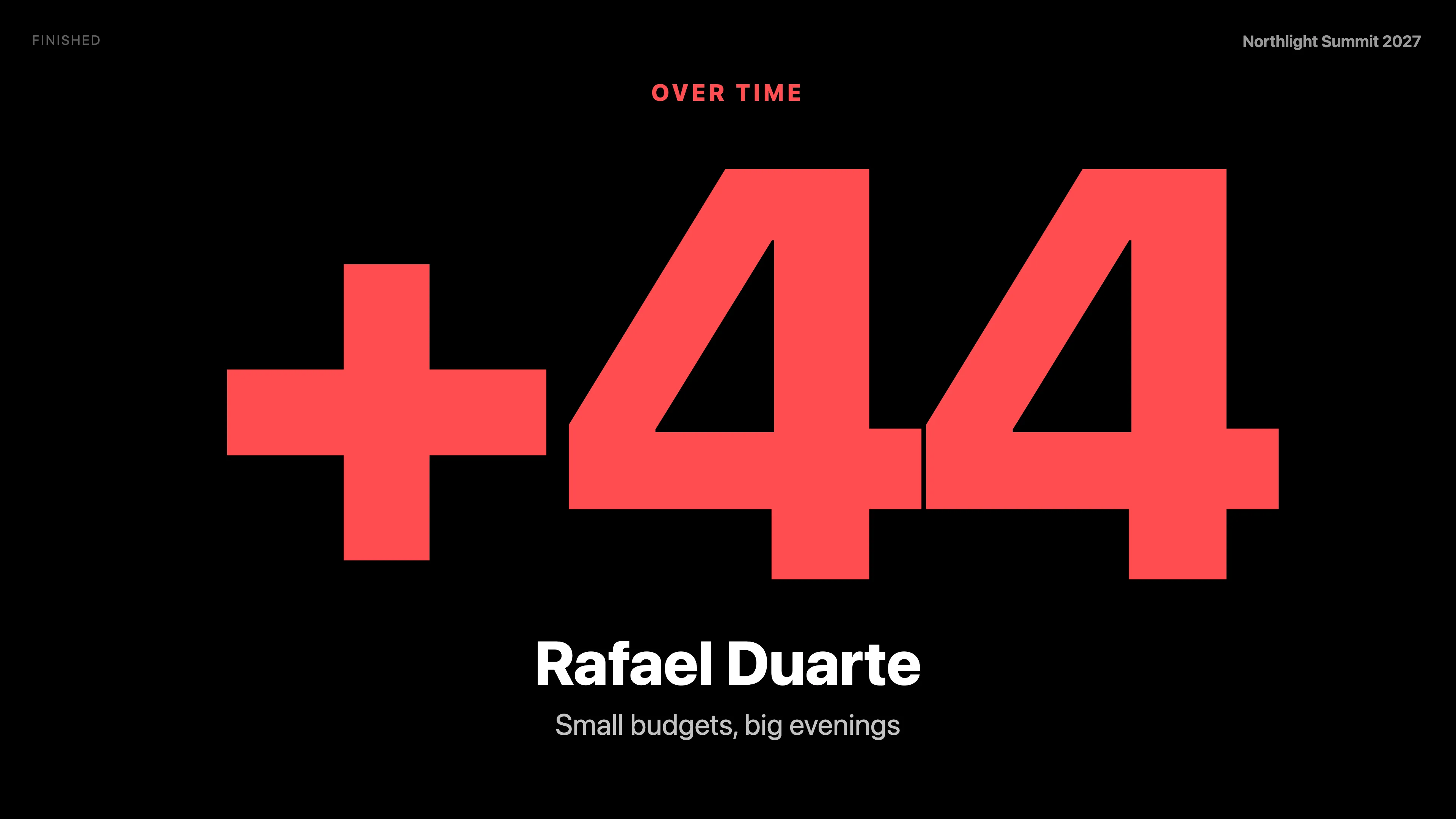
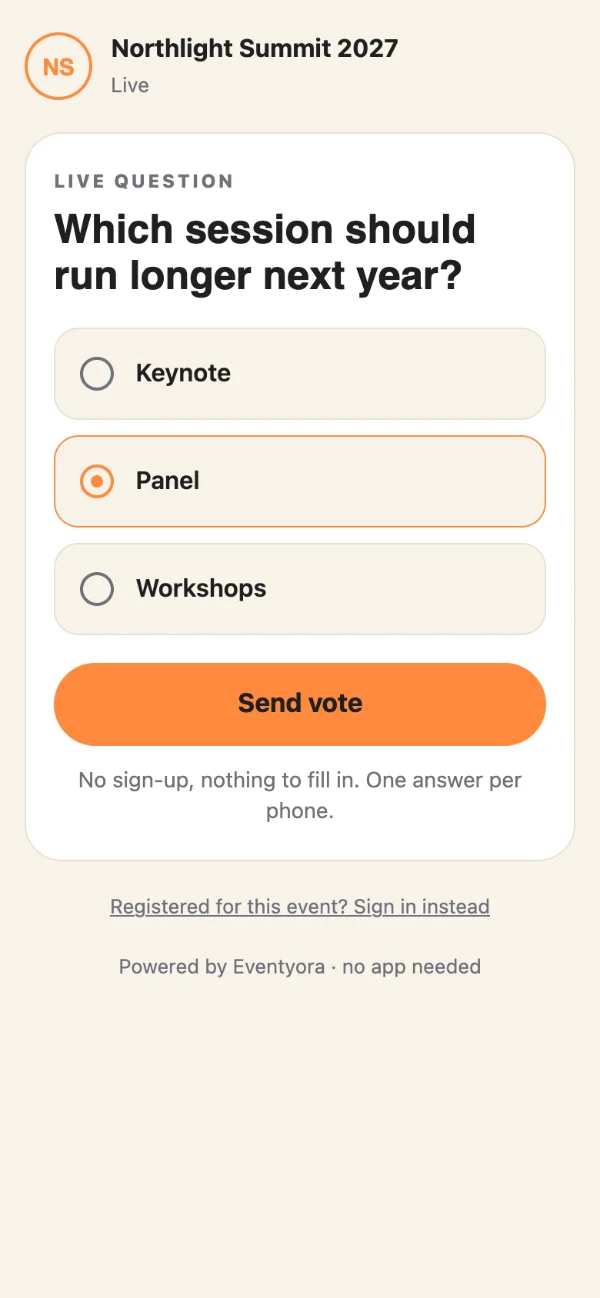
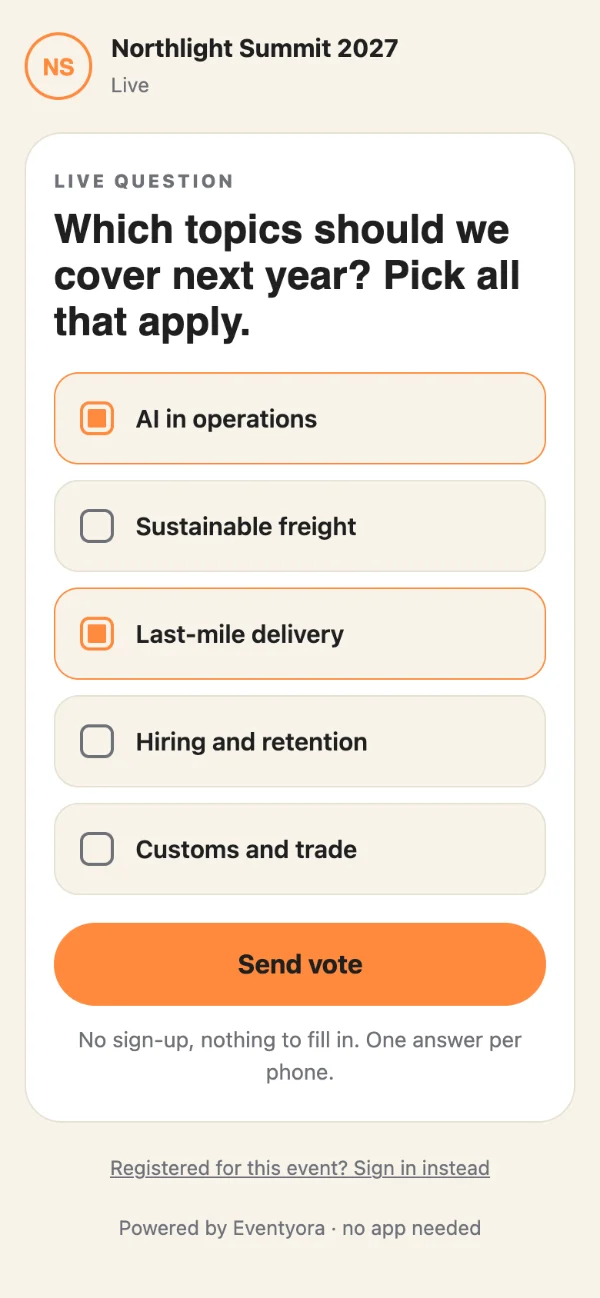
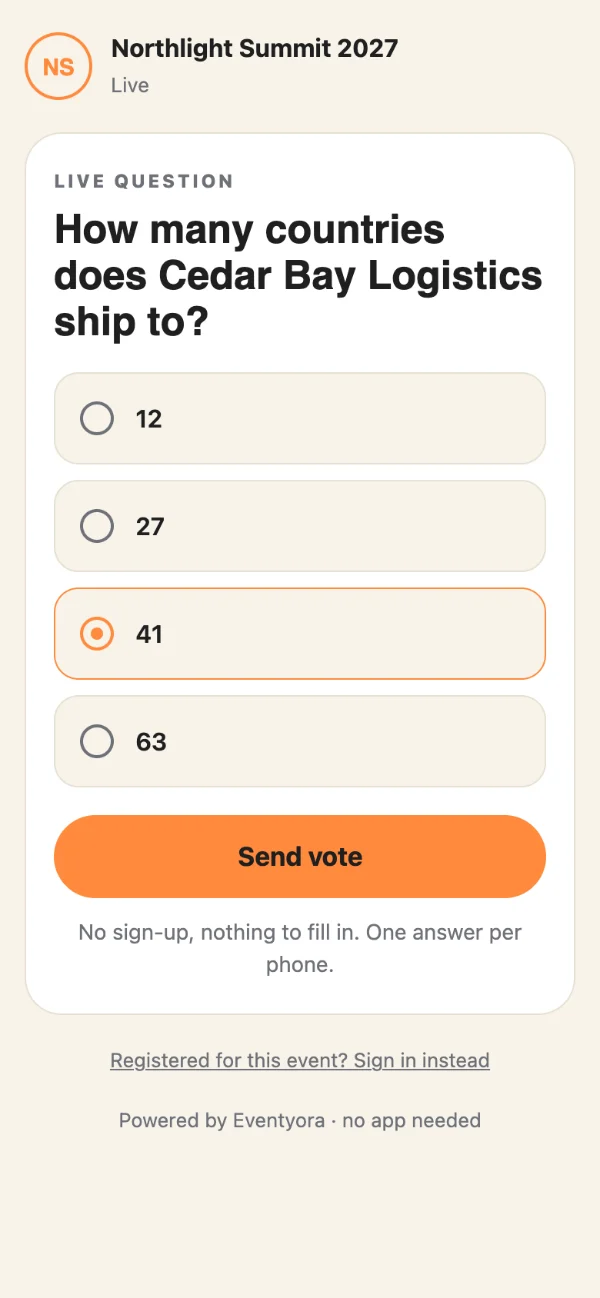
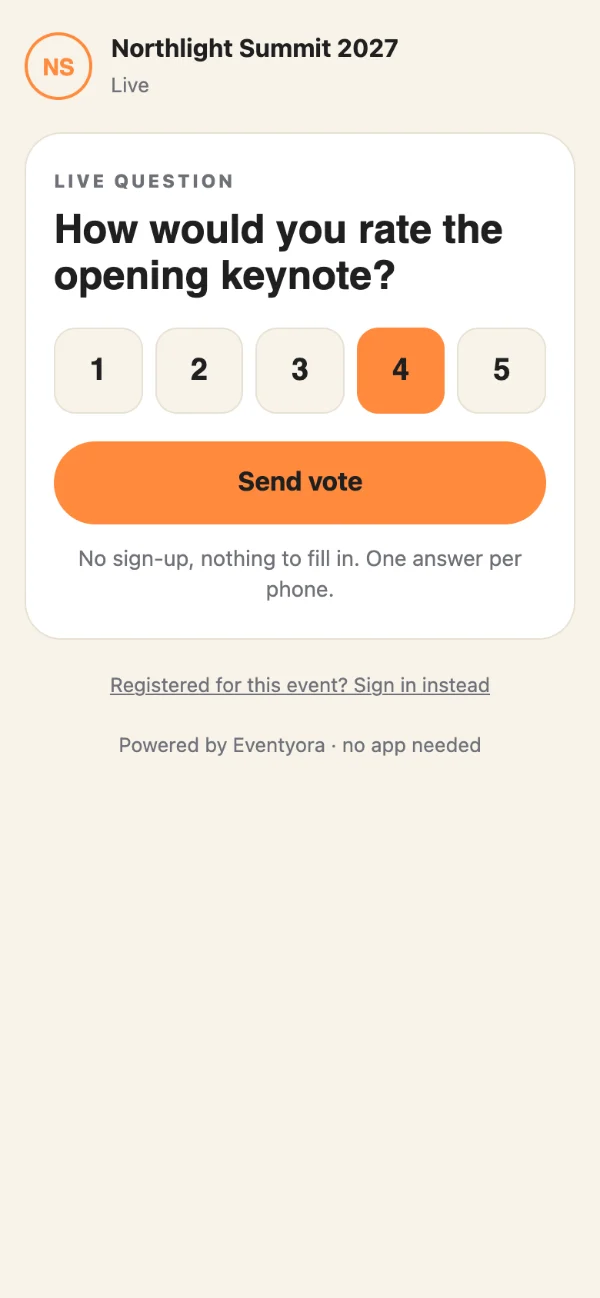
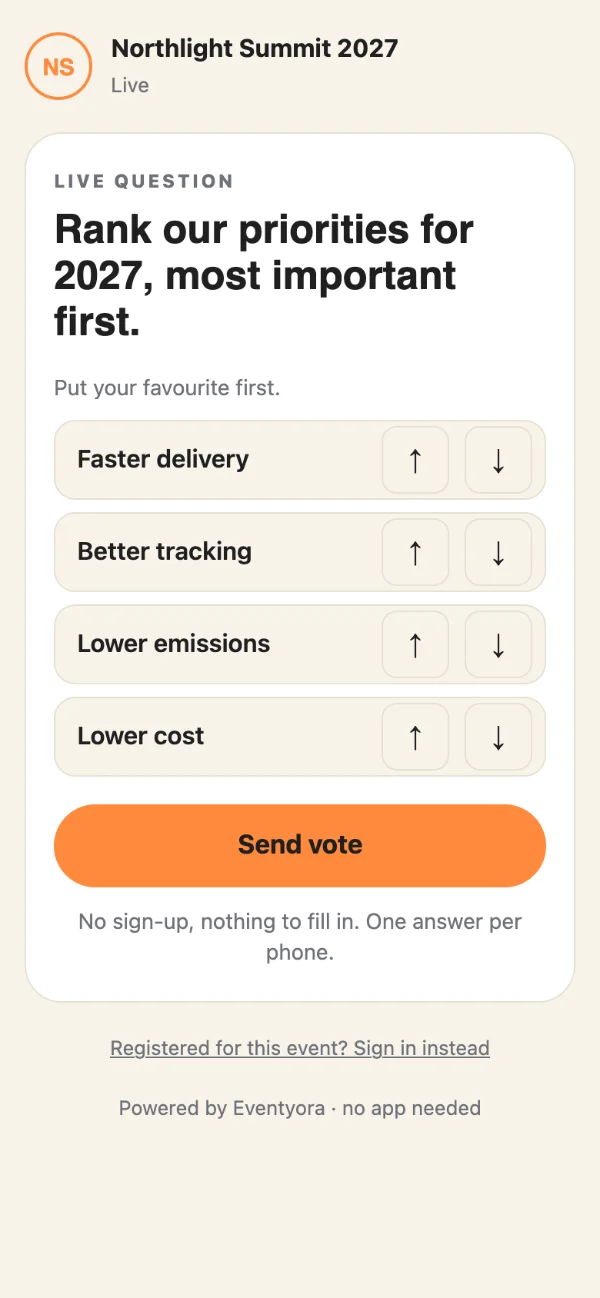
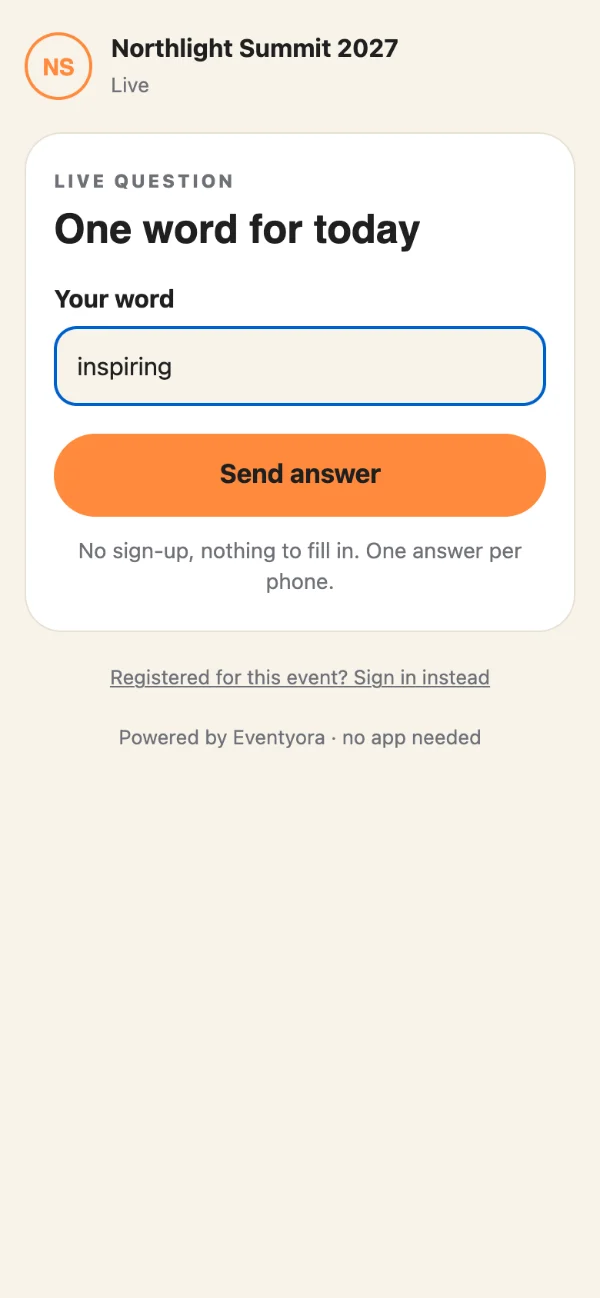
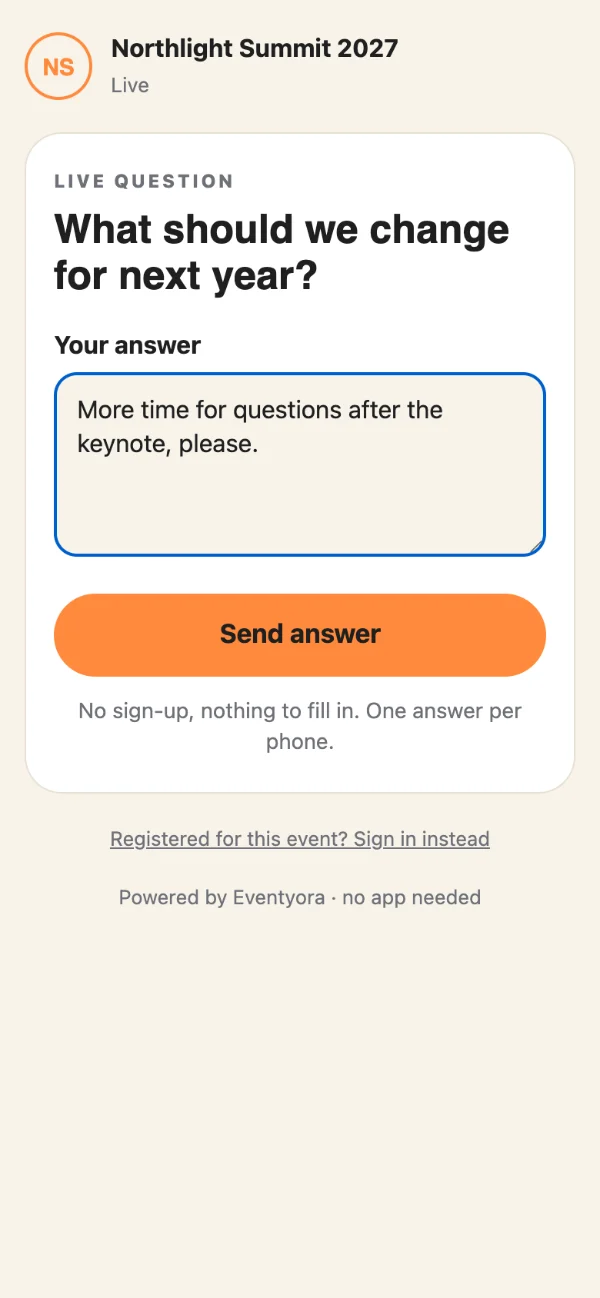
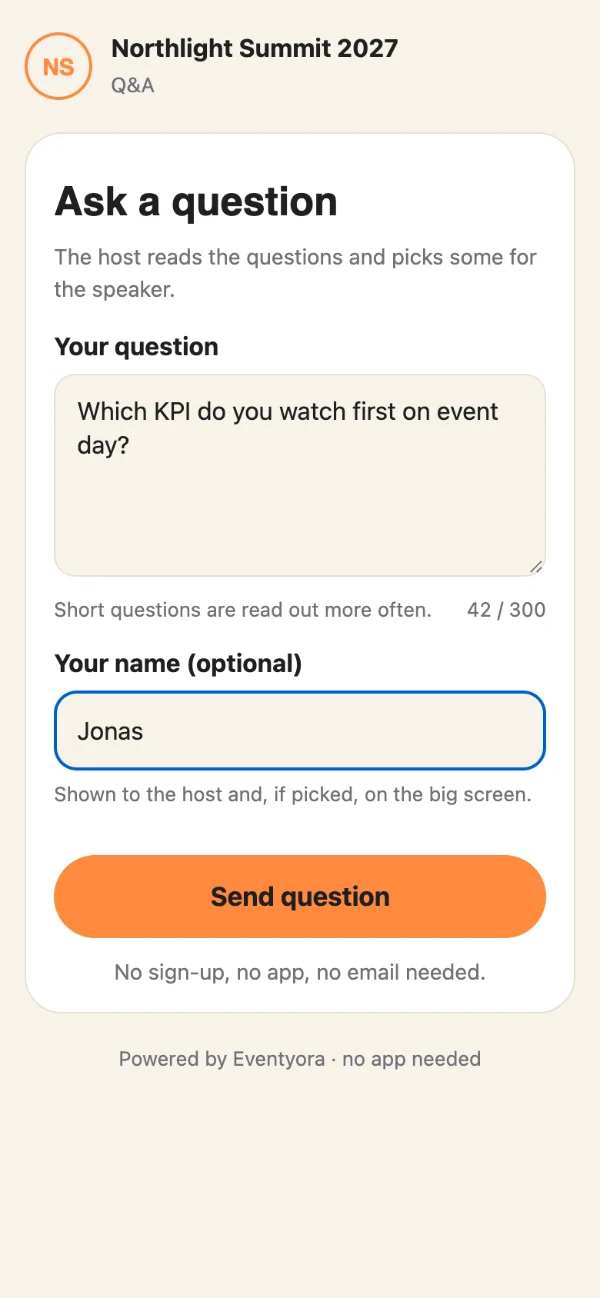
Guests don’t see the stage timer. It is for the speaker.
A poll: guests pick one answer, the room sees the bars move.
A won opportunity becomes an event in one click.
CRMExperienceProduction
Everything in it
What Eventyora does today, part by part. Open a group to see it all.
Some features depend on your plan or are turned on per event. AI is in CRM only. Production live tools are an optional add-on per event.
How it works
Add the date, hall and details.
Send tickets or invitations. They get one link for the guest app.
Check people in with Experience, then show live Q&A and polls on the big screen with Production.
Built for
Restaurants, salons, hotels and conference centres with halls to fill.
Teams running many events for many clients.
Freelancers who want the whole business in one place.
In-house organisers of congresses, launches and internal events.
Pricing at launch
At launch: free for events up to 30 guests, and a 30-day trial of the CRM. Paid plans and prices are announced at launch. The first 100 on the list get 30% off for life.
Questions
Soon. Join the list and we'll email you the day it does.
30% off, for life: for as long as you stay with Eventyora.
Yes, in CRM. Ask Eventyora answers questions about your work in plain language, drafts replies to your clients’ emails, suggests tasks and notes, and helps you set up your workspace. You stay in control: a draft is only a draft until you send it, and suggestions change your data only after you approve them. Money, dates, deletions and sending always need your approval.
No. Guests can use the Eventyora app, or simply open your event in the browser from a link or QR code. The app is optional.
At launch: free for events up to 30 guests, and a 30-day trial of the CRM with everything included.
We use it only for the launch announcement and your discount. Write to hello@eventyora.com to withdraw or delete it.
The first 100
30% off for life for the first 100 on the list.
The lifetime offer has been claimed. Follow @eventyora to hear about launch.
Follow @eventyoraEarly access
Eventyora opens soon. Leave your email and we'll write the day it does.
We'll email you at launch.
The lifetime offer has been claimed. Follow @eventyora to hear about launch.
Follow @eventyora