Sell it. Run it.Show it.

Event software in three parts: CRM to sell, Experience to run, Production to show.

Follow on Instagram
See the three parts ↓

What it is

Three parts. One place.

Use one. Use all three. They already speak the same language.

AIAI in CRM helps with replies and setup. You approve before anything changes.

Sell it

Eventyora CRM

Turn enquiries into signed events.

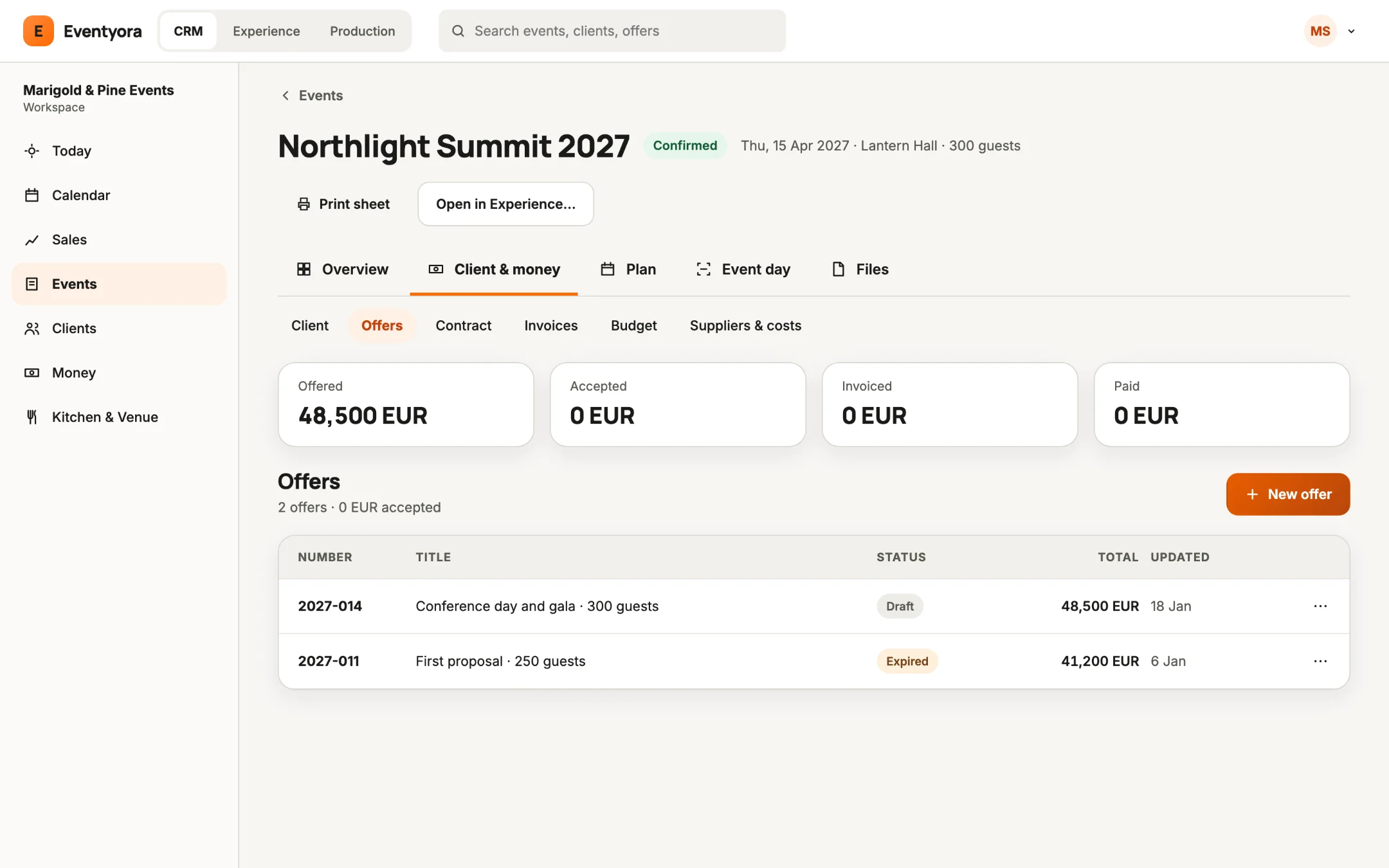
Offers, contracts, invoices and one calendar for every hall.

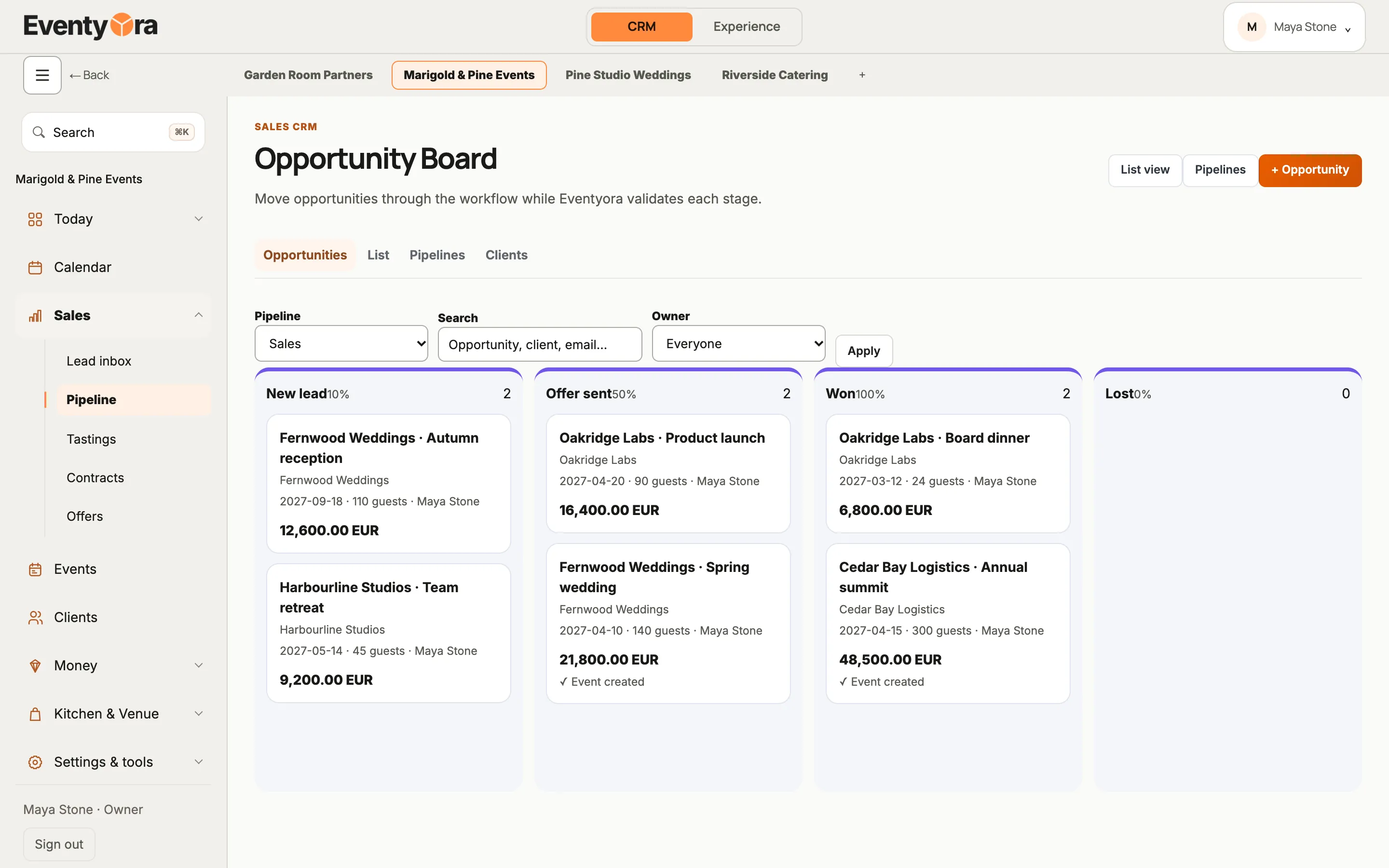
  • Track opportunities from first enquiry to won, on a board or a list.
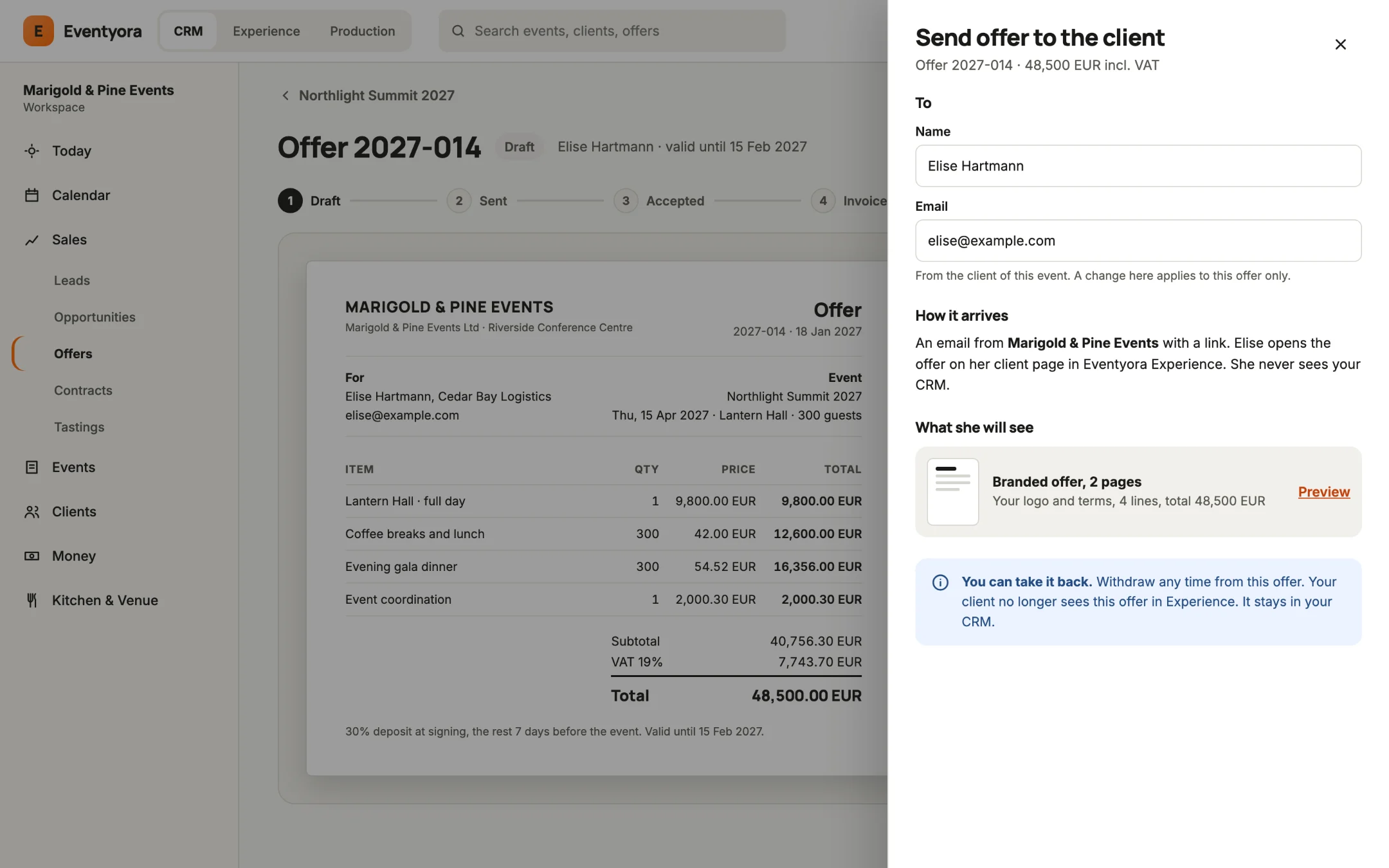
  • Send offers, sign contracts and issue invoices.
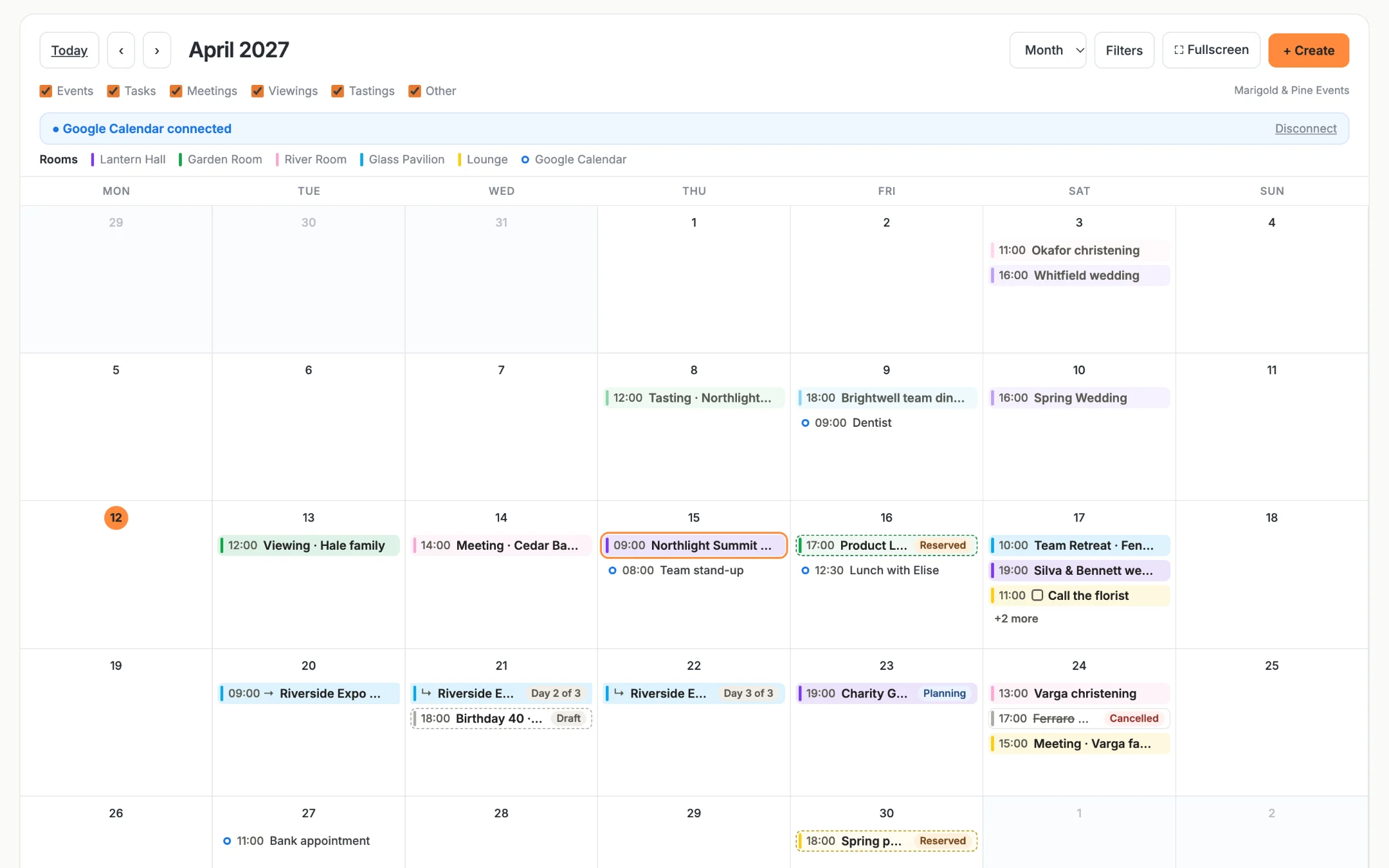
  • One calendar for every hall and date, so nothing is booked twice.

AIAsk Eventyora answers in plain language, drafts replies to your clients and helps set up your workspace. You send and approve.

For venues, agencies and freelance planners who sell events.

Sample data

Click through a sale.

Tap a step, or the glowing button on the screen.

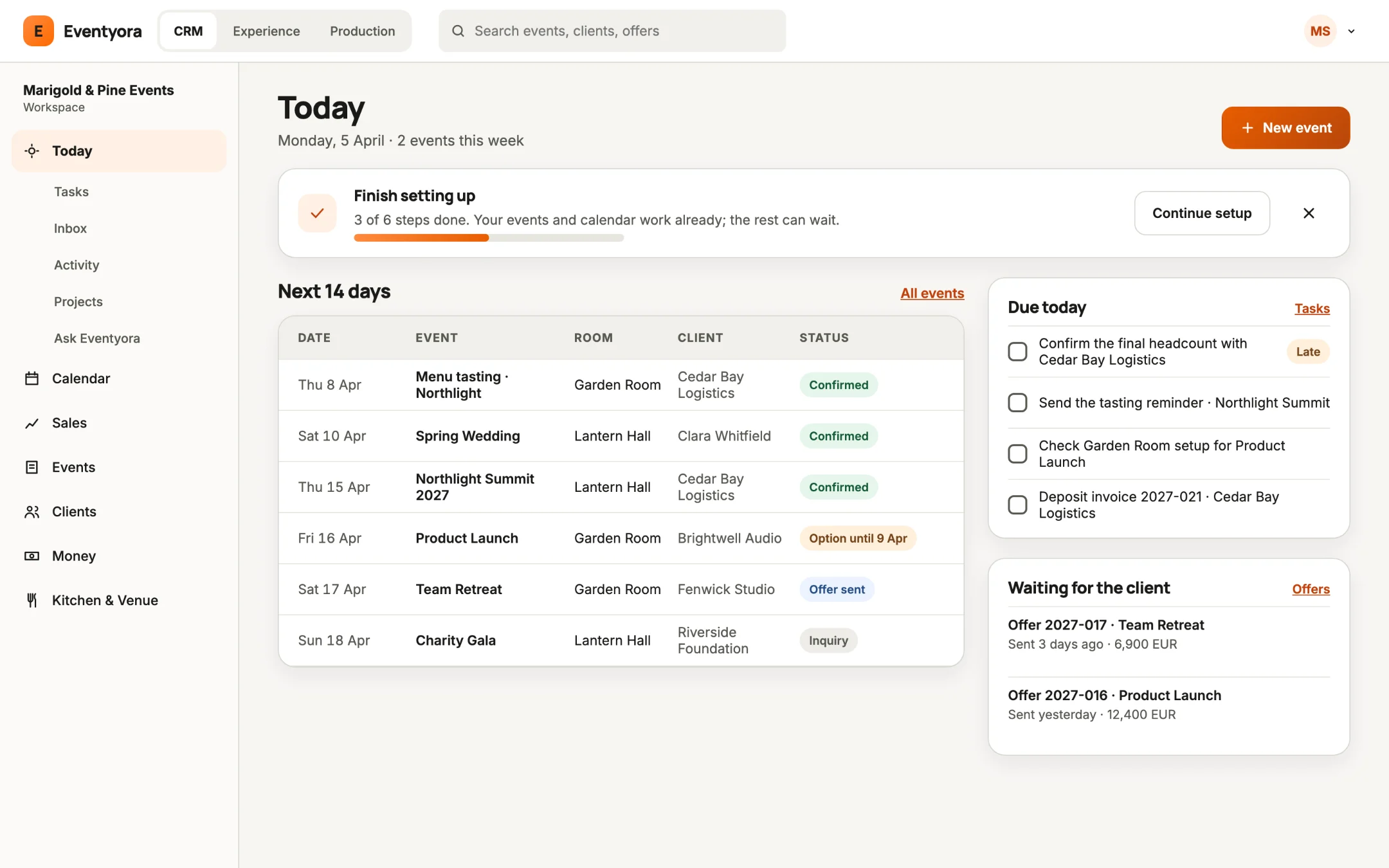
Eventyora CRM on a laptop, Today: finish setting up, the next 14 days, what is due today and offers waiting for the client (sample data)

Today: what is next, what is due, and who you are waiting for.

More from CRM

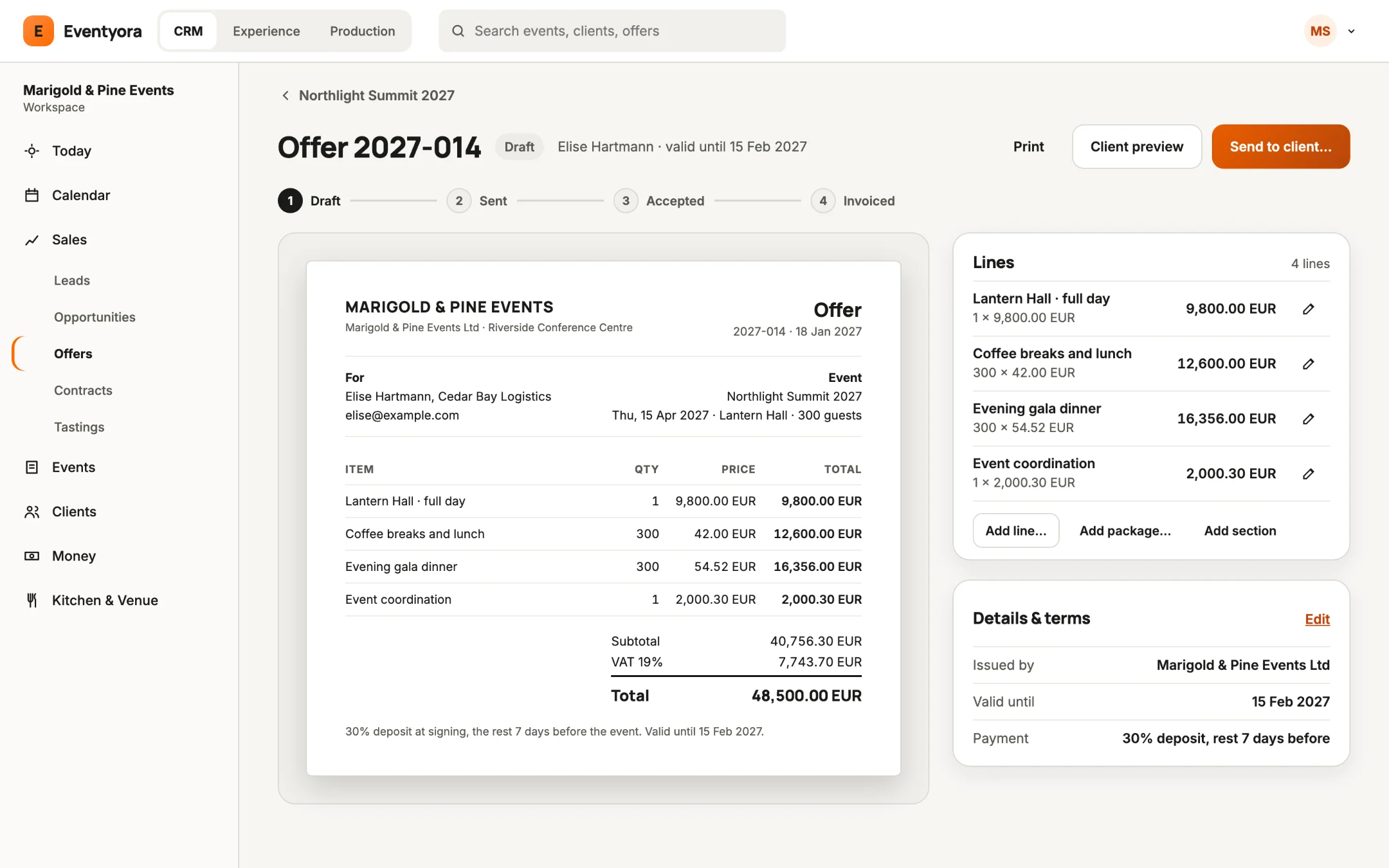
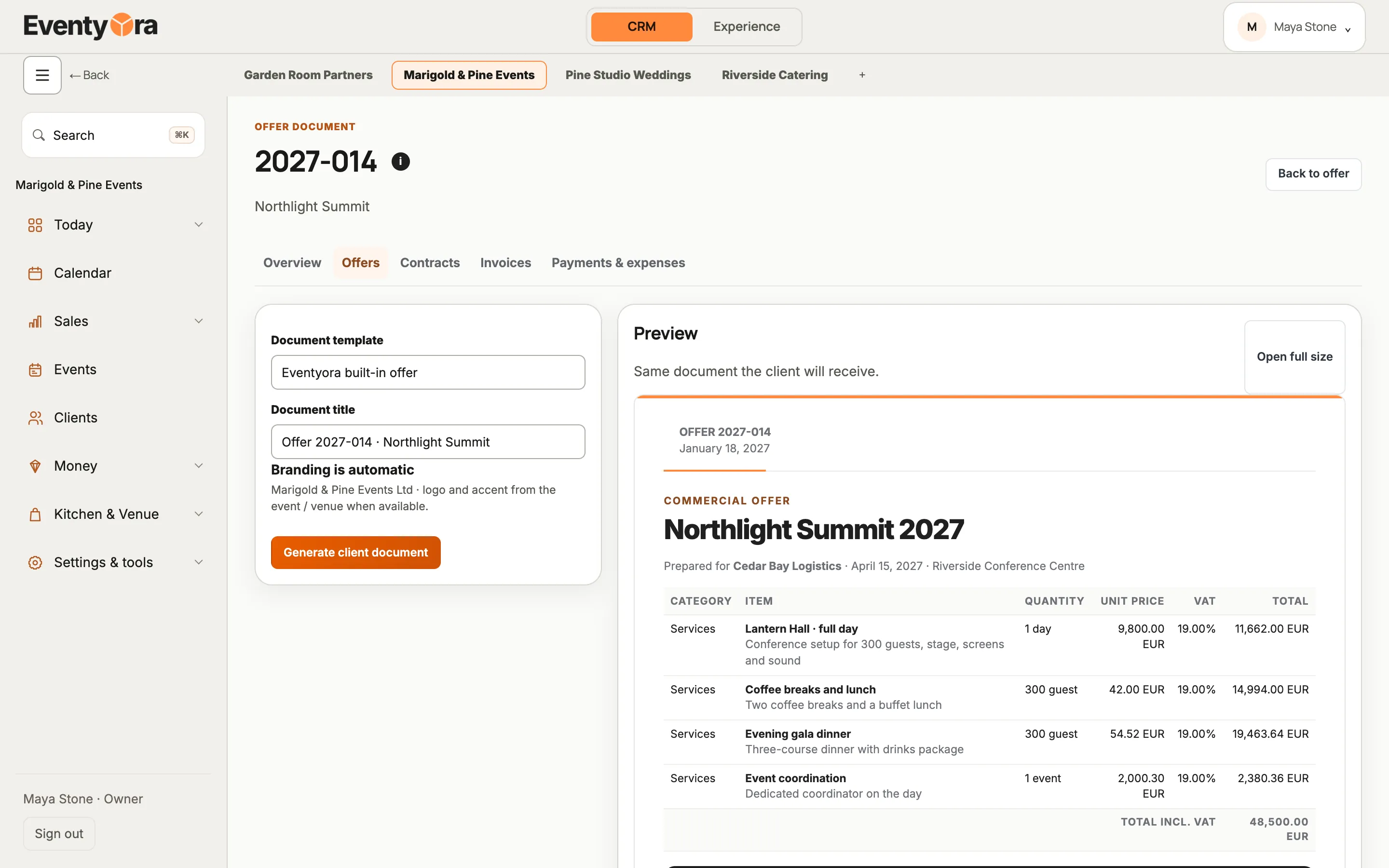
  • Eventyora CRM on a laptop: offer 2027-014 as a client document with hall, catering, gala dinner and a 48,500 EUR total (sample data)
    The offer document, as your client gets it.
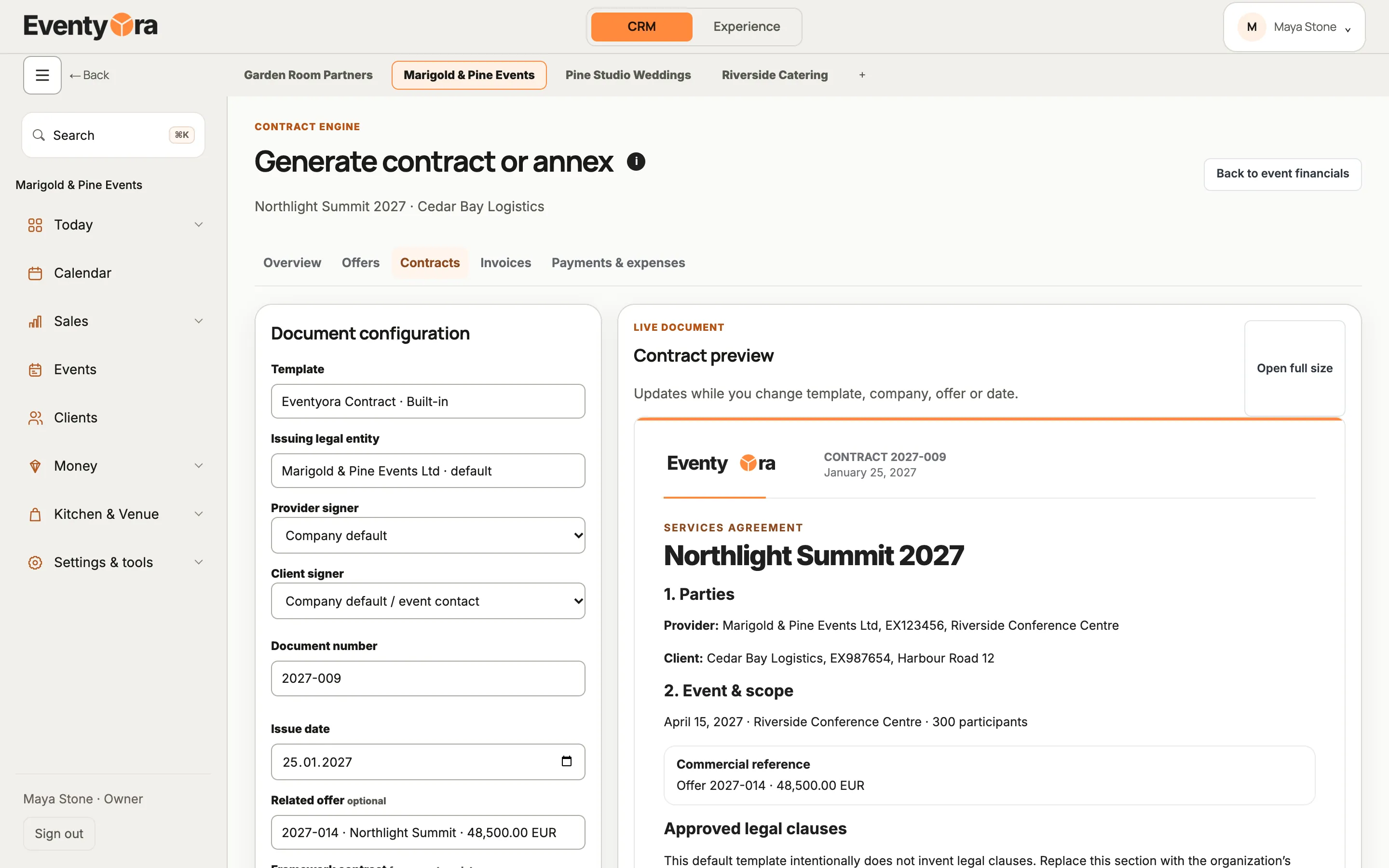
  • Eventyora CRM on a laptop: services agreement 2027-009 for Cedar Bay Logistics, linked to offer 2027-014 (sample data)
    A contract linked to its offer, with a live preview.
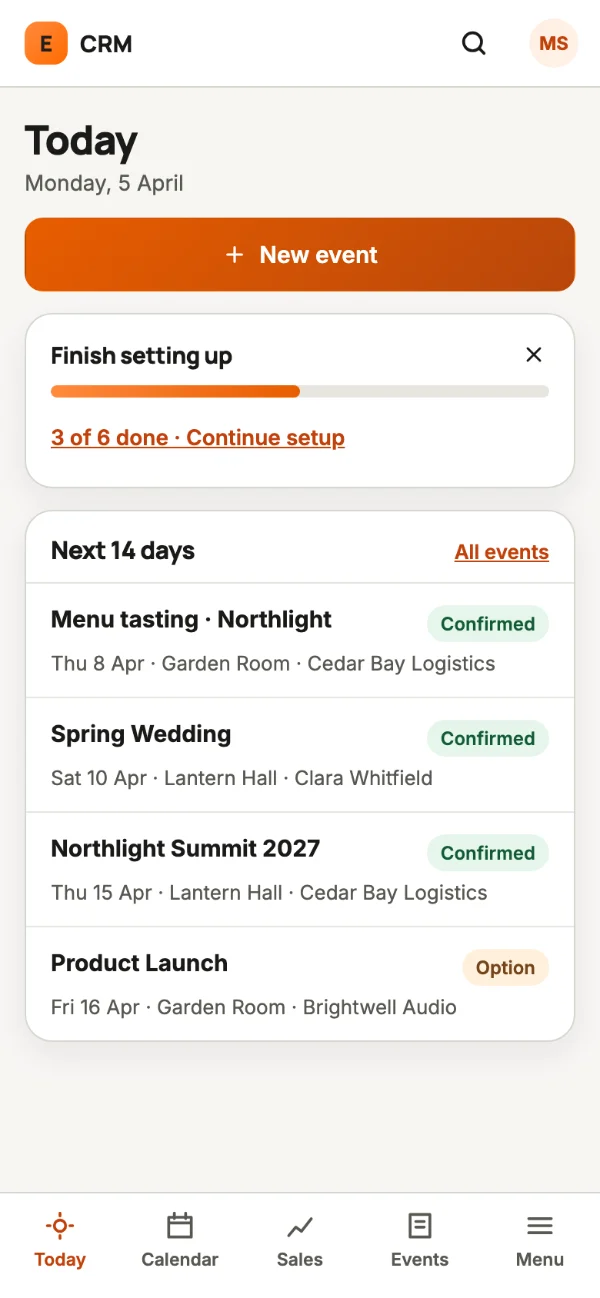
  • Eventyora CRM on a phone: Today with New event, setup progress and the next events (sample data)
    CRM on your phone.
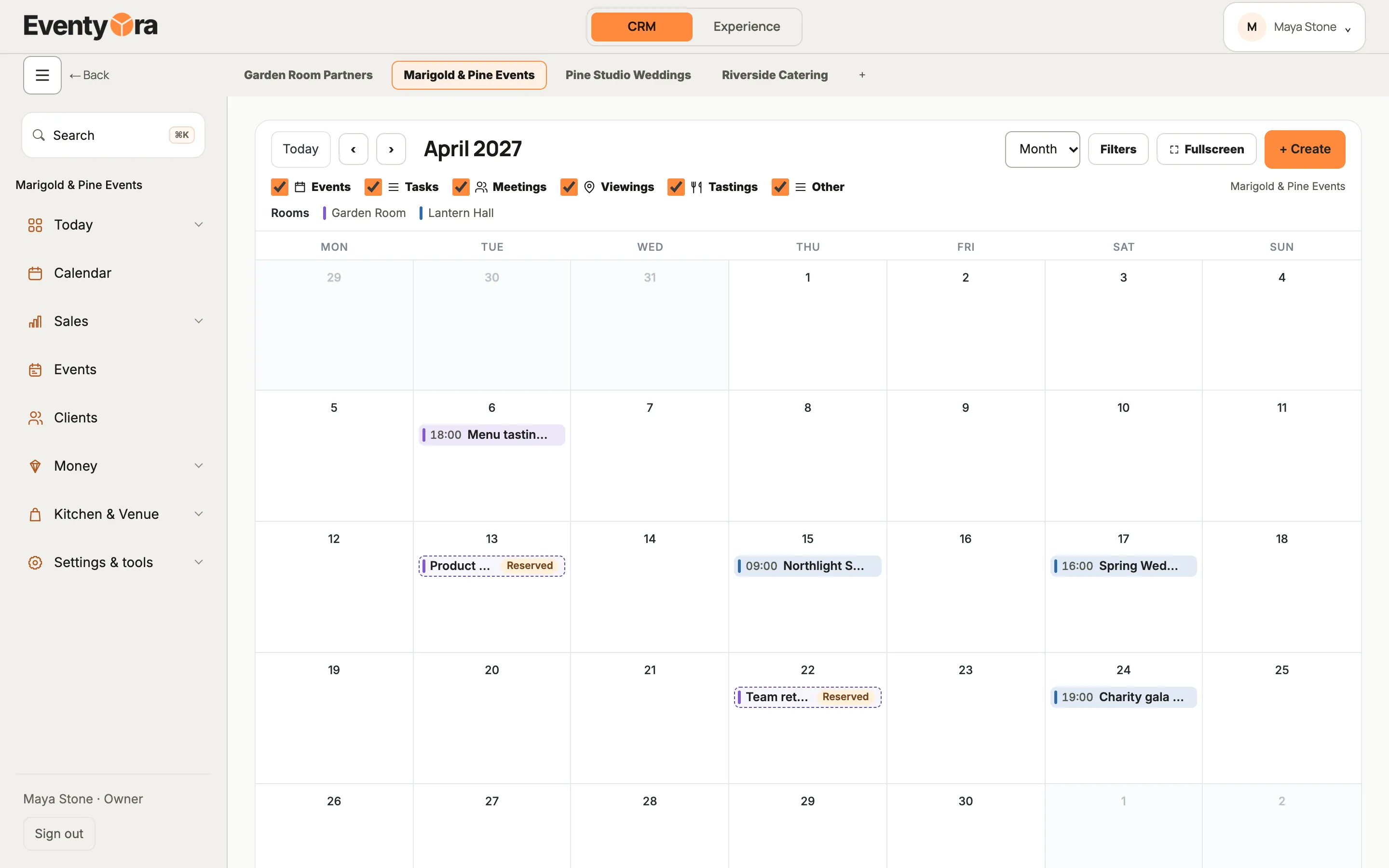
  • Eventyora CRM on a laptop: April 2027 calendar for Lantern Hall and Garden Room (sample data)
    Halls side by side on the calendar.

Run it

Eventyora Experience

Welcome every guest, without chaos.

Tickets, invitations, door check-in, badges and a guest app.

  • Tickets, free or paid, with a QR code, and personal invitations with RSVP.
  • Check-in with a door link (no account needed) and name badges.
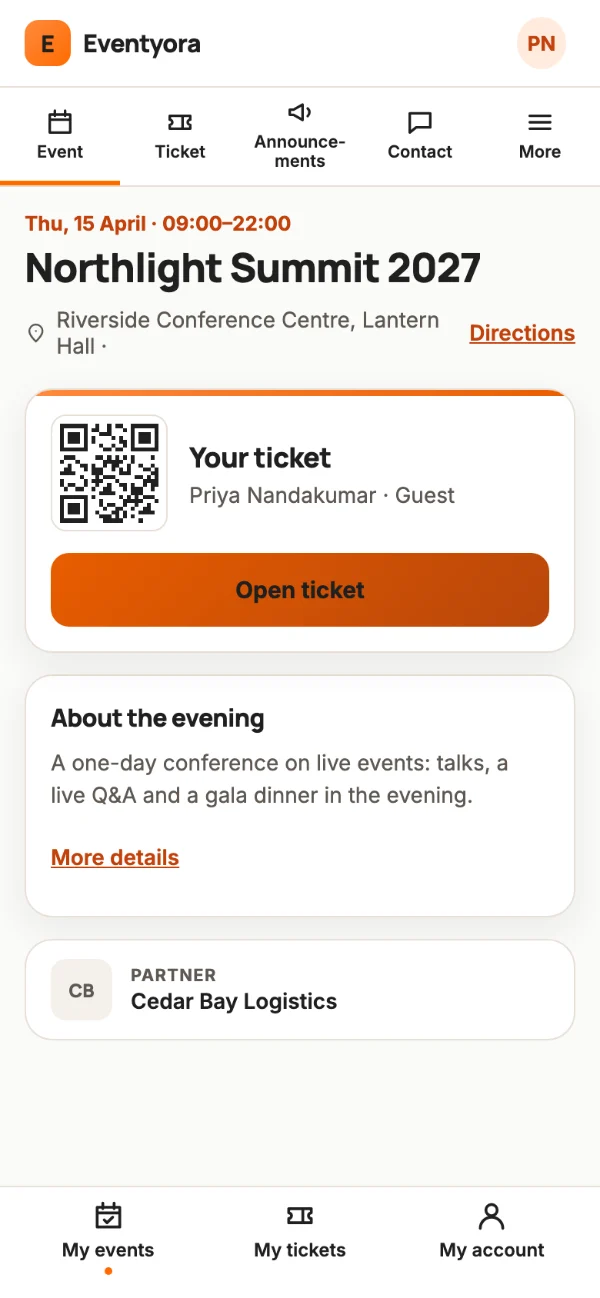
  • A guest app on the guest’s phone: the Eventyora app, or a link or QR code in the browser.

For organizers running an event with a guest list: weddings, corporate events, congresses.

Sample data

Be the guest.

Tap a step, or the glowing button on the phone.

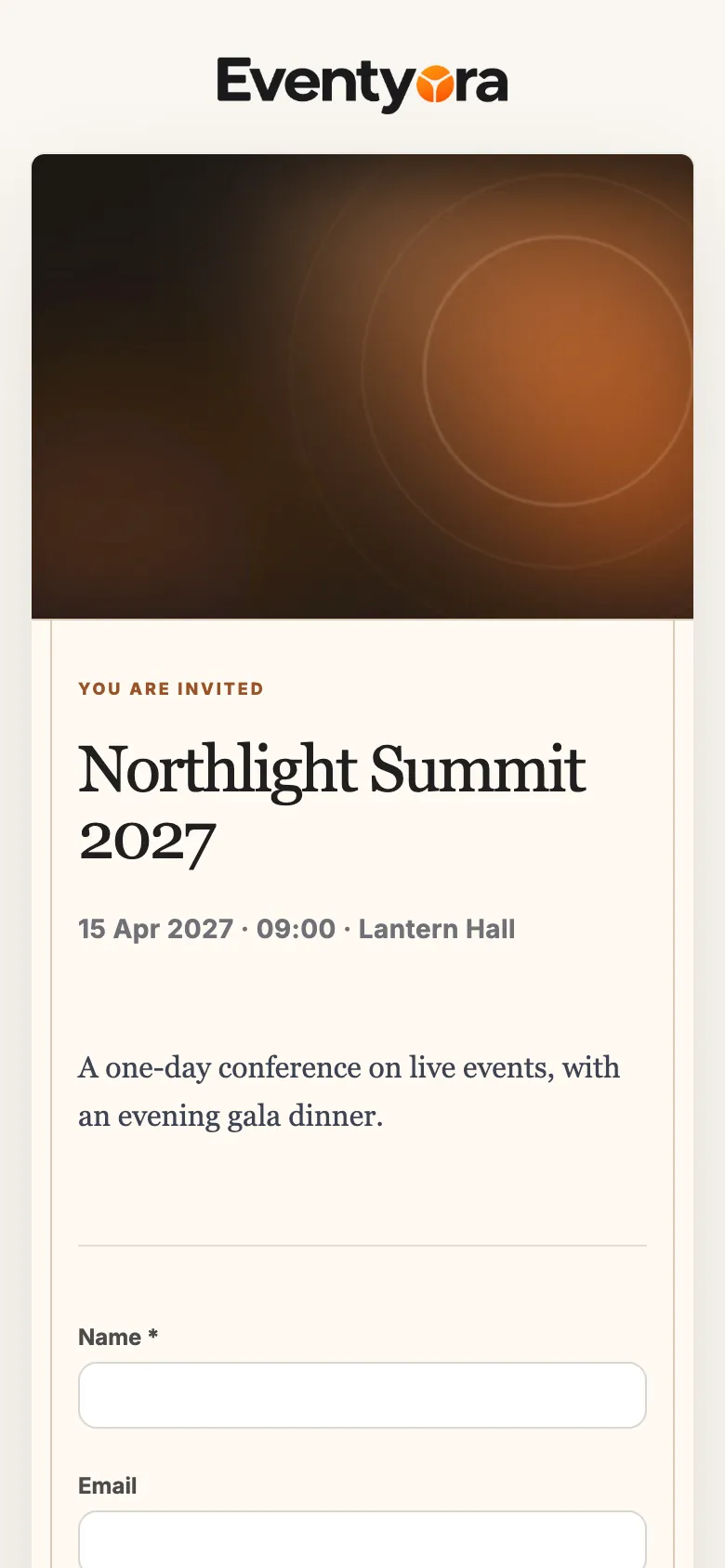
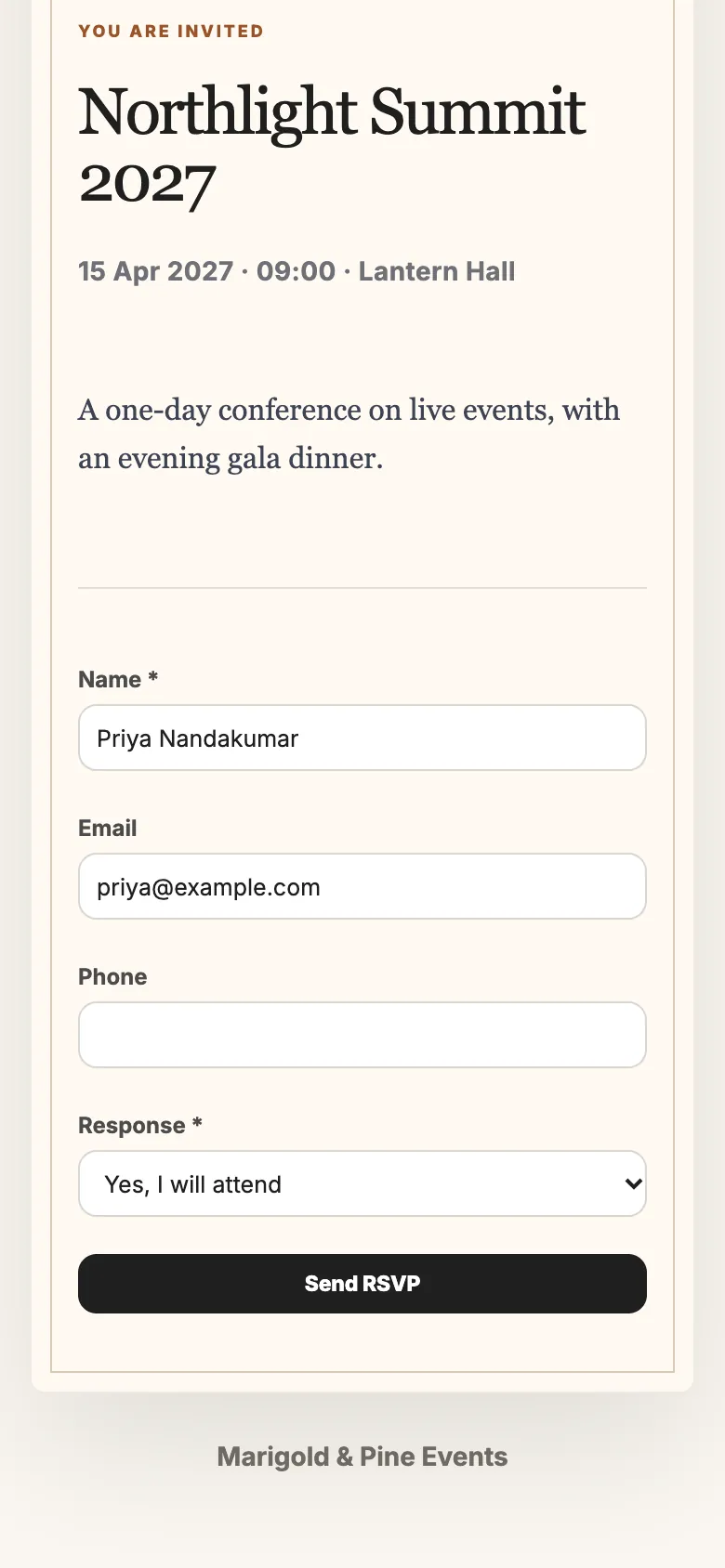
Eventyora Experience on a phone: invitation to Northlight Summit 2027 with the event cover, 15 Apr 2027 at Lantern Hall (sample data)

Invitations open with your event’s cover.

More from Experience

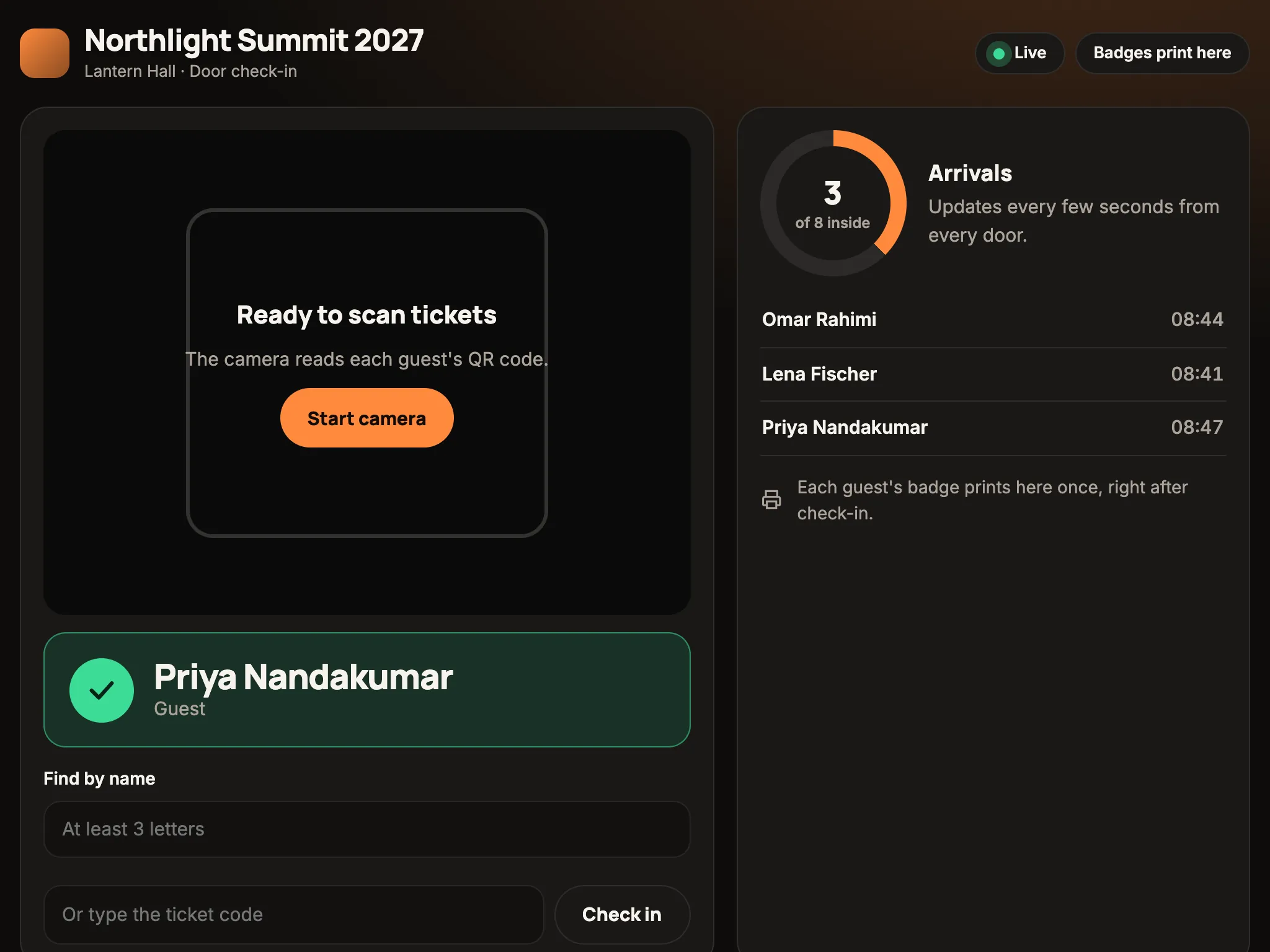
  • Eventyora door check-in on a tablet: Priya Nandakumar just checked in, 3 of 8 guests arrived (sample data)
    Door check-in on a tablet, arrivals counted live.
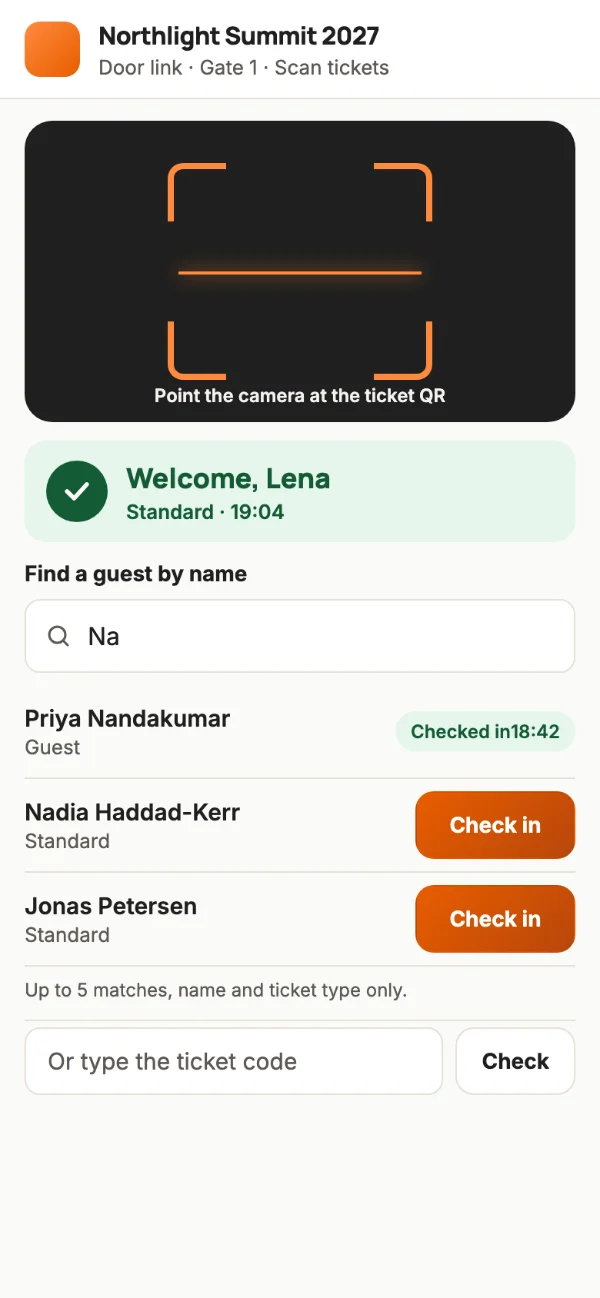
  • Eventyora door link on a phone: QR scanner, Welcome, Lena, and find a guest by name (sample data)
    The door link on any phone. No account.
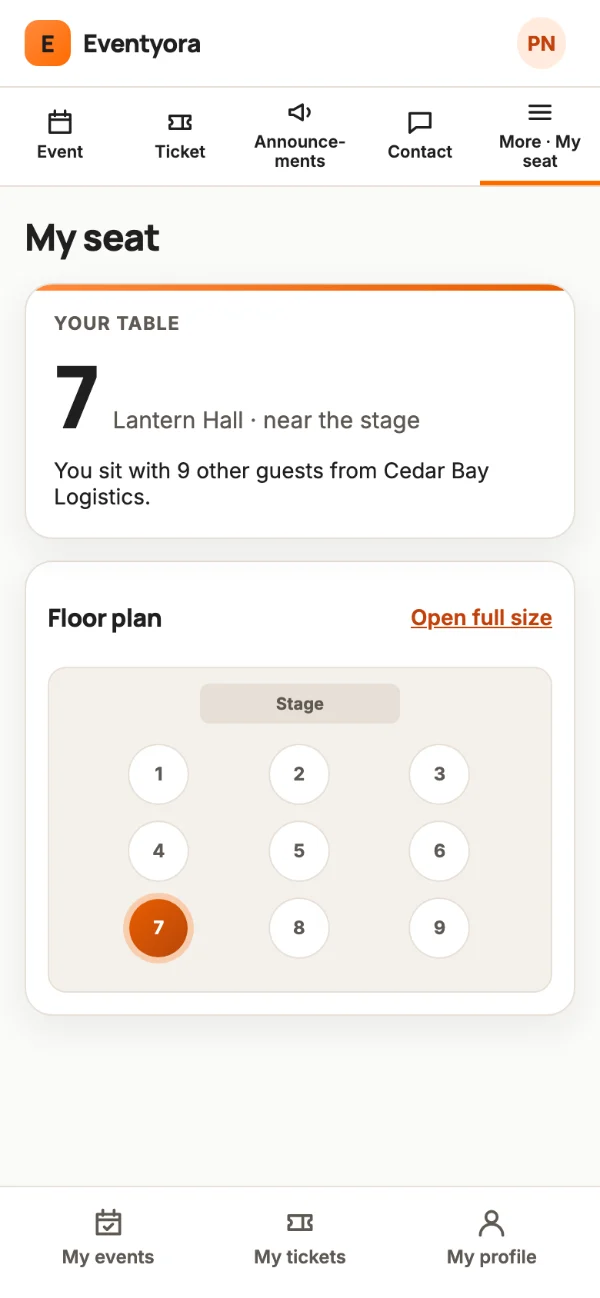
  • Eventyora guest app on a phone: My seat, table 7, with the floor plan (sample data)
    Guests find their own table.
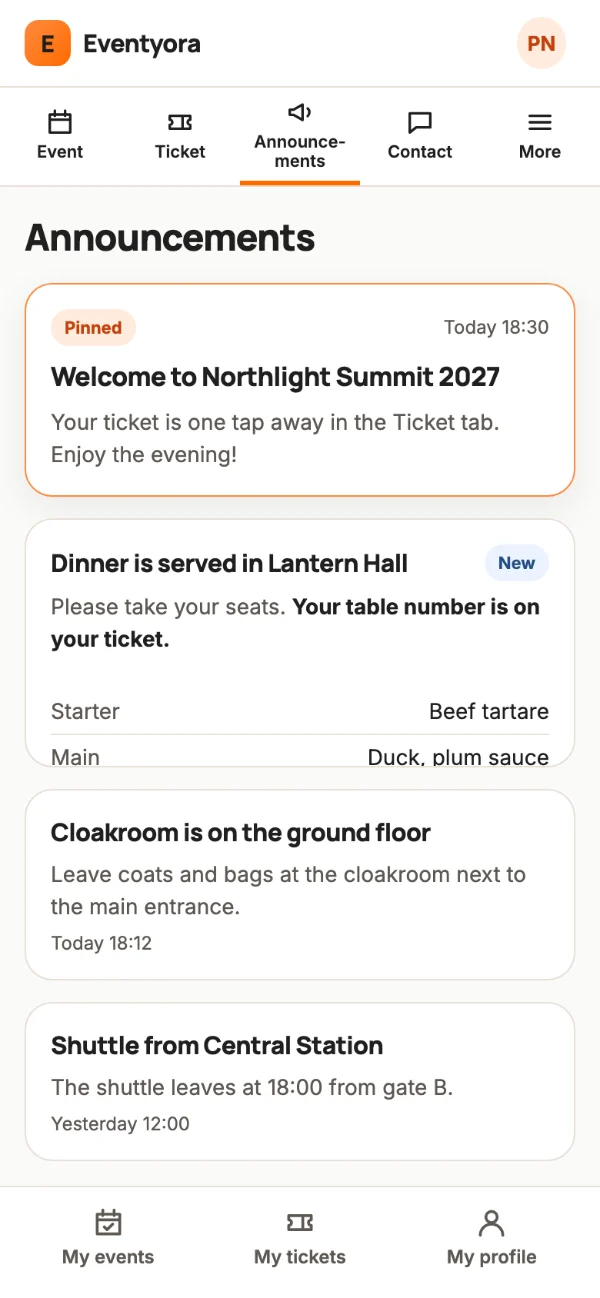
  • Eventyora guest app on a phone: announcements with a pinned welcome, dinner, cloakroom and shuttle (sample data)
    Announcements, pinned or scheduled.

Invitations

100 designs. 8 families. One tap to answer.

Start from a design, add your cover and music, then send. Guests open an animated invitation and answer in one tap.

Invitations

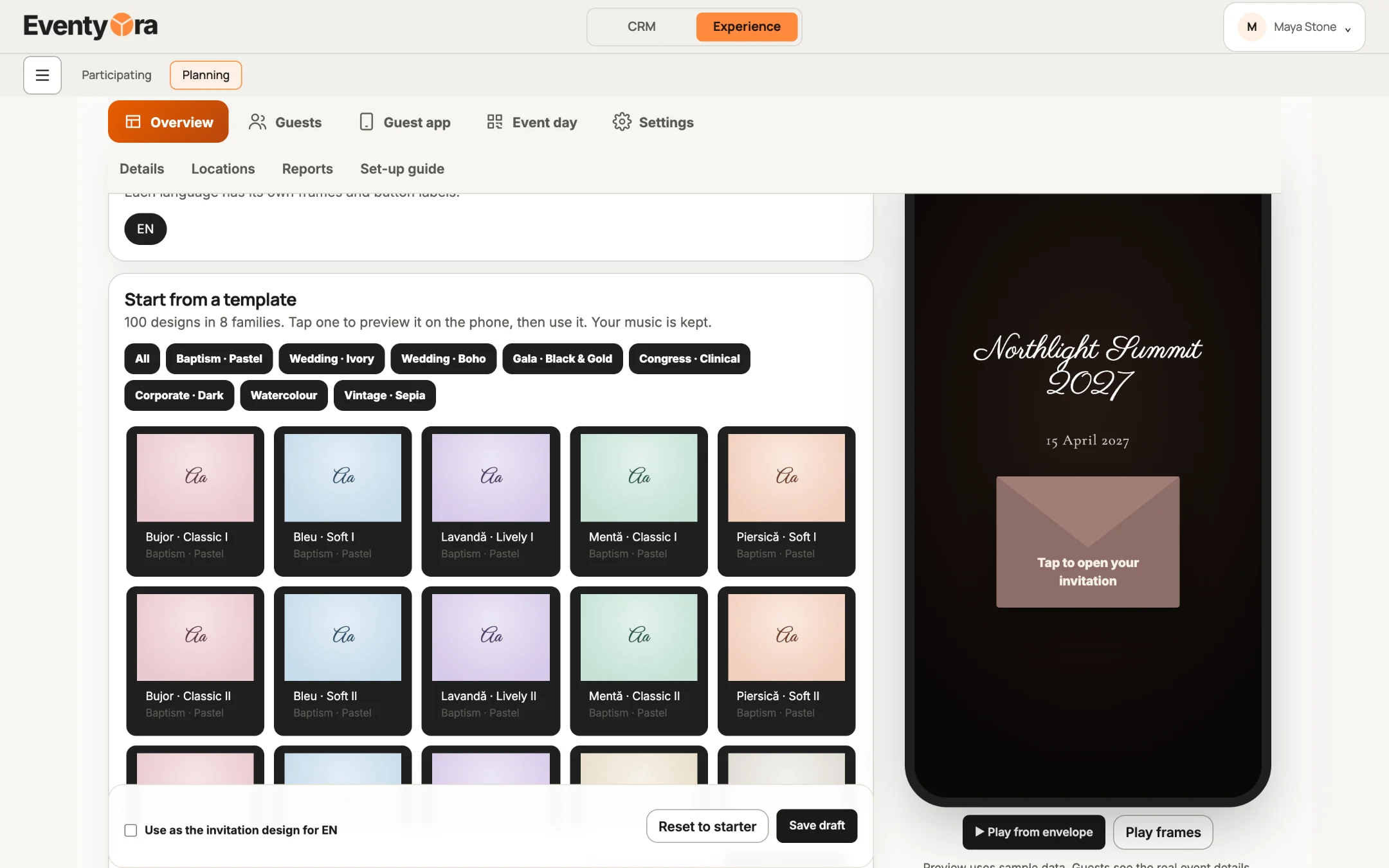
  • Eventyora invitation editor on a laptop: Start from a template, 100 designs in 8 families, with a live phone preview (sample data)
    The editor: 100 designs in 8 families, with a live preview.
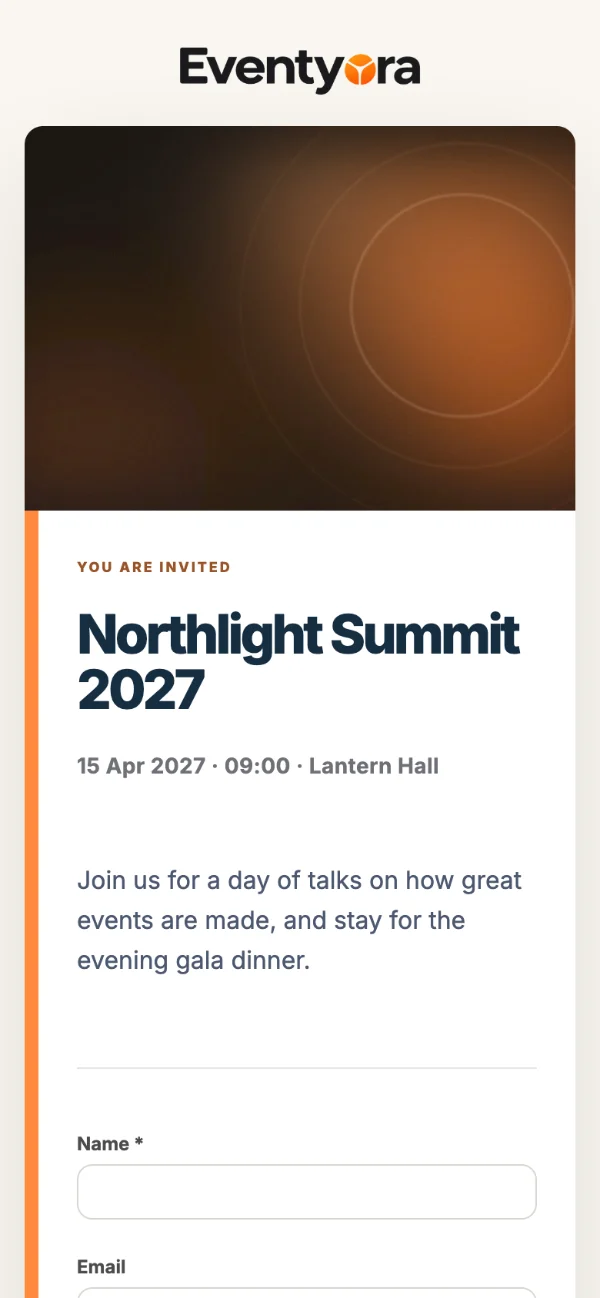
  • Eventyora invitation on a phone, design Corporate · Clean, for Northlight Summit 2027 (sample data)
    Corporate · Clean
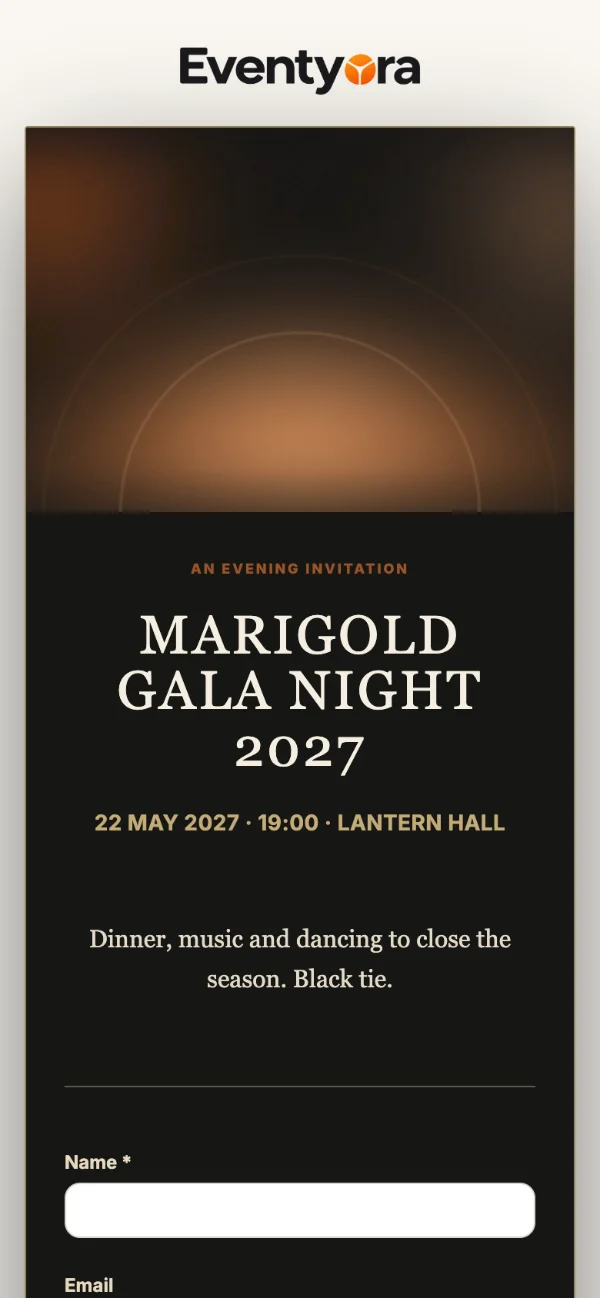
  • Eventyora invitation on a phone, design Wedding · Black Tie, for Marigold Gala Night 2027 (sample data)
    Black Tie
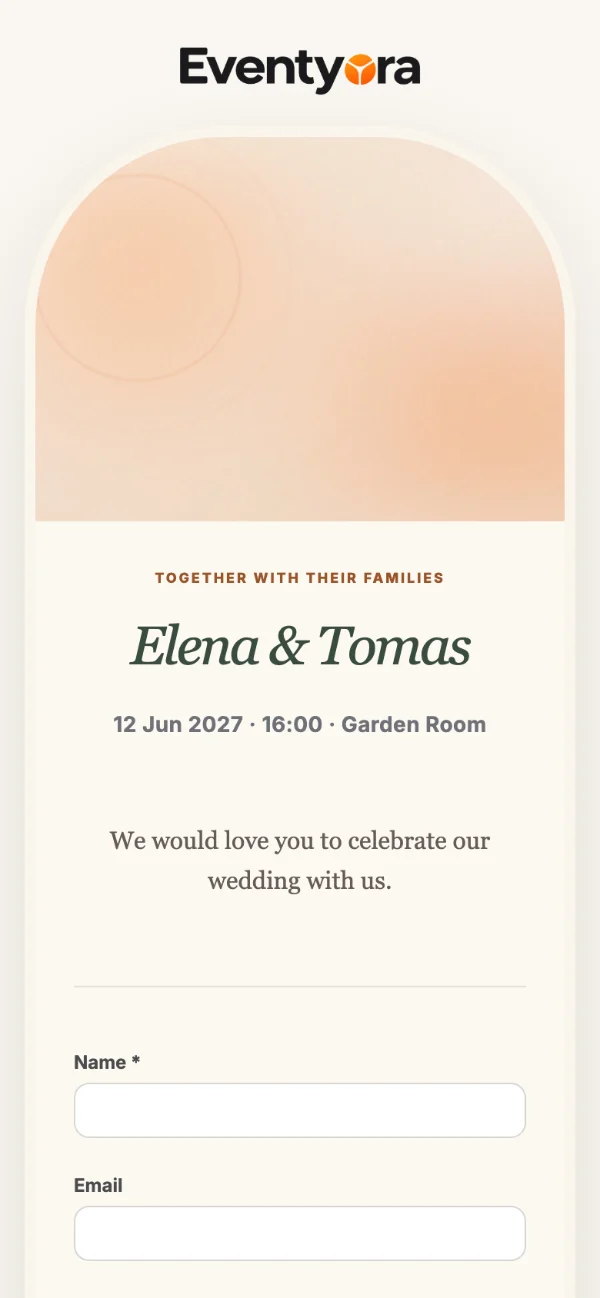
  • Eventyora invitation on a phone, design Wedding · Garden Romance, for Elena and Tomas (sample data)
    Garden Romance
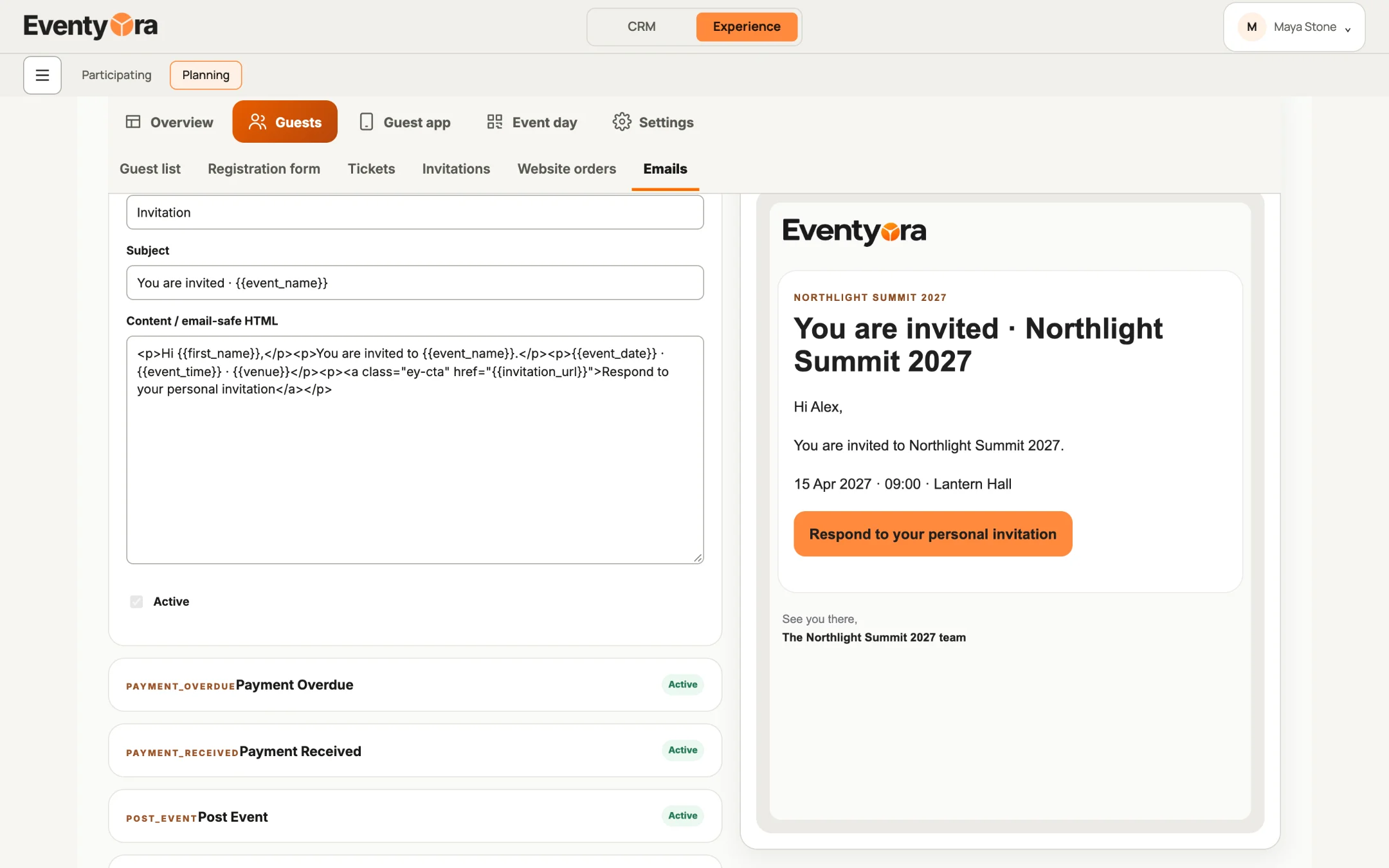
  • Eventyora email studio on a laptop: the invitation email with a live preview and a Respond to your personal invitation button (sample data)
    The invitation email, with your cover.

Show it

Eventyora Production

Run the room, not the laptop.

Live Q&A, polls, a big screen and a stage countdown.

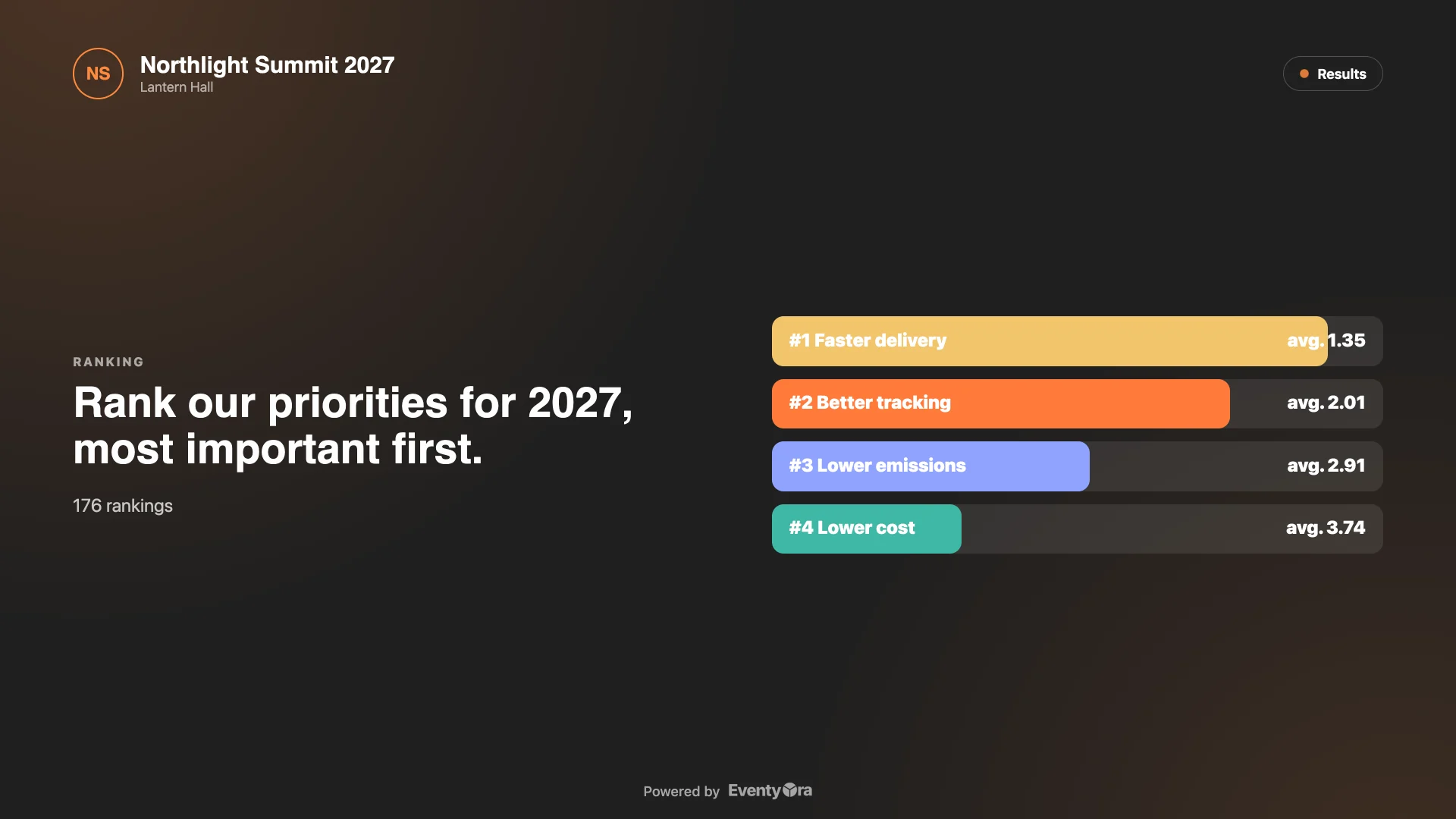
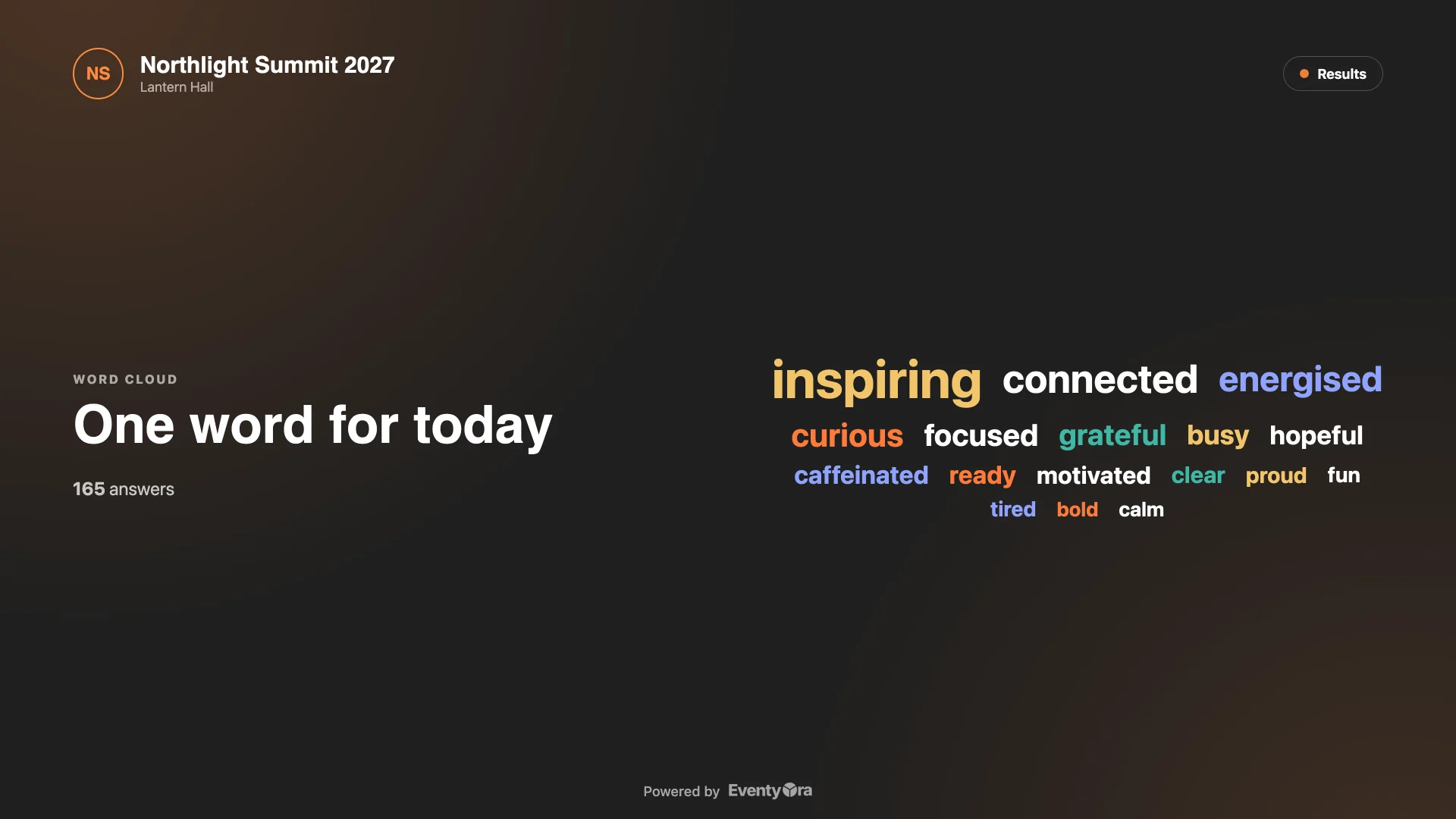
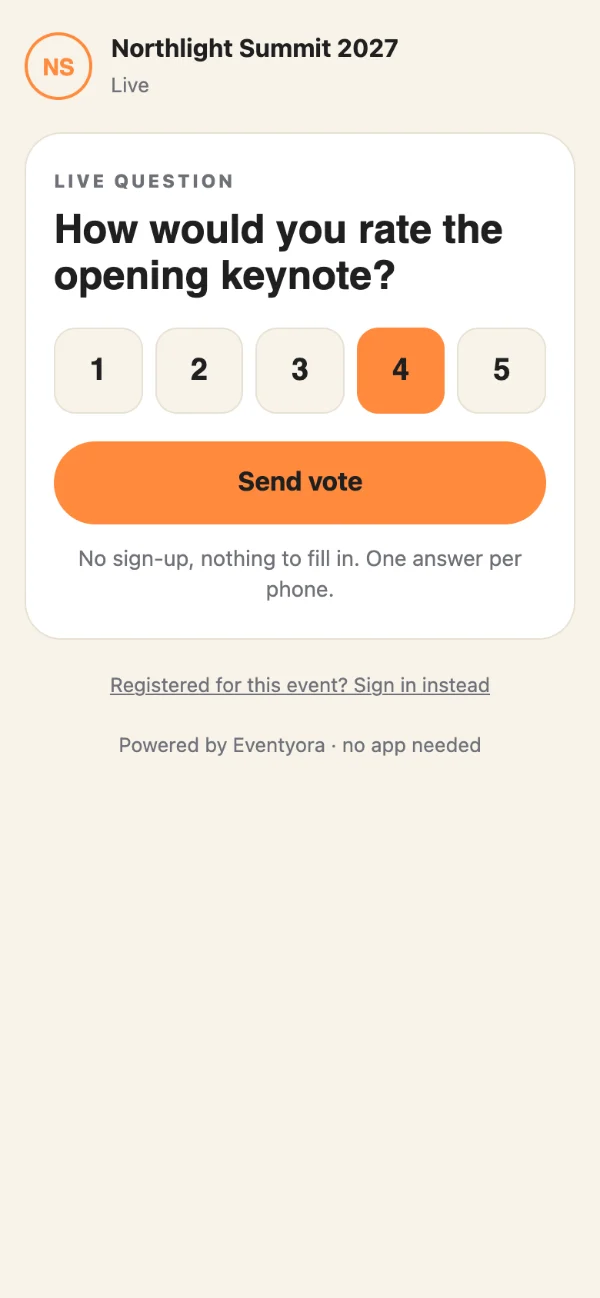
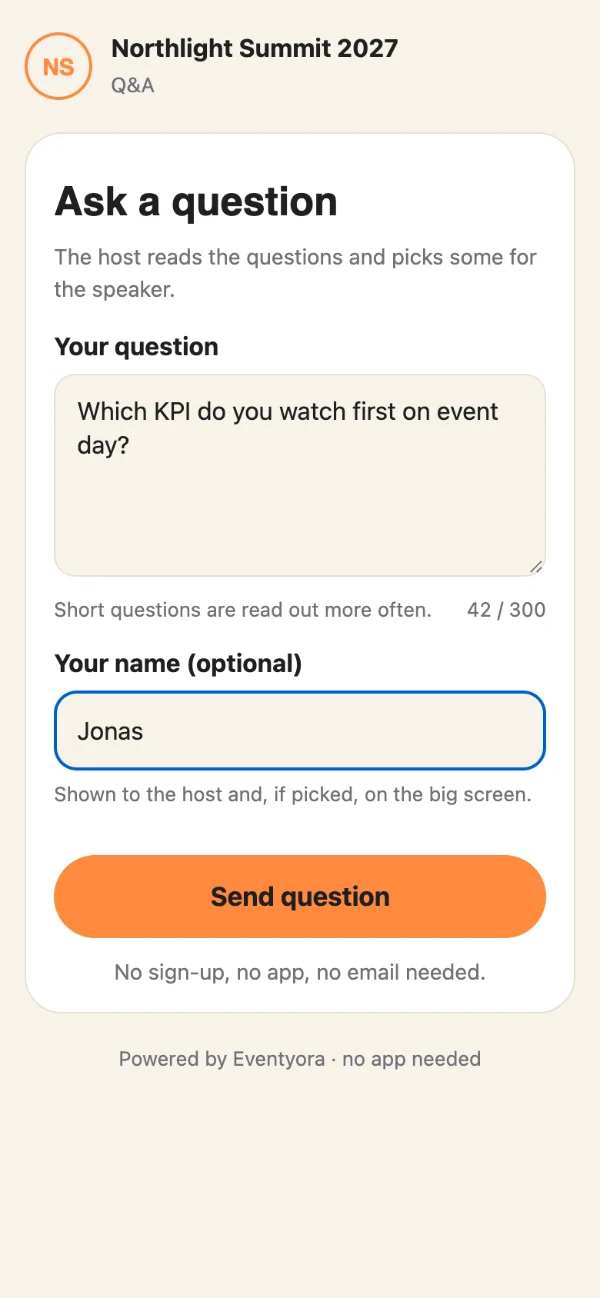
  • Live Q&A, polls, quizzes and a word cloud from guests’ phones, moderated by you.
  • Big screen: what the room sees, full screen, in one click.
  • Countdown and stage timer, full screen on any laptop or tablet.

For events with no guest list: conferences, shows, parties and sessions where the room just needs the tools.

Sample data

Pick it on the tablet. The room sees it.

Three linked screens: the operator’s tablet, the big screen and a guest’s phone. Choose a type.

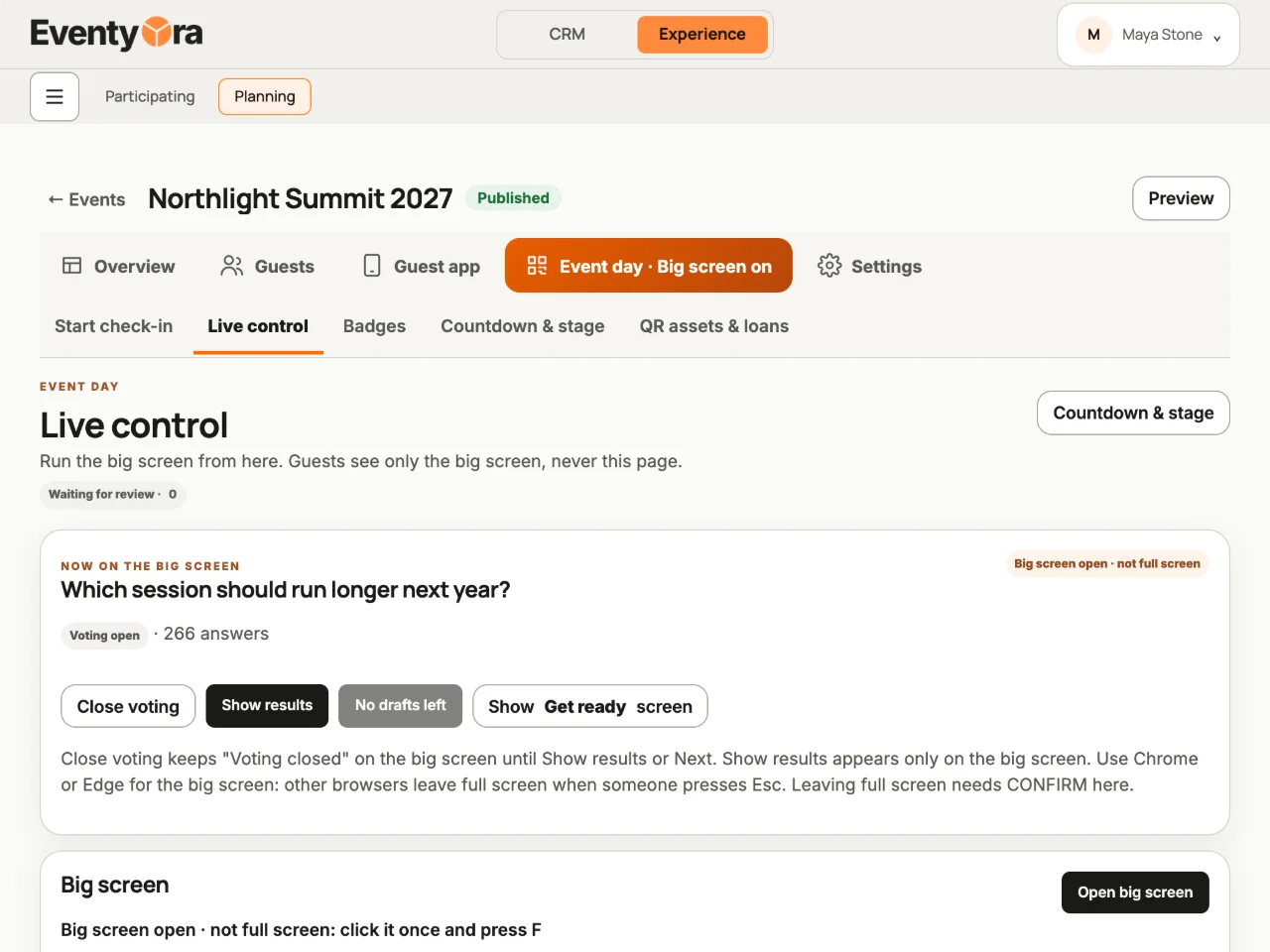
Eventyora operator console on a tablet: Which session should run longer next year, voting open, 266 answers (sample data)
Operator · tablet
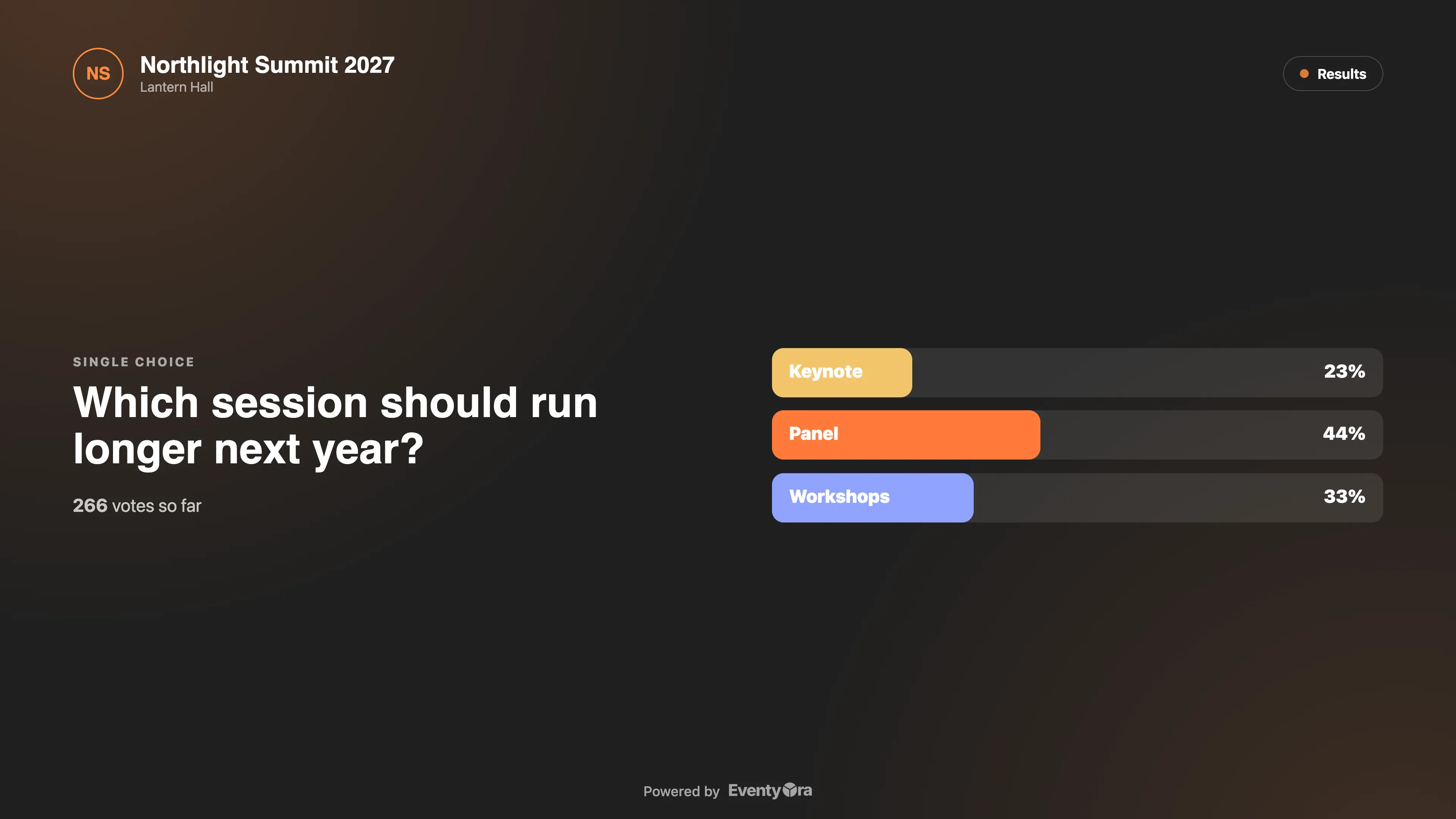
Eventyora big screen: poll results as bars: Keynote 23 %, Panel 44 %, Workshops 33 %, 266 votes (sample data)
Big screen
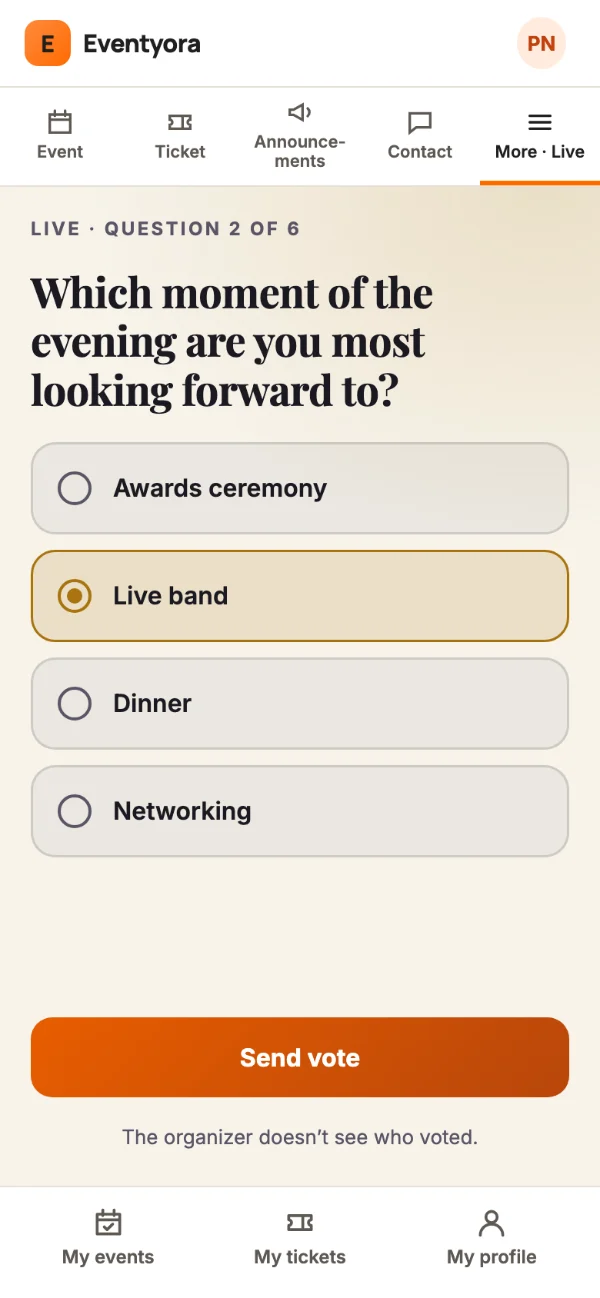
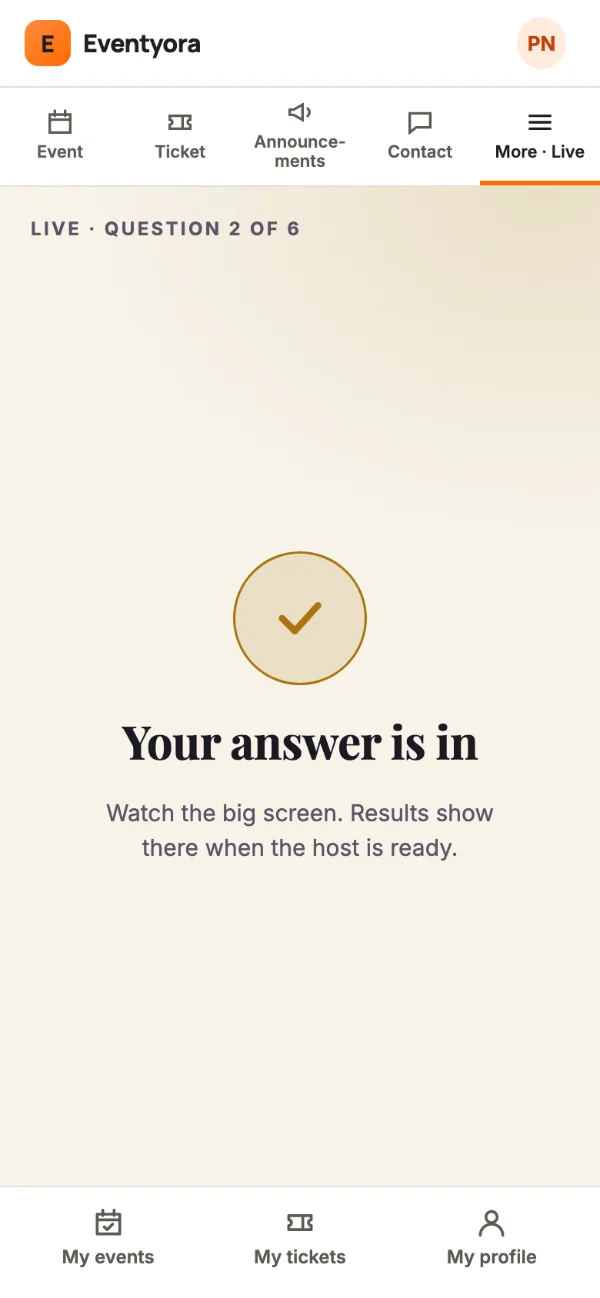
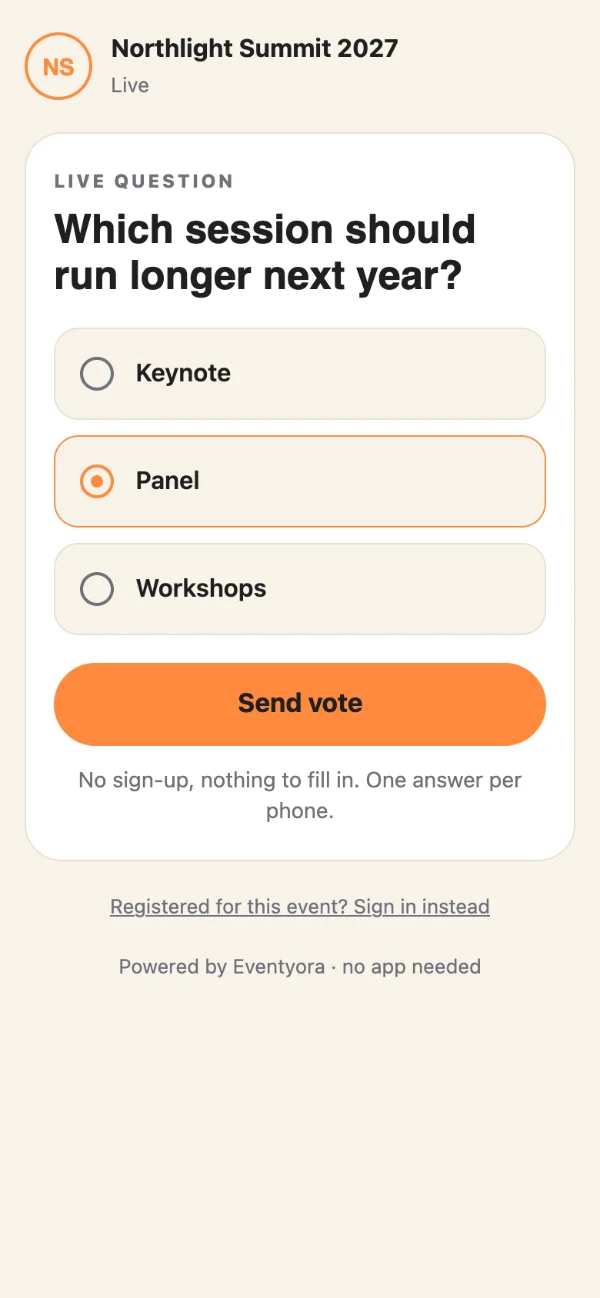
Eventyora guest phone, no account: a guest picks Panel in the poll Which session should run longer next year (sample data)
Guest phone

A poll: guests pick one answer, the room sees the bars move.

More from Production

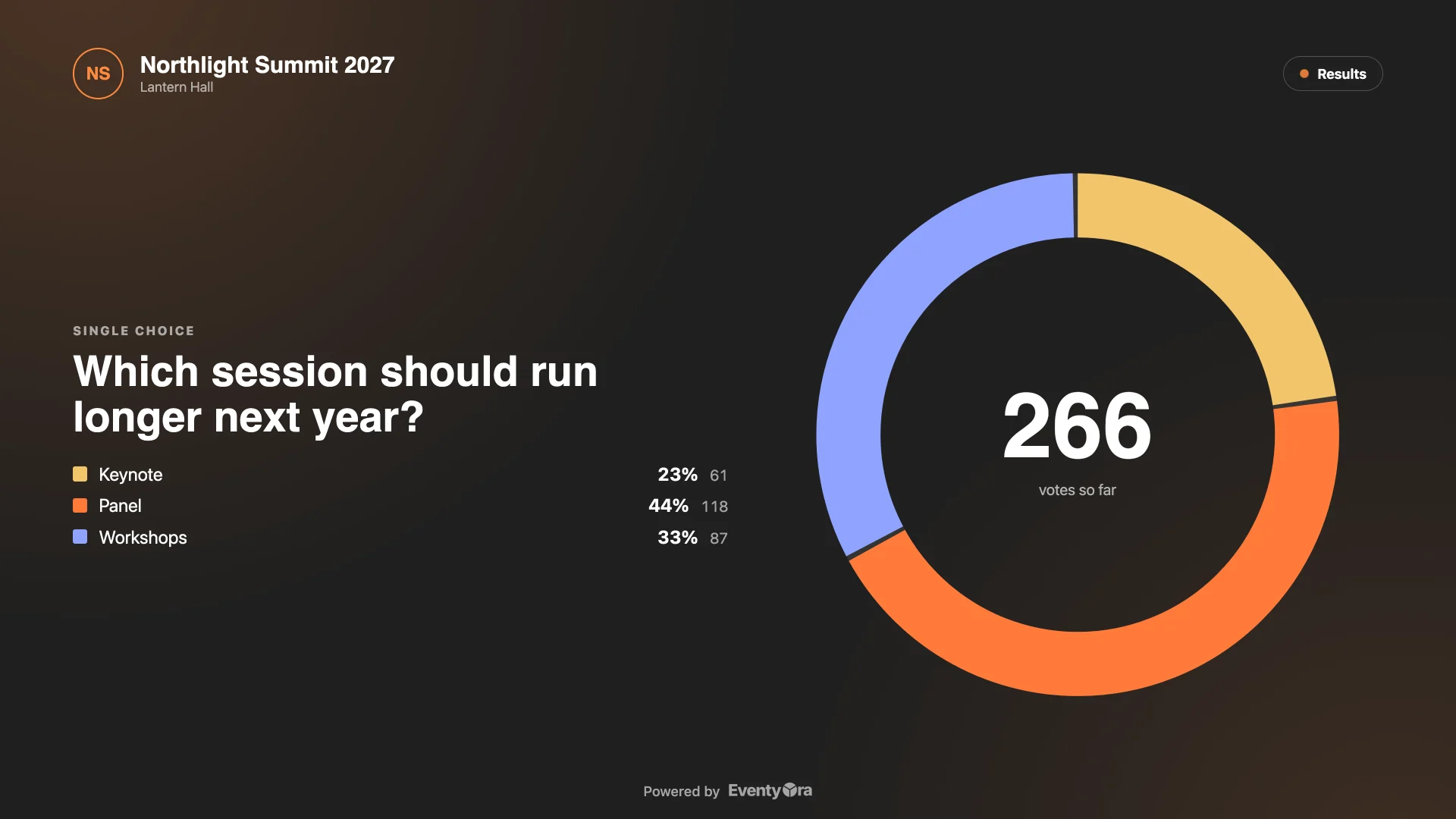
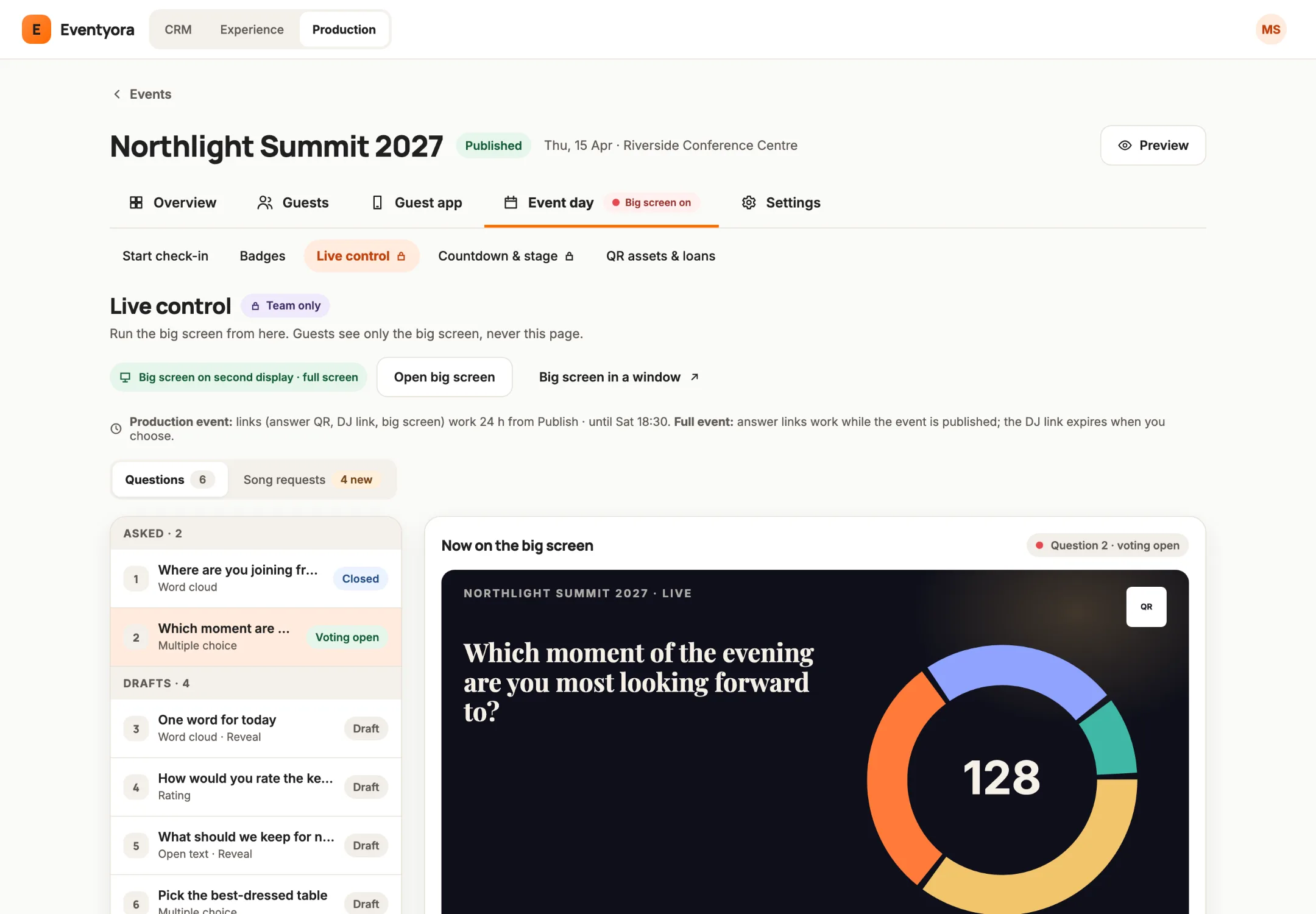
  • Eventyora Live control on a laptop: questions and drafts, with the big screen preview showing a live donut (sample data)
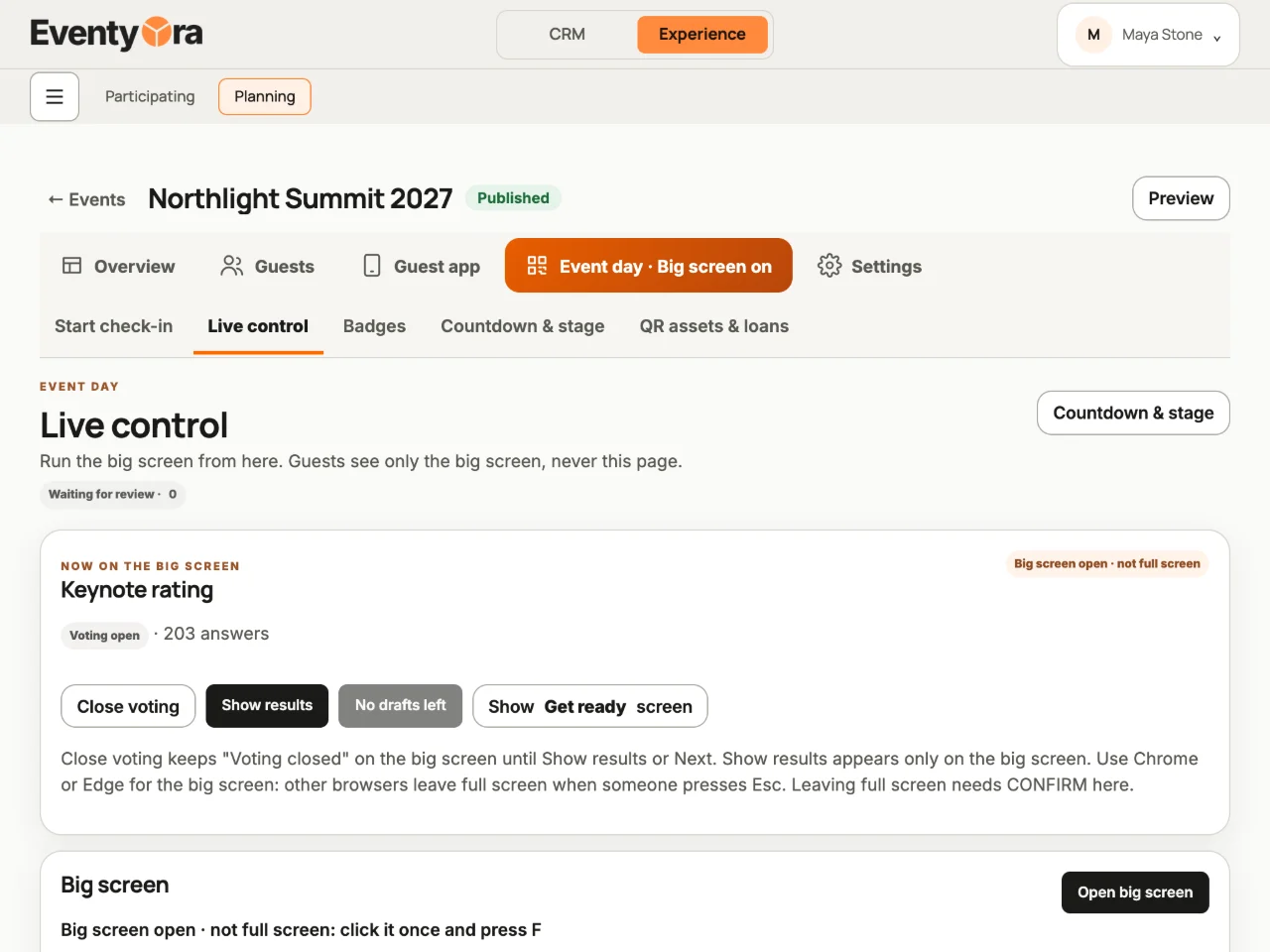
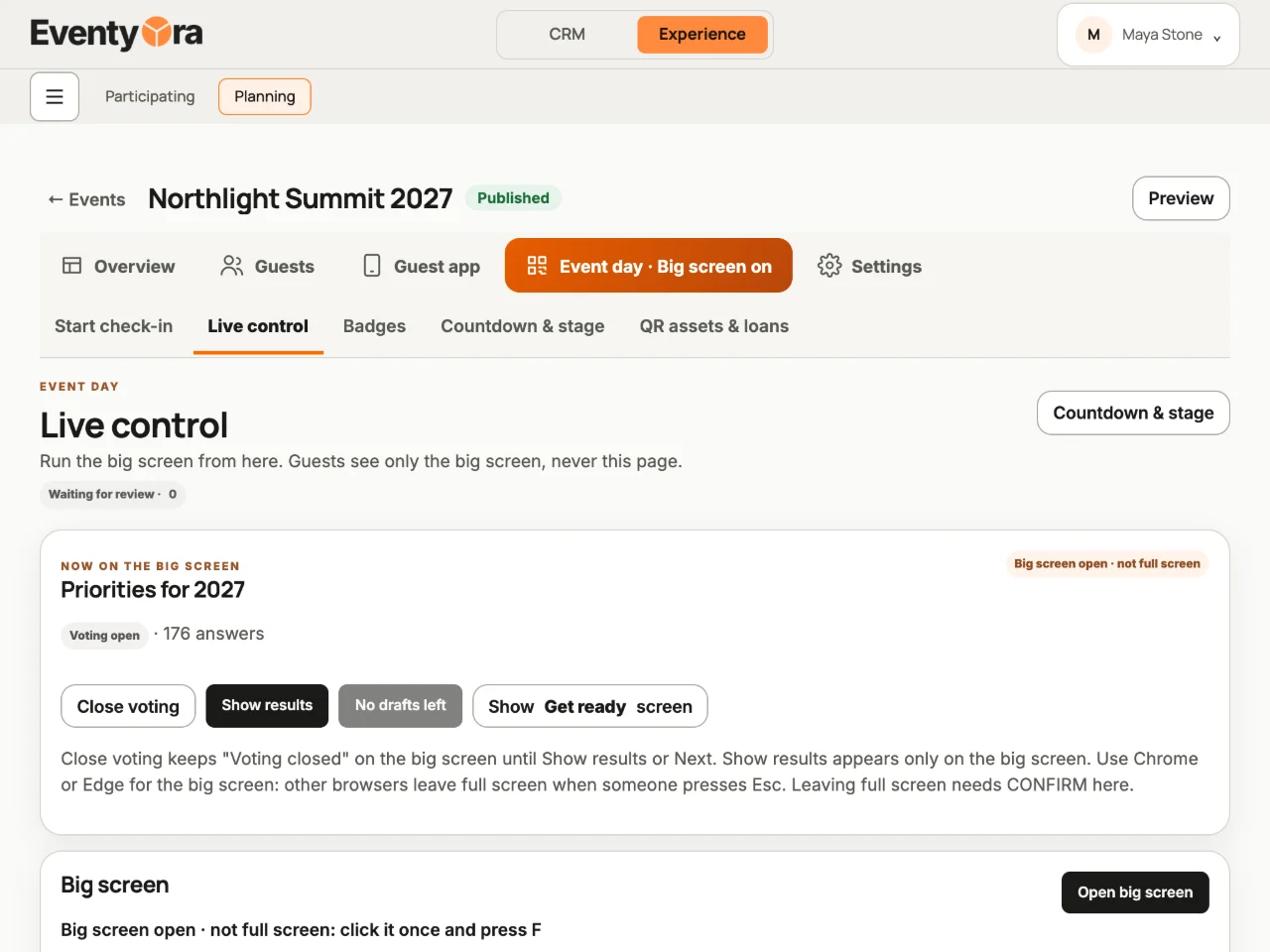
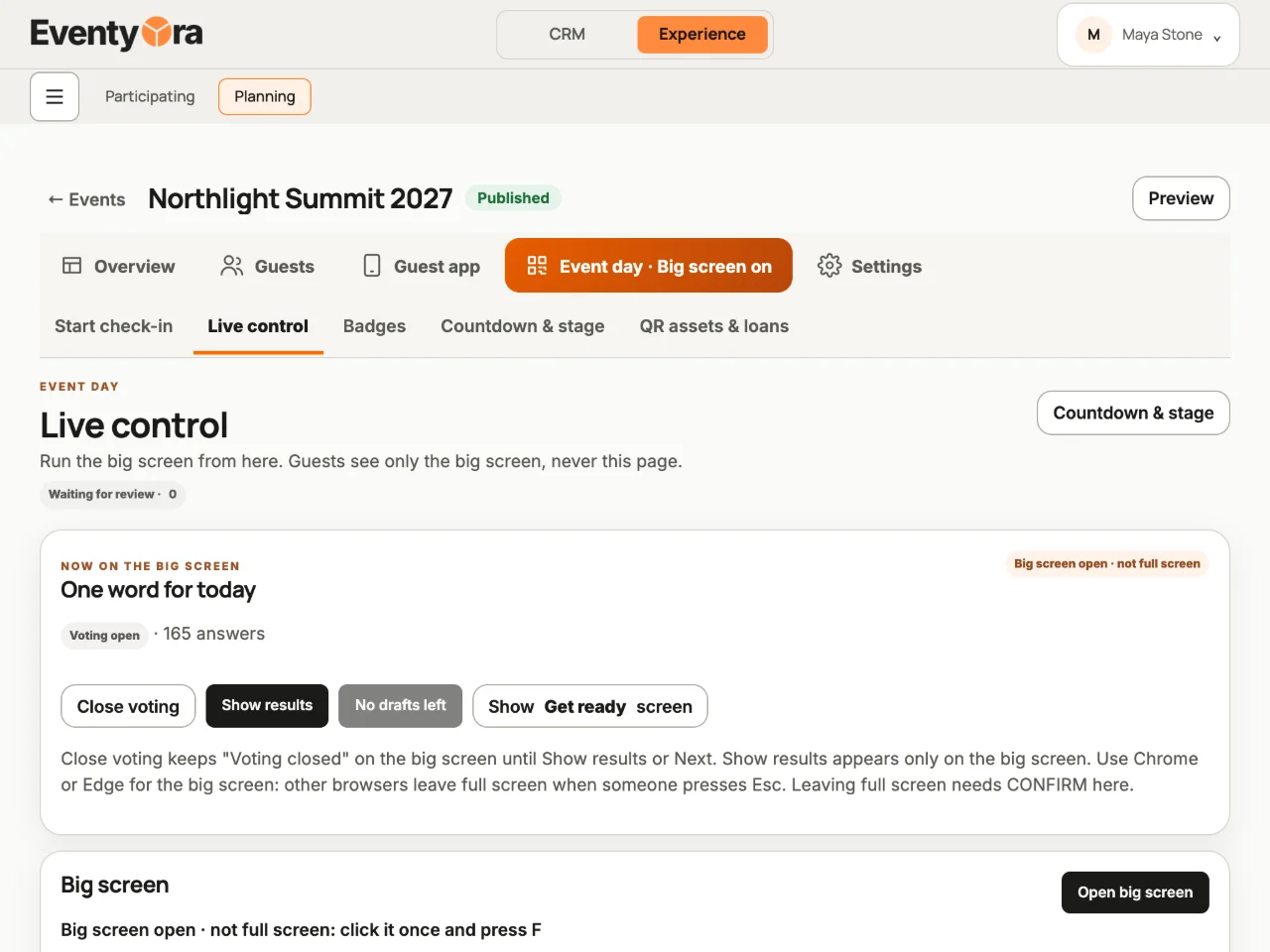
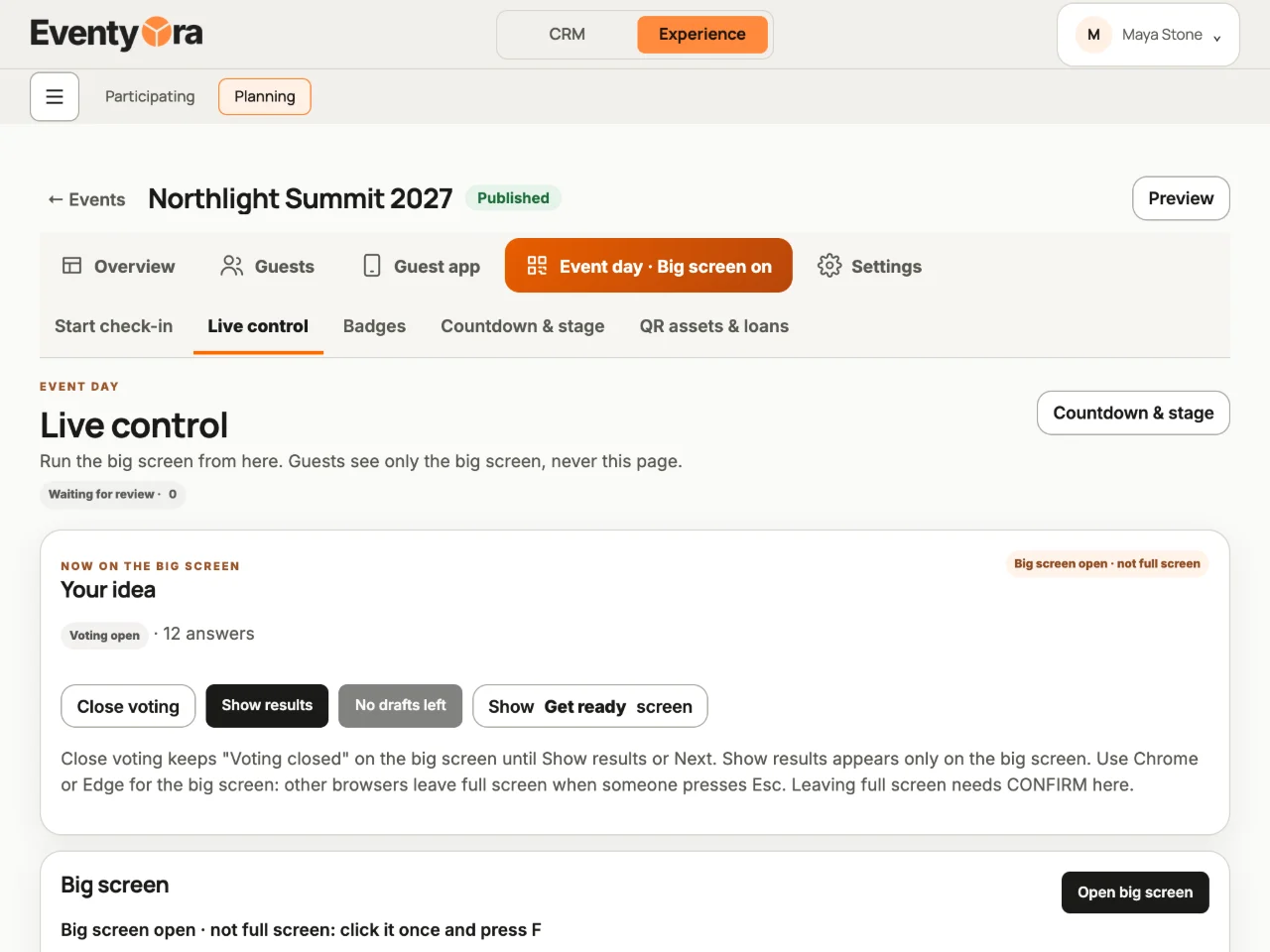
    Live control: choose what goes up, open and close voting.
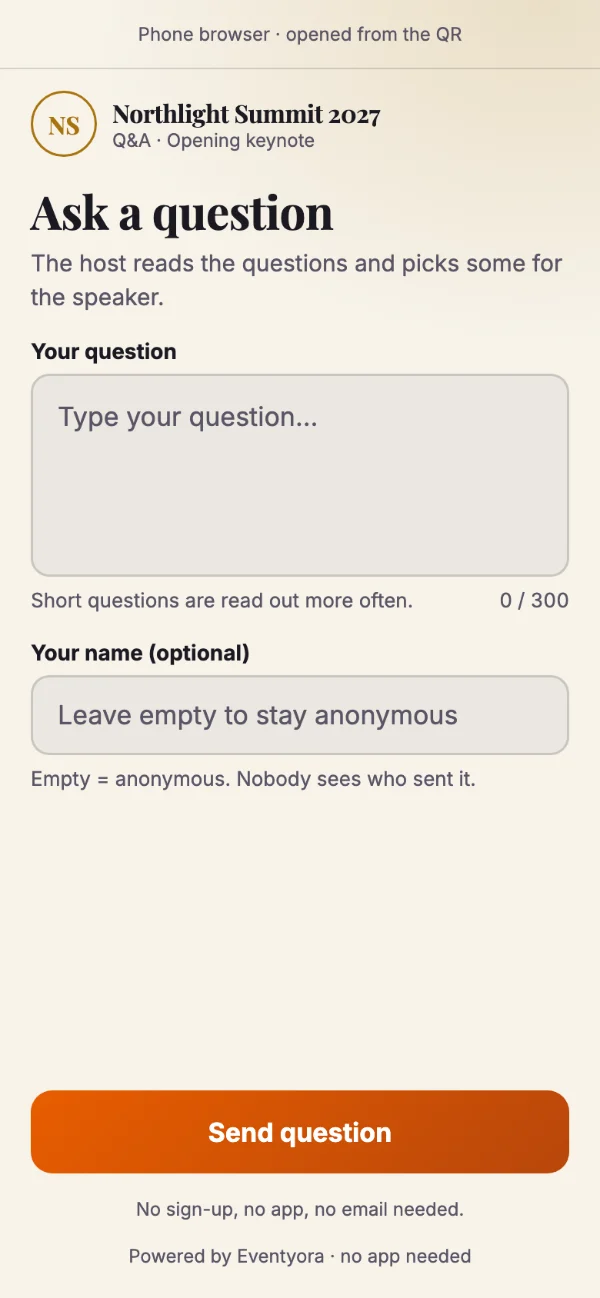
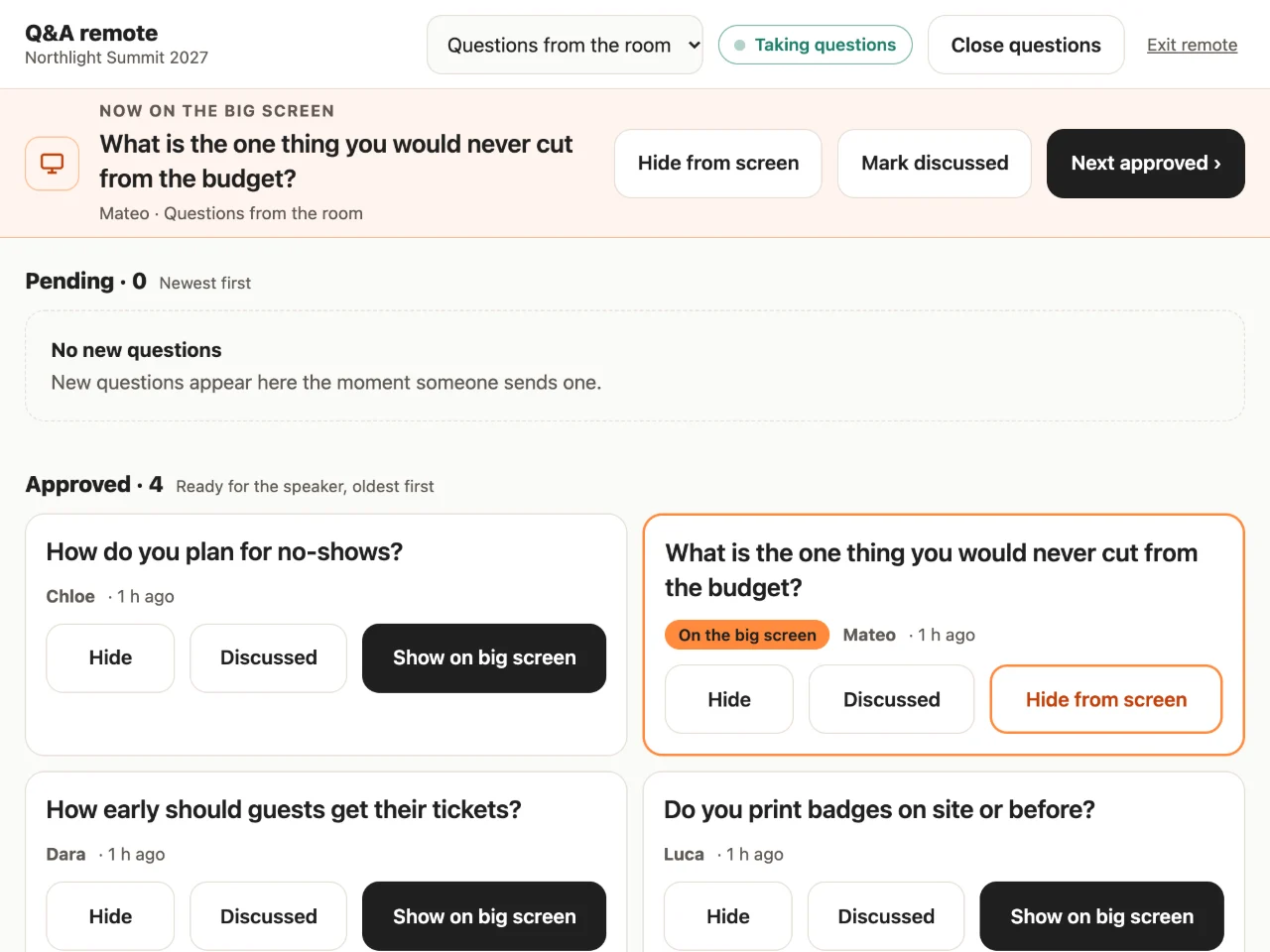
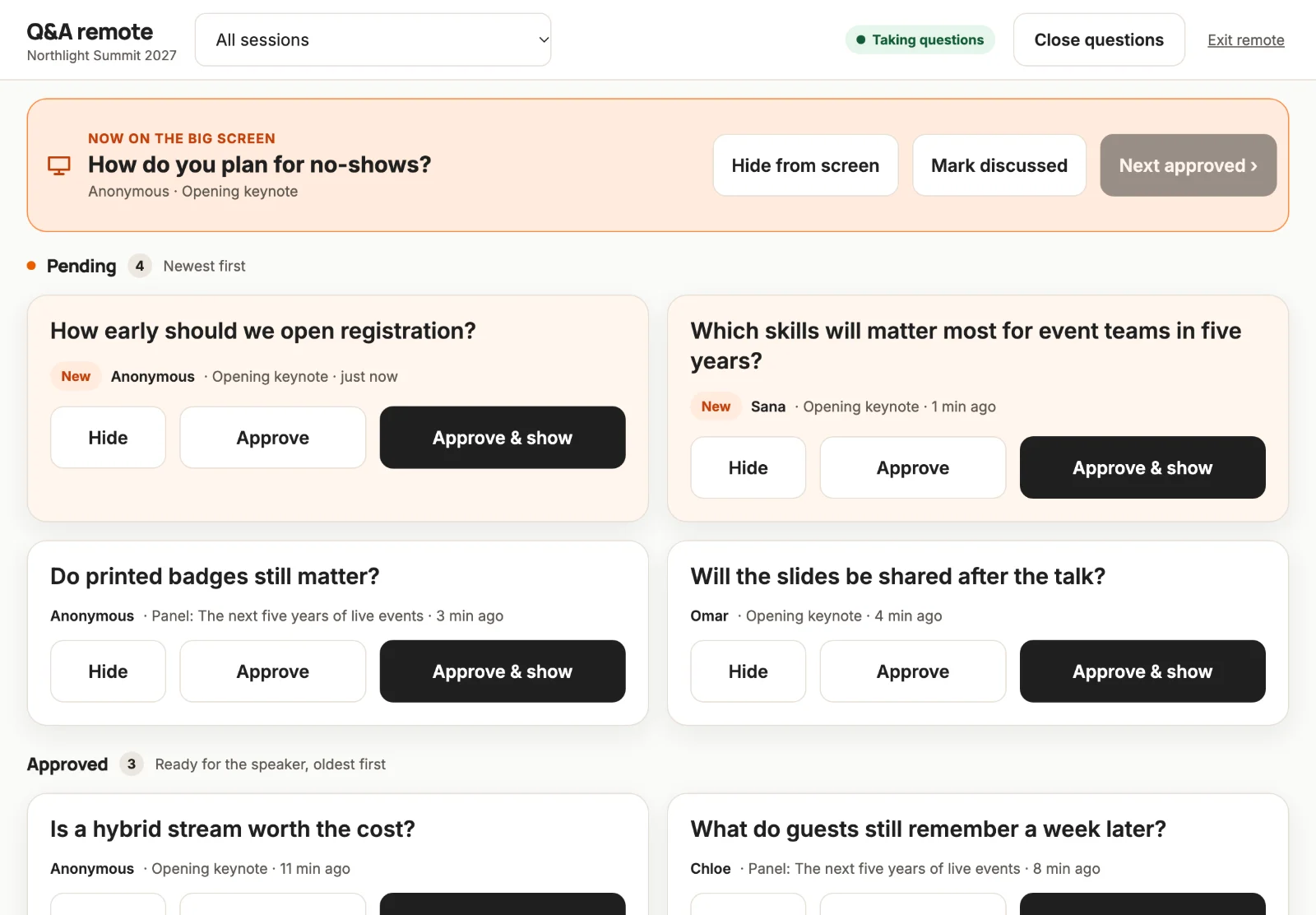
  • Eventyora Q&A remote on a tablet: the question now on the big screen, pending questions with Approve and show (sample data)
    The Q&A remote on a tablet.
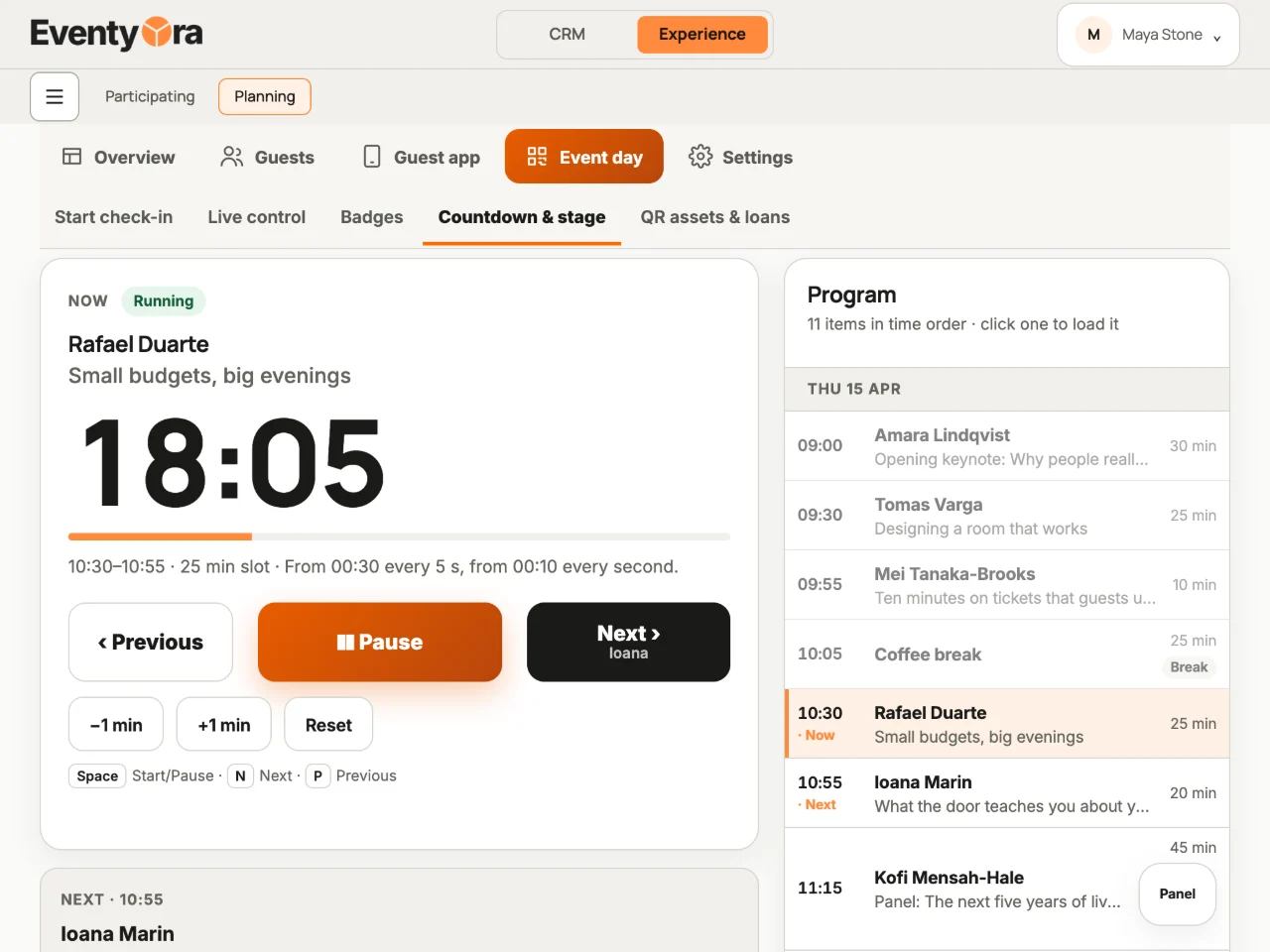
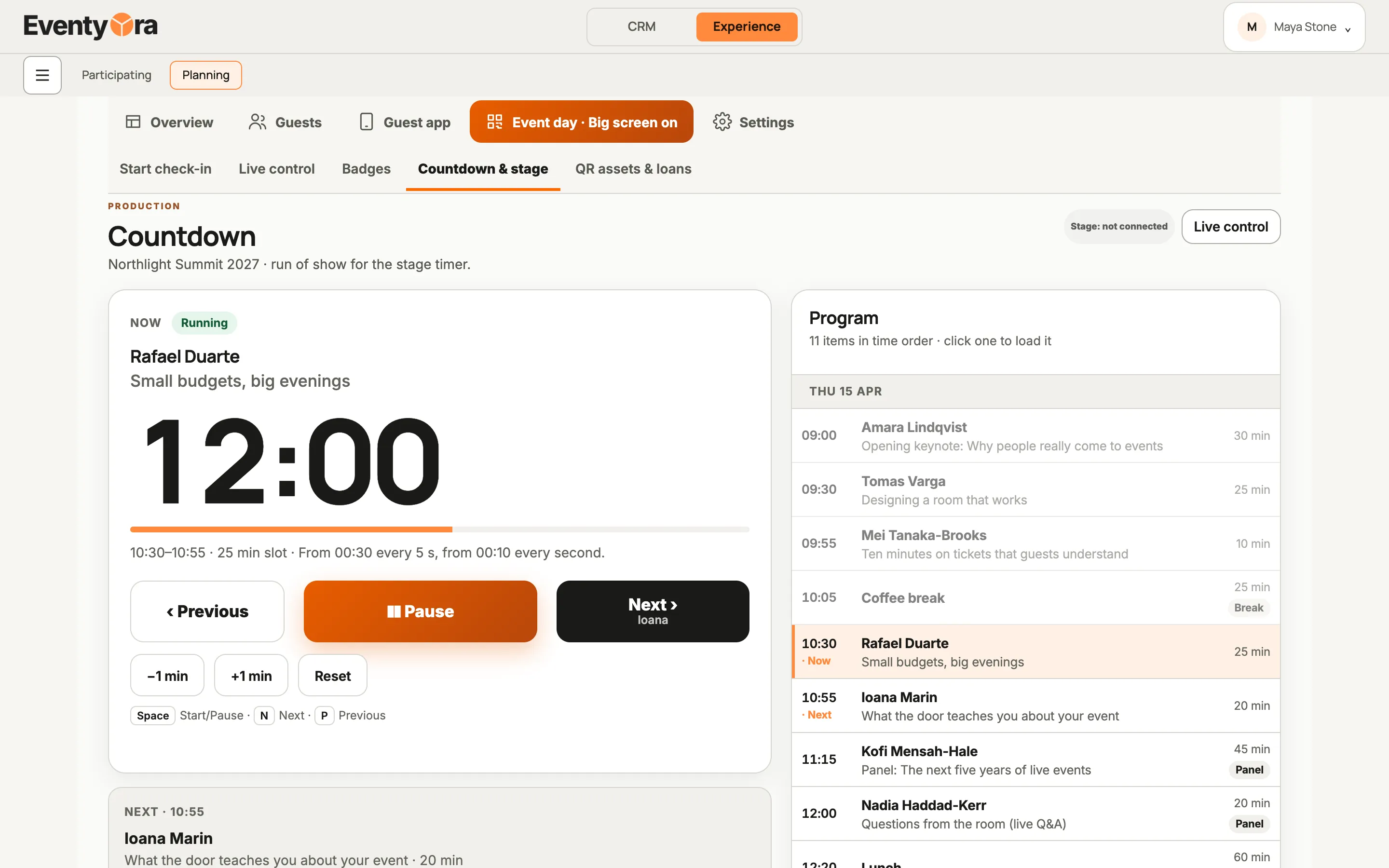
  • Eventyora Production on a laptop: run of show with the current speaker running and Previous, Pause and Next (sample data)
    Run of show: who is on now, and who is next.

One account, one event.

A won opportunity becomes an event in one click.

CRMExperienceProduction

Everything in it

Twelve favourites. And everything else.

What Eventyora does today, part by part. Open a group to see it all.

  • CRMOpportunities board, from first enquiry to won.
  • CRMOffers with a live preview of what clients see.
  • CRMContracts and annexes from your own templates.
  • CRMOne calendar for every hall and date.
  • CRMMenus priced from real ingredient costs, with margin.
  • CRMAsk Eventyora: AI that answers questions about your work.
  • ExperienceAnimated invitations with RSVP, in 100 designs.
  • ExperienceFree or paid tickets with QR, installments included.
  • ExperienceDoor link: staff check guests in, no account needed.
  • ExperienceName badges, designed by you and printed at check-in.
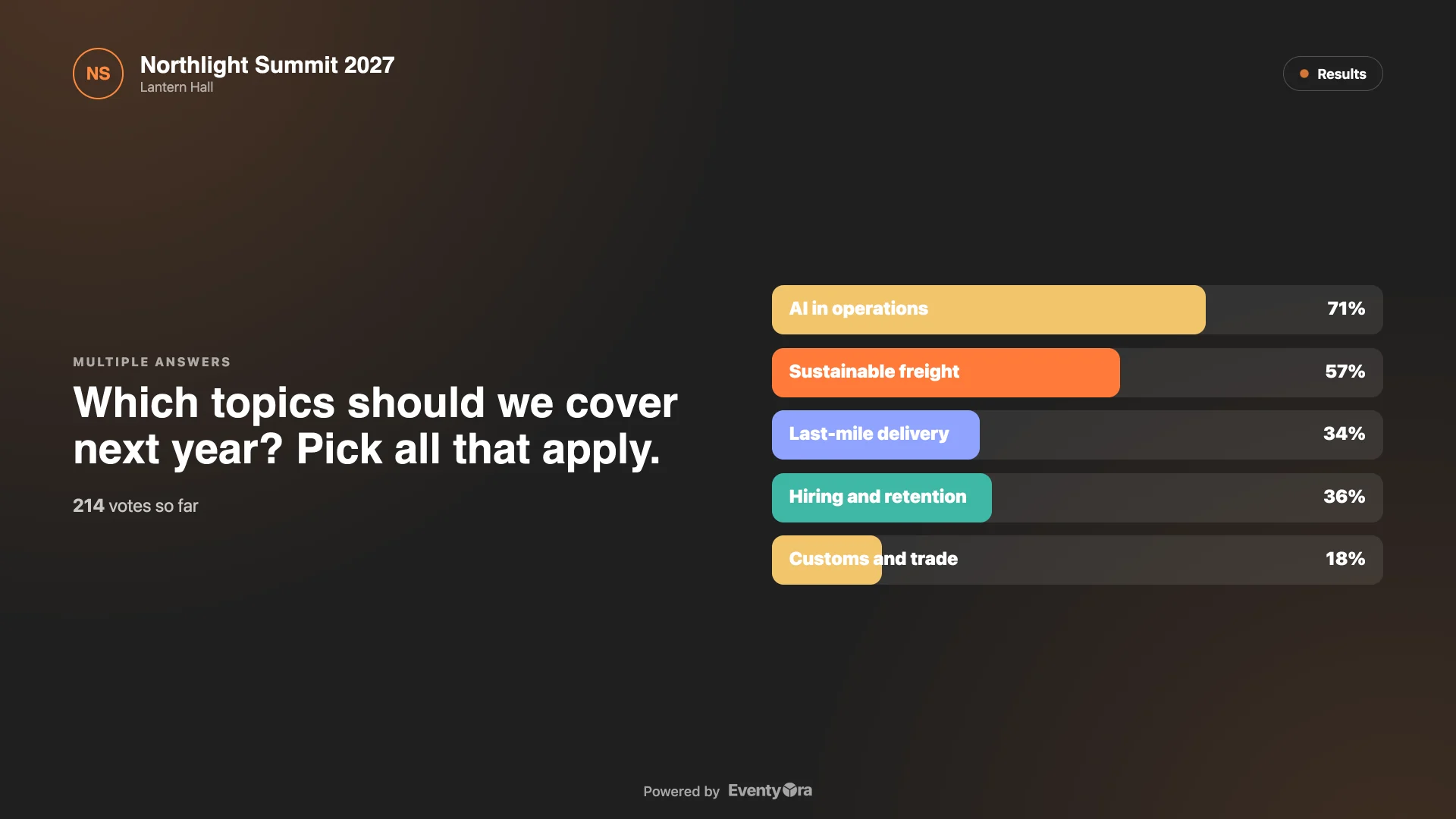
  • ProductionLive Q&A and polls from guests’ phones.
  • ProductionBig screen: what the room sees, full screen, one click.

CRM111 more

Sales and leads10
  • Switch the board to a list in one click.
  • Build your own pipelines per event type and brand.
  • Required fields per stage keep deals complete.
  • Lead inbox collects website, Meta, email and imported requests.
  • Review every lead before it becomes a client and event.
  • Website form webhook sends enquiries straight to your inbox.
  • Meta Lead Ads: Facebook and Instagram forms land as leads.
  • One shared communication inbox for every client conversation.
  • Turn a message into a task, with your approval.
  • Search clients, events and pages from one box.
Clients and companies6
  • Clients and contacts, people or companies, in one database.
  • Fetch Romanian company details from the tax ID.
  • Add several legal signers and pick the primary one.
  • Client completeness check before offers and contracts.
  • Issue documents from several of your own companies.
  • Several brands, each with its own look and templates.
Offers and packages7
  • Add services from your catalog or type a custom line.
  • Drop in a whole saved package in one click.
  • Sections, terms, management fee and VAT handled for you.
  • See your internal cost and margin while you build.
  • Generate a branded offer document, same as the client gets.
  • Reusable service packages bundle products, menus and services.
  • Price in other currencies, with the dated rate stored.
Contracts and documents7
  • Contract preview before you create the document.
  • Document templates with variables, images and page breaks.
  • Document center keeps every offer, contract and annex.
  • Print or save any document as PDF.
  • Share a document with your client inside Experience.
  • Withdraw a shared document whenever you want.
  • Track signers and signing order per document.
Invoices and money9
  • Invoice register tied to events, offers and contracts.
  • Prefill an invoice from the event's services or an offer.
  • Reverse an advance invoice from the same screen.
  • Record payments and expenses against each event.
  • Financial overview of recent offers, contracts and invoices.
  • Supplier payables report by event and period.
  • Reporting currency with BNR reference rates.
  • Performance and booking-pace reports with period comparison.
  • Event report with CSV export.
Calendar and halls9
  • Month, week, day and timeline views.
  • Events, tasks, meetings, viewings and tastings in one place.
  • Filter the calendar by venue.
  • Romanian fasting periods and no-wedding days flagged on the calendar.
  • Create a calendar item straight from the calendar.
  • Import events from an external calendar file.
  • Rooms with min and max capacity and permitted layouts.
  • Visual floor plan editor with tables and objects.
  • Reusable room plans, copied independently for each event.
Event dossier and sheets10
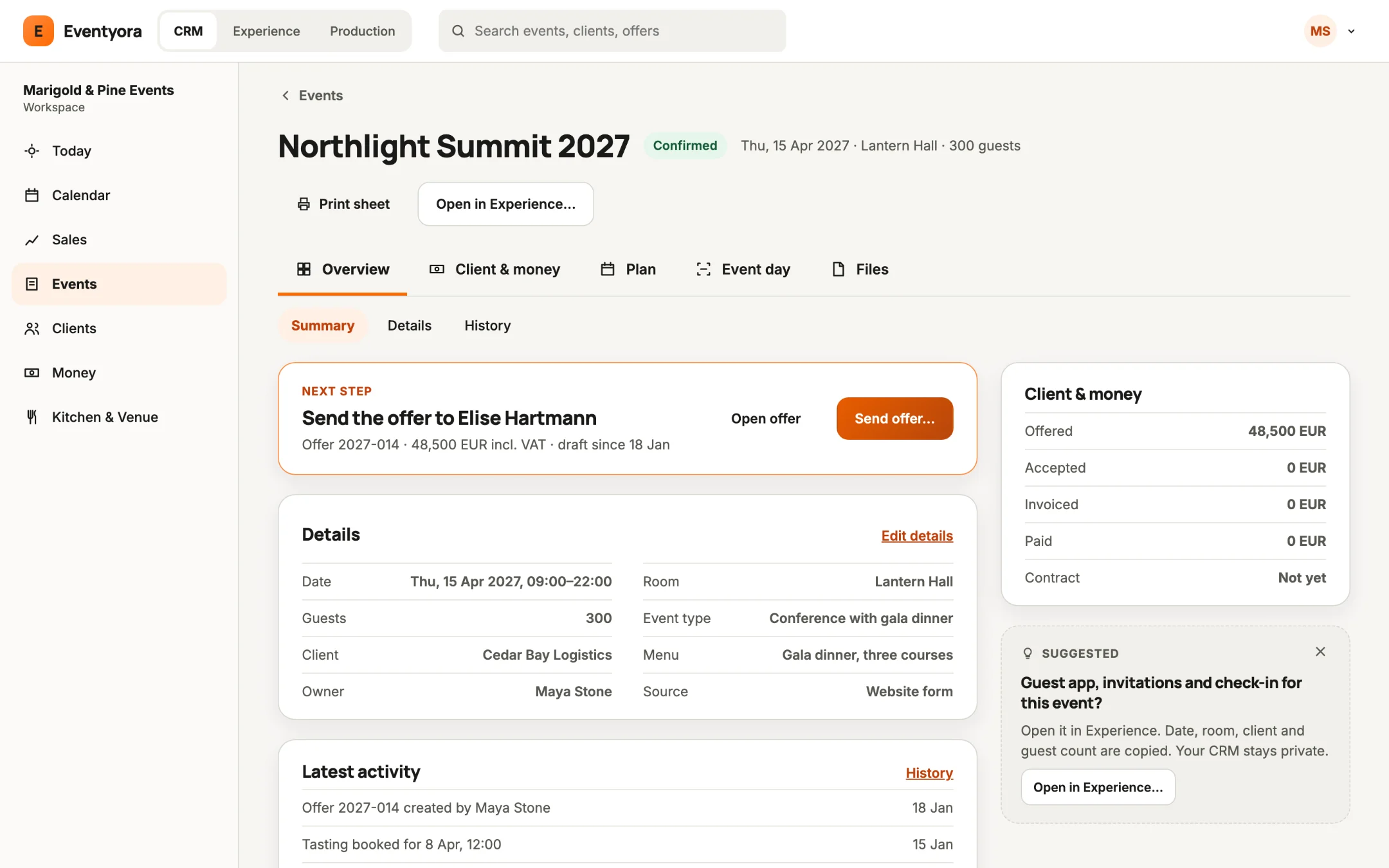
  • One event dossier: details, client, notes, files, history.
  • Operational timeline for everything that happens on an event.
  • One Event Sheet: menu, setup, staff and suppliers.
  • Choose what the client sees on the Event Sheet.
  • Share the Event Sheet with your client in Experience.
  • Print the kitchen sheet and the operational sheet as PDF.
  • Custom Event Sheet fields: napkins, glassware, chair model, anything.
  • Setup items, event staff plan and coordinator per event.
  • Event types with their own fields and defaults.
  • Event sources tell you where each booking came from.
Kitchen, menus and bar8
  • Ingredient library, preparations and dish recipes.
  • Food, drink, children, staff and alternative menus per event.
  • Procurement forecast: what to buy for the events ahead.
  • Schedule tastings and approve the final menu.
  • Bar and inventory with stock locations and movements.
  • Physical stock counts against theoretical stock.
  • Event consumption posted against stock.
  • Import ingredients, dishes and menus from Excel.
Catalog, suppliers and logistics5
  • One catalog for food, drinks, services, transport and fees.
  • Internal and external services with default suppliers.
  • Supplier directory with costs and balances per event.
  • Purchase cost and selling price share one event budget.
  • Import and export the catalog as XLSX.
Tasks and projects8
  • Tasks with subtasks, checklists, comments and attachments.
  • Recurring tasks and followers.
  • Projects for campaigns, event delivery or recurring work.
  • Custom task fields you can show as columns.
  • Save your own task views.
  • Import tasks from a file, ClickUp or monday.
  • Activity center shows what changed and who did it.
  • Daily task email digest for each teammate.
Automations7
  • Rules: when a lead arrives, send the right email.
  • Triggers on deal stage, event status, offer sent, contract signed.
  • Create follow-up tasks and sales opportunities automatically.
  • Wait hours or days between steps.
  • Notify a teammate, or call an outside webhook.
  • Reusable message templates, previewed on desktop and phone.
  • Automation workflow editor and a log of recent runs.
Workspace and control9
  • Guided setup that builds Eventyora around your business.
  • Venue, agency or service-provider mode shapes the menus.
  • Roles: owner, admin, manager, member and viewer.
  • Limit what each person sees by event and room.
  • Turn modules on or off per workspace, user or event.
  • Your own email identities for sending.
  • Recently deleted records come back with one click.
  • Portable workspace backup you can download and restore.
  • Import and export CRM data with CSV and Excel mapping.
CRM connections4
  • Microsoft 365 and Outlook email.
  • Any mailbox over SMTP, plus Mailjet delivery.
  • SmartBill invoicing.
  • Link CRM events to Experience with one bridge key.
AI helpers, in CRM12
  • Drafts replies to your clients' emails.
  • Suggests tasks from conversations, for you to approve.
  • Recognizes event types and keeps contact details current.
  • Updates dates and guest counts from messages, with approval.
  • Assigns new requests to the right teammate.
  • Adds internal notes and confirmed catalog services.
  • Set up your workspace by chatting with Eventyora.
  • Write your own AI rules in plain language.
  • AI inbox, activity log and usage in one place.
  • Choose how much AI helps: ask first, or act.
  • Money, dates, deletions and sending always need approval.
  • Help center that answers how-to questions.

Experience96 more

Create and set up9
  • Build an event from a ready template in minutes.
  • Combine formats: congress plus workshop, wedding plus party.
  • Pick the guest-app sections, order and who sees each.
  • Draft first, publish when you are ready.
  • Preview your event as a guest before publishing.
  • Event cover, logo, colors and co-branding.
  • Organizer profile with light and dark logo variants.
  • Event link and QR code, ready to share.
  • Free event, tickets, invitations, or all three.
Invitations and RSVP10
  • 100 ready-made invitation designs in 8 families.
  • Weddings, baptisms, galas, congresses and corporate looks.
  • Invitation text in Romanian or English.
  • Add your own music to open with the envelope.
  • Personal invitation link for each guest.
  • Import your guest list from Excel or CSV.
  • Review recipients and the email before you send.
  • Guests answer in one tap and get a confirmation.
  • Plus-ones and special menus on the guest list.
  • Track who replied, who is coming and who is not.
Registration9
  • Registration form builder with sections and question types.
  • Show a question only when an answer calls for it.
  • Version history keeps what each guest answered.
  • Segments route guests to the right ticket automatically.
  • Filter guests by any registration answer.
  • Export guests with their answers to Excel.
  • Add a guest by hand or issue a complimentary ticket.
  • Assign guests to segments in bulk.
  • Guests change their email and verify it safely.
Tickets and payments11
  • Ticket types with sales windows and visibility.
  • Pay in installments, or pay ahead whenever it suits.
  • Fiscal breakdown with several VAT rates per ticket.
  • Card payments through NETOPIA.
  • Mark a payment by hand and keep a note.
  • Reissue or revoke a ticket, with the reason logged.
  • Public ticket shop with a link you can copy.
  • Sell from your own WooCommerce or custom shop.
  • See orders from every shop in one timeline.
  • Payment reminders and confirmation emails send themselves.
  • Payment reports: status, ticket mix and registration source.
Door and check-in8
  • Scan QR codes with the camera on any phone.
  • Or type the ticket code if a QR fails.
  • Set up several doors, each with its own job.
  • Arrivals count live across every door.
  • Turn off all door links with one click.
  • Staff see dietary notes and ticket status at the door.
  • Check guests out as well as in.
  • Track headphones, robes or welcome packs with QR tags.
Badges6
  • Sizes for badge holders, card printers, label rolls and A6.
  • Choose what prints: name, role, company, ticket, table, QR.
  • Print a batch before the event.
  • Print each badge the moment a guest checks in.
  • Print a test badge first.
  • Pre-printed stock works: set your own width and height.
Guest app20
  • Guests open your event from a link, QR or icon.
  • Installs on the phone like an app, no app store.
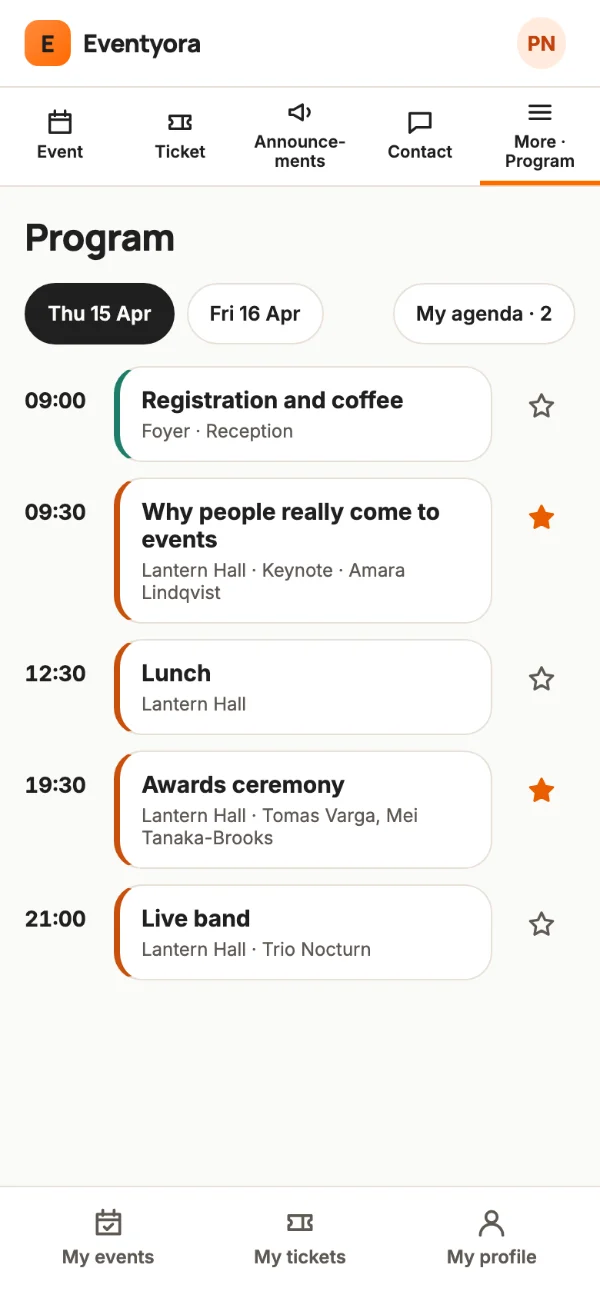
  • Overview, agenda, tickets and live in one place.
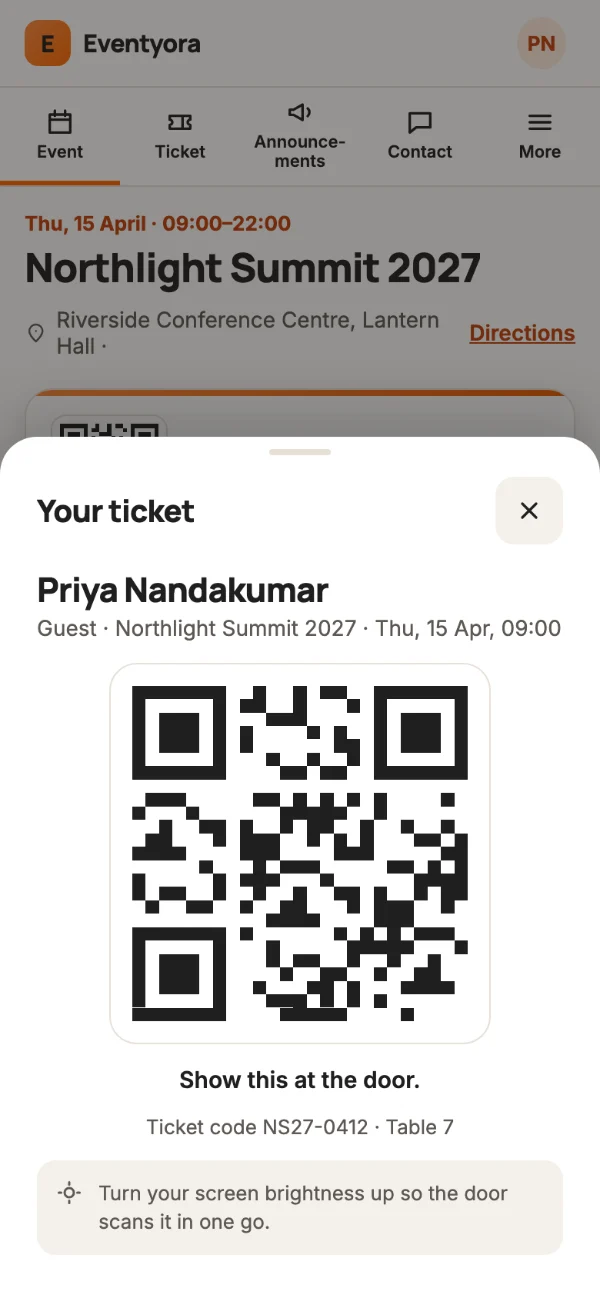
  • My ticket with QR works straight from the phone.
  • Agenda with days, stages, tracks and speakers.
  • Reserve a seat per session.
  • Find my table and the venue map.
  • Directions to the event.
  • Food and drinks menu, built here or your designed PDF.
  • Useful information, FAQs and documents.
  • Partners and sponsors with logos and tiers.
  • Hotels, rooms and who stays where.
  • Announcements, pinned or scheduled.
  • Live event feed of posts and photos.
  • Photo albums from your photographer or guests.
  • Feedback and ratings after the event.
  • Contact the organizer from the app.
  • Prize draw among eligible guests.
  • Song requests and votes for the DJ.
  • One profile and one ticket list across every event.
Seating and room plans4
  • Plan tables, seats and guest assignment.
  • Drag objects into your room layout.
  • Guests propose their own arrangement for approval.
  • Guests find their own table on the phone.
Networking and certificates7
  • Guests opt in to meet each other.
  • Swipe through people and keep your connections.
  • Swap digital business cards with a scan.
  • Guests control exactly what they share.
  • Attendance certificates for checked-in guests.
  • Lock organizer fields, let guests complete the rest.
  • Set a minimum attendance time for a certificate.
Emails3
  • Confirmation, reminder and thank-you emails on autopilot.
  • Edit every email and see it update as you type.
  • Emails use your brand and your event's cover.
Planning, teams and clients9
  • Invite your client to their event with a secure link.
  • Client sees only their event, never your workspace.
  • Client suggests changes; you approve before anything updates.
  • Choose which sections and guest fields the client sees.
  • Private planner: checklist, suppliers, budget and gift register.
  • Team roles per event: manager, finance, view-only.
  • Event reports: registrations, revenue, segments and feedback.
  • Several organizations in one account.
  • Add demo content to try everything safely.

Production55 more

Live interaction13
  • Guests ask questions and upvote the best ones.
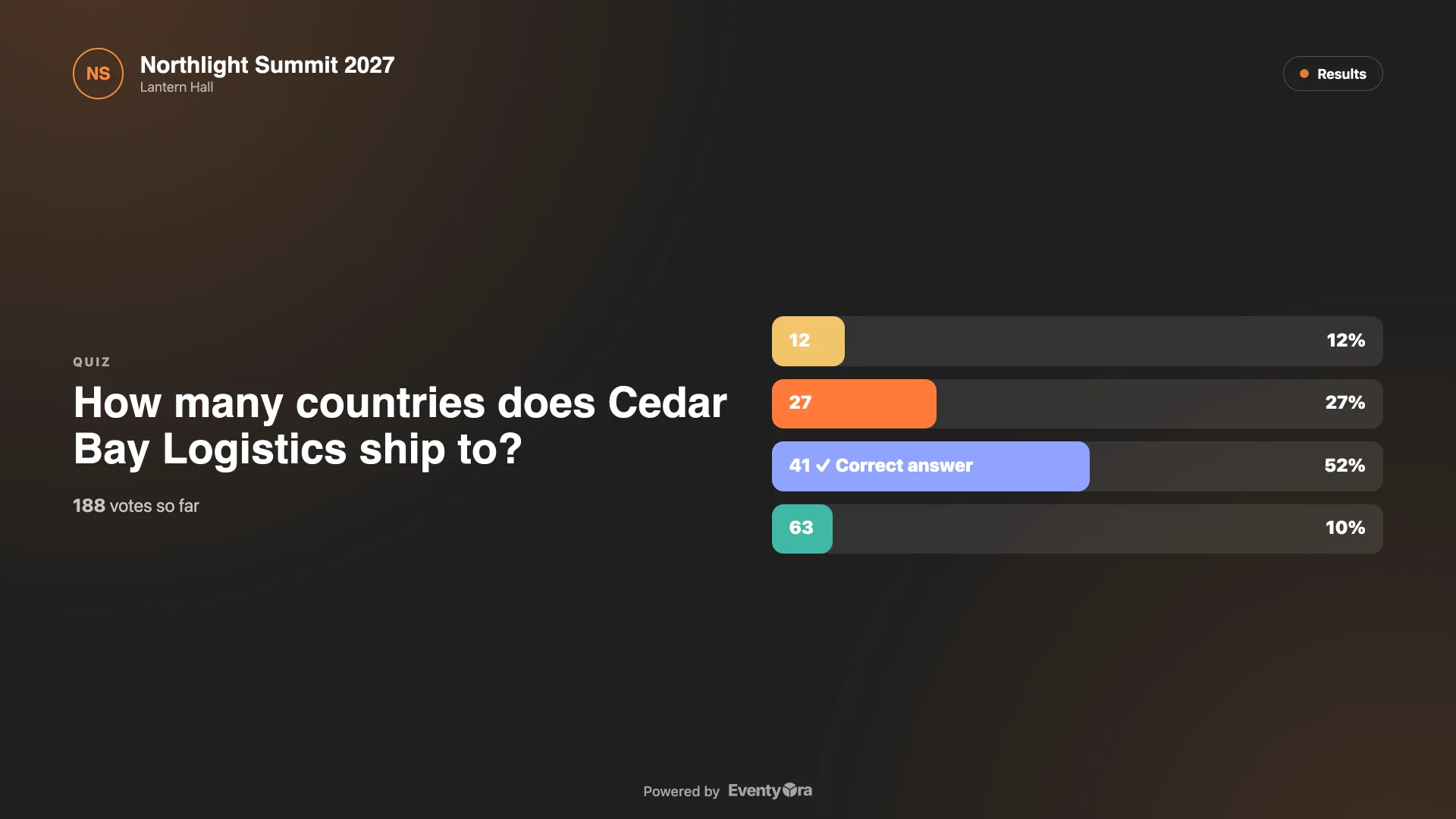
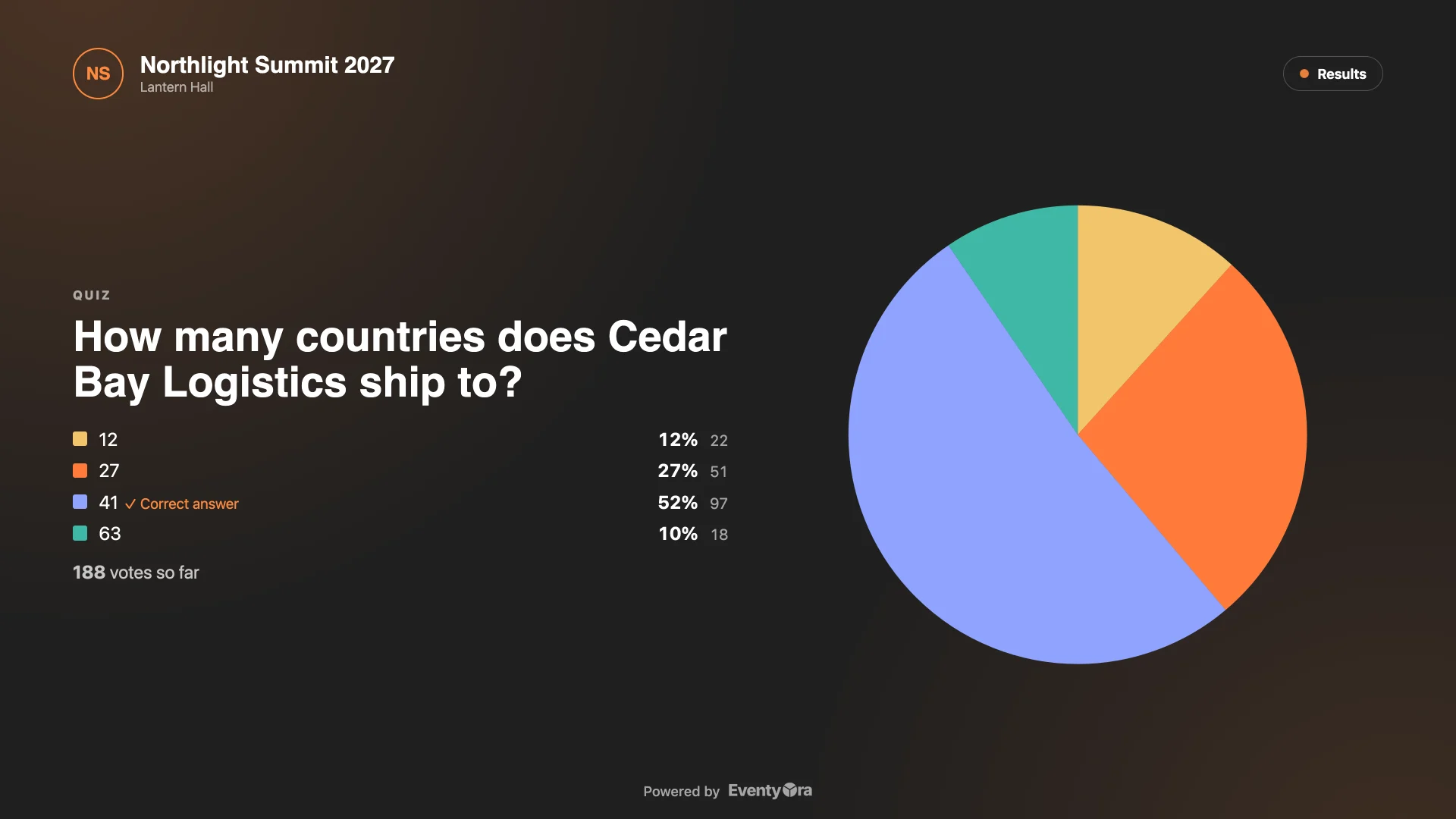
  • Quizzes with a correct answer.
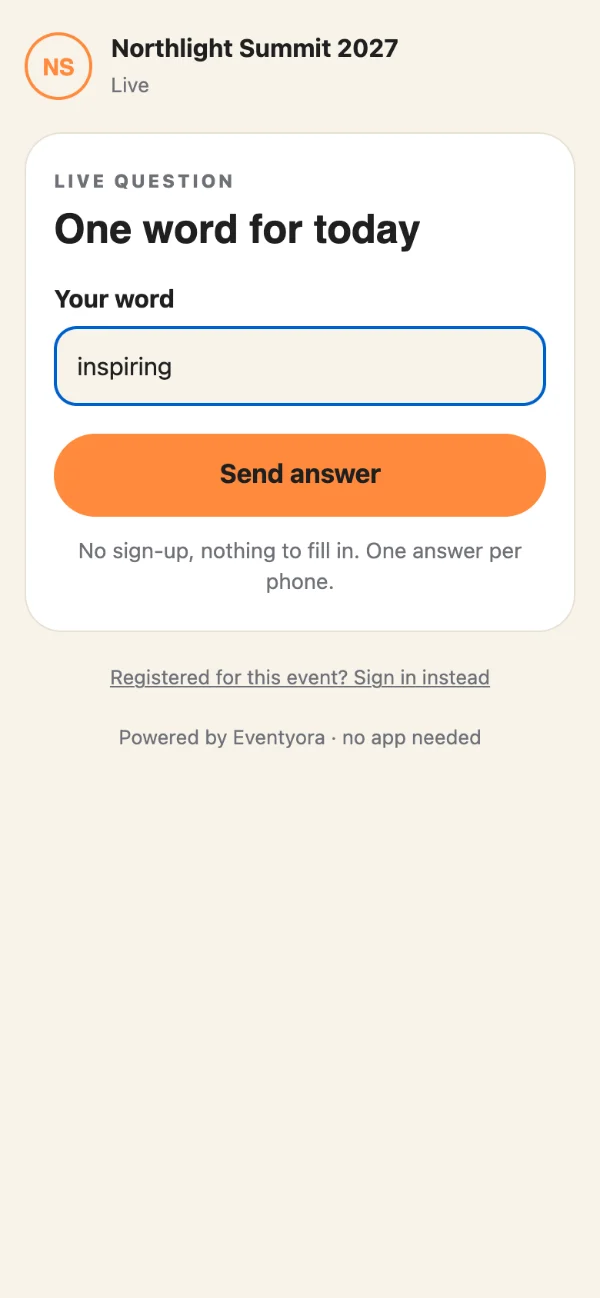
  • Word clouds built from guests' answers.
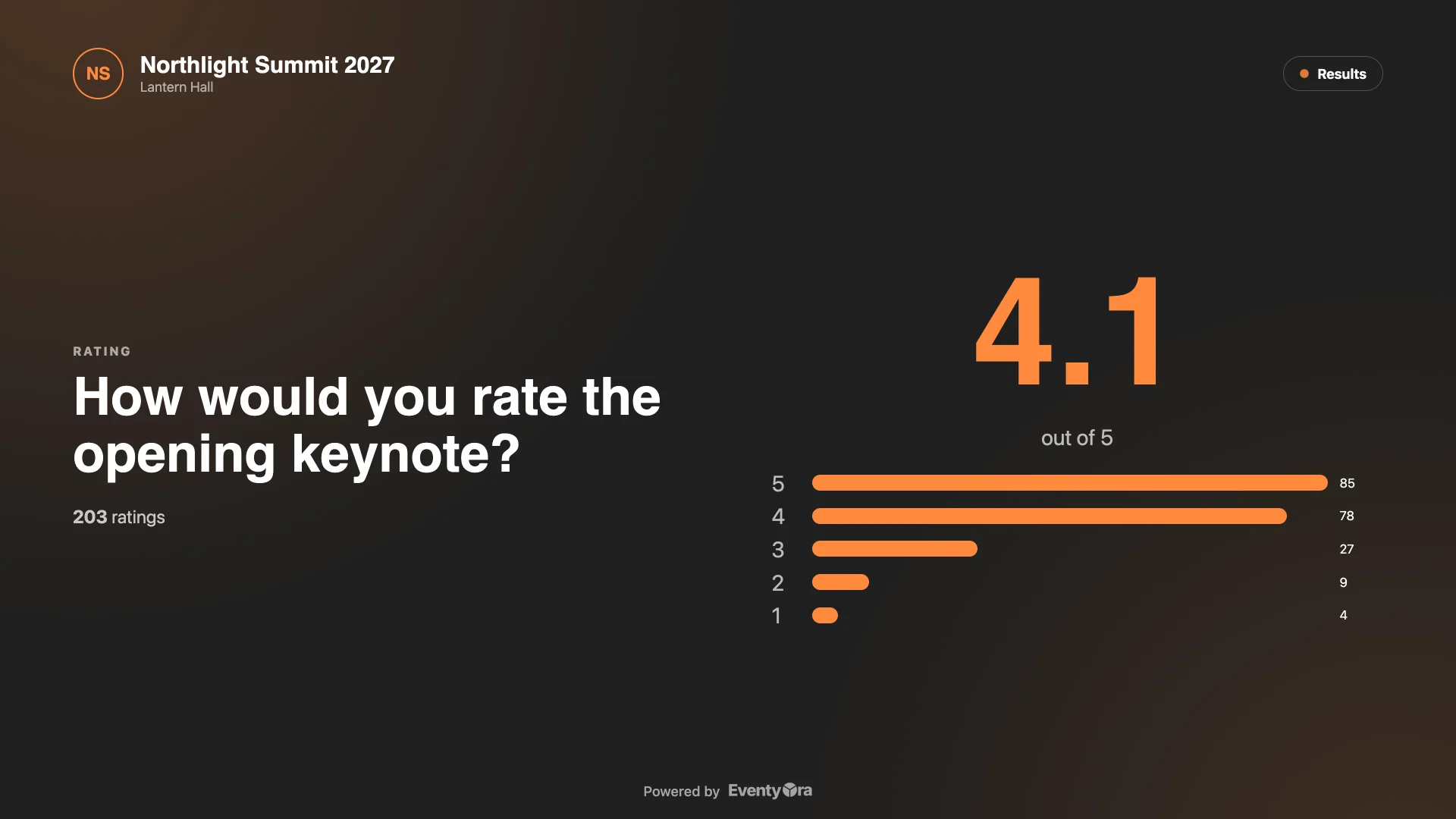
  • Star ratings on a scale you choose.
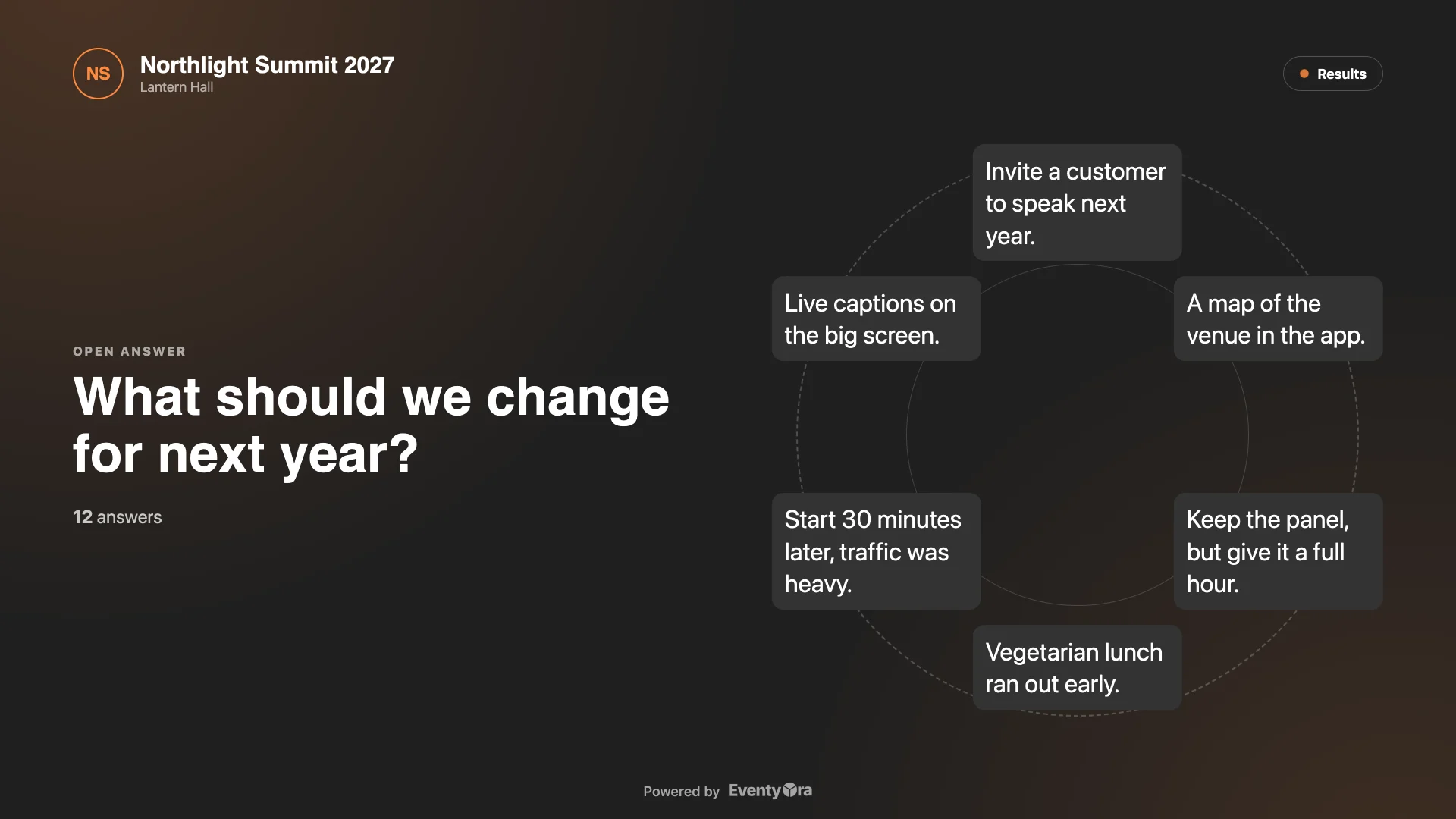
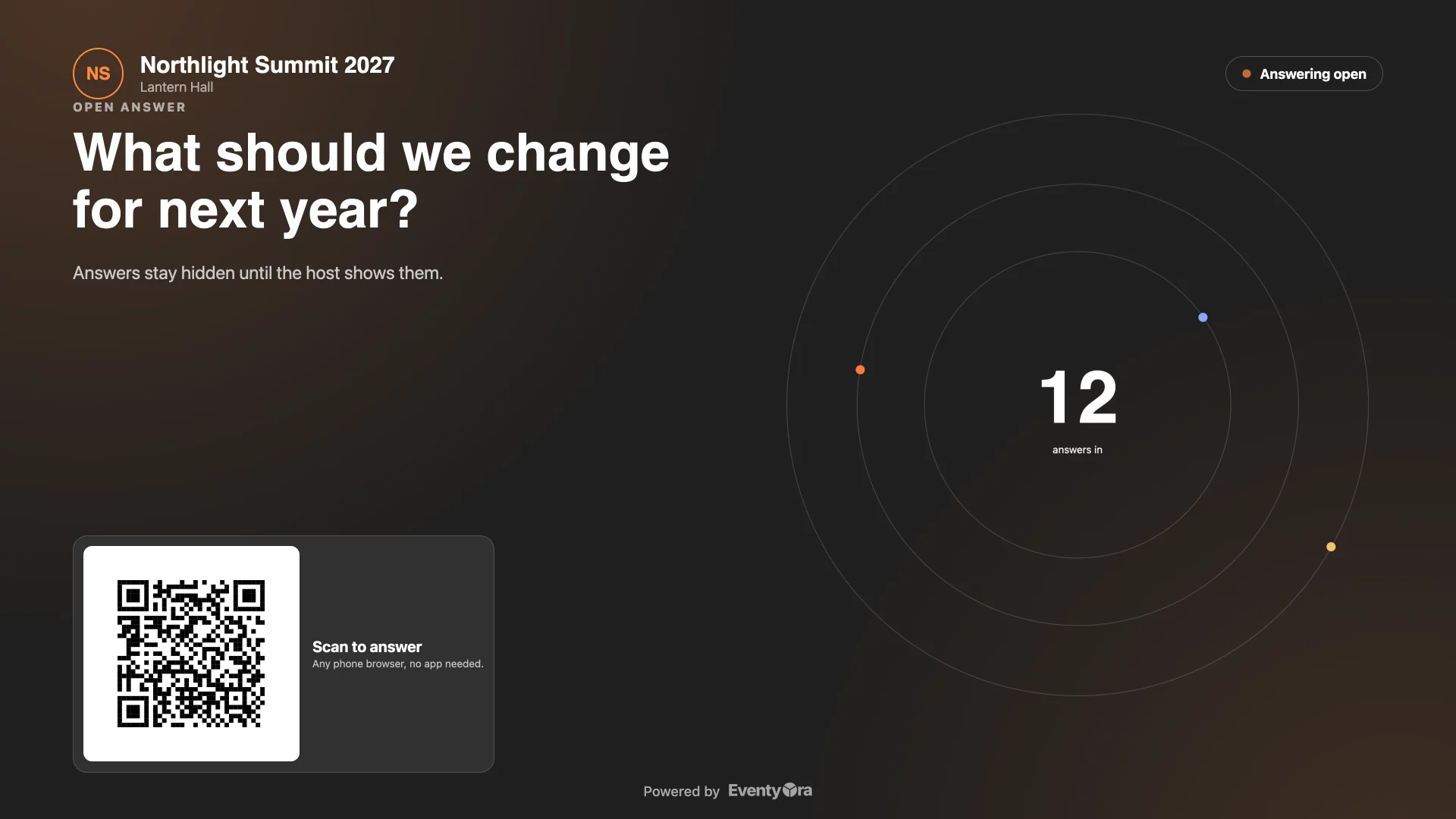
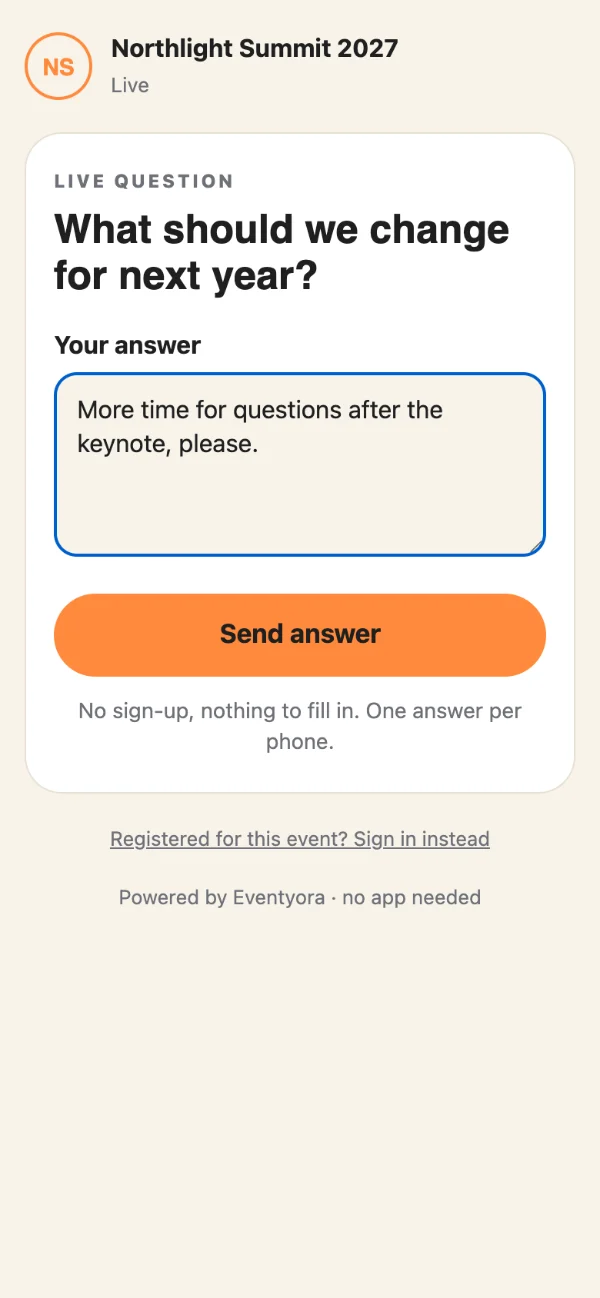
  • Open answers, shown as a live circle or a reveal.
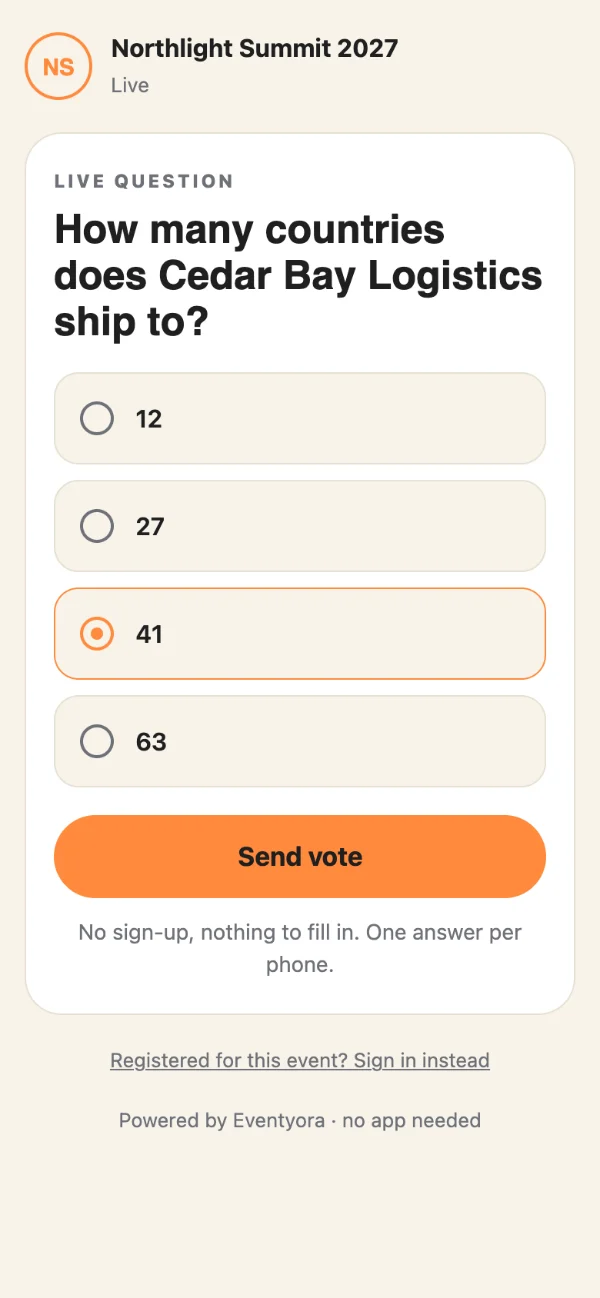
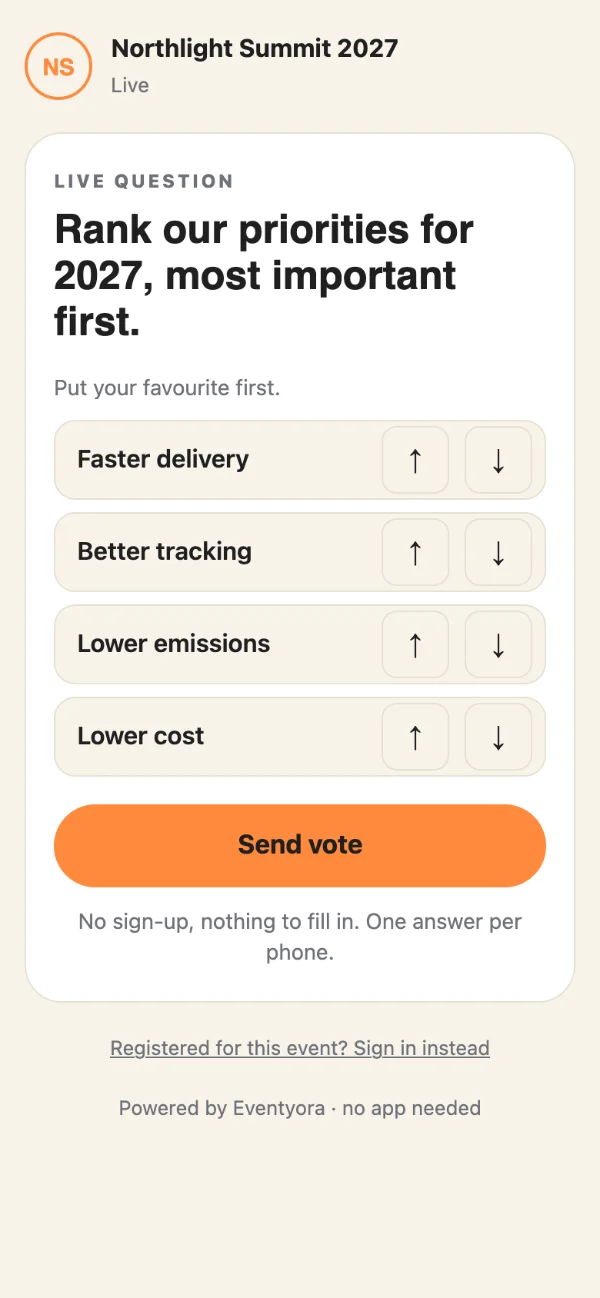
  • Rankings, and choice questions with up to 100 options.
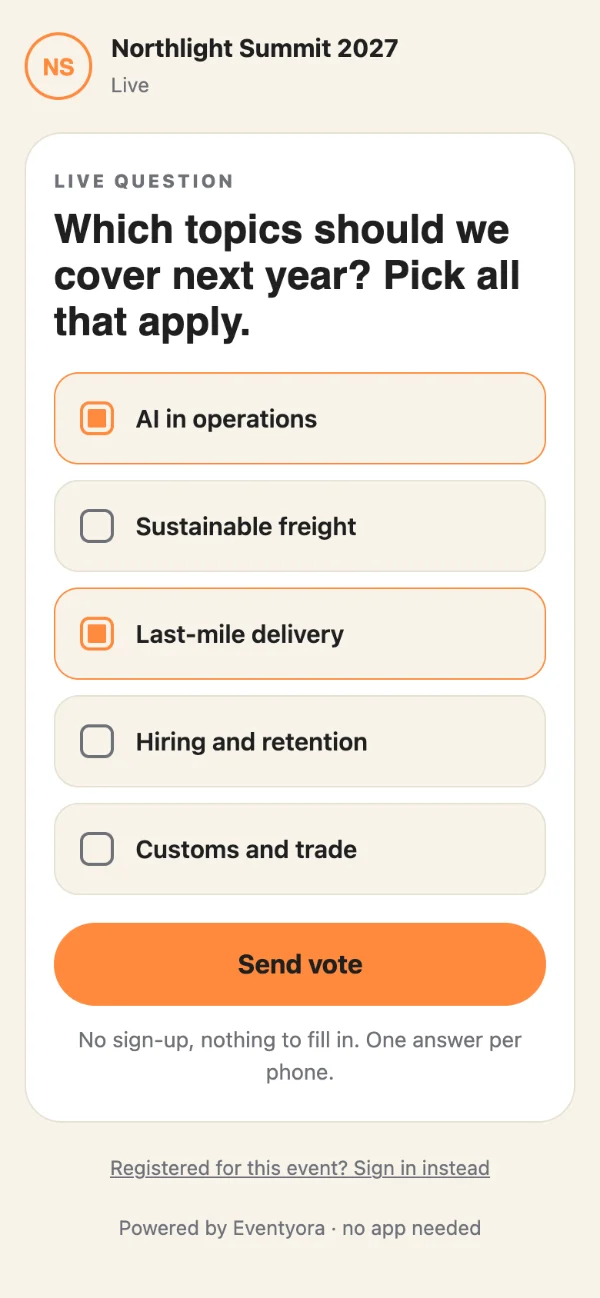
  • Single or multiple choice per question.
  • Anonymous answers when you want them.
  • Show the vote count or hide it.
  • Show results when you decide, hide them again.
  • Pick donut, pie, bars or cloud for each result.
  • Tie any question to a session in your agenda.
  • Export live results.
Moderation6
  • Approve answers before the room sees them.
  • Switch to automatic approval when you trust the crowd.
  • Word filter holds anything questionable for review.
  • Hide an answer in one tap, bring it back later.
  • Approve everything waiting in a single click.
  • Limit answers per network for a busy venue.
Big screen7
  • Live control: choose what goes up, open and close voting.
  • Guests never see the control page.
  • Big screen scales to any shape, with side bars.
  • Guests scan one code that always opens the live question.
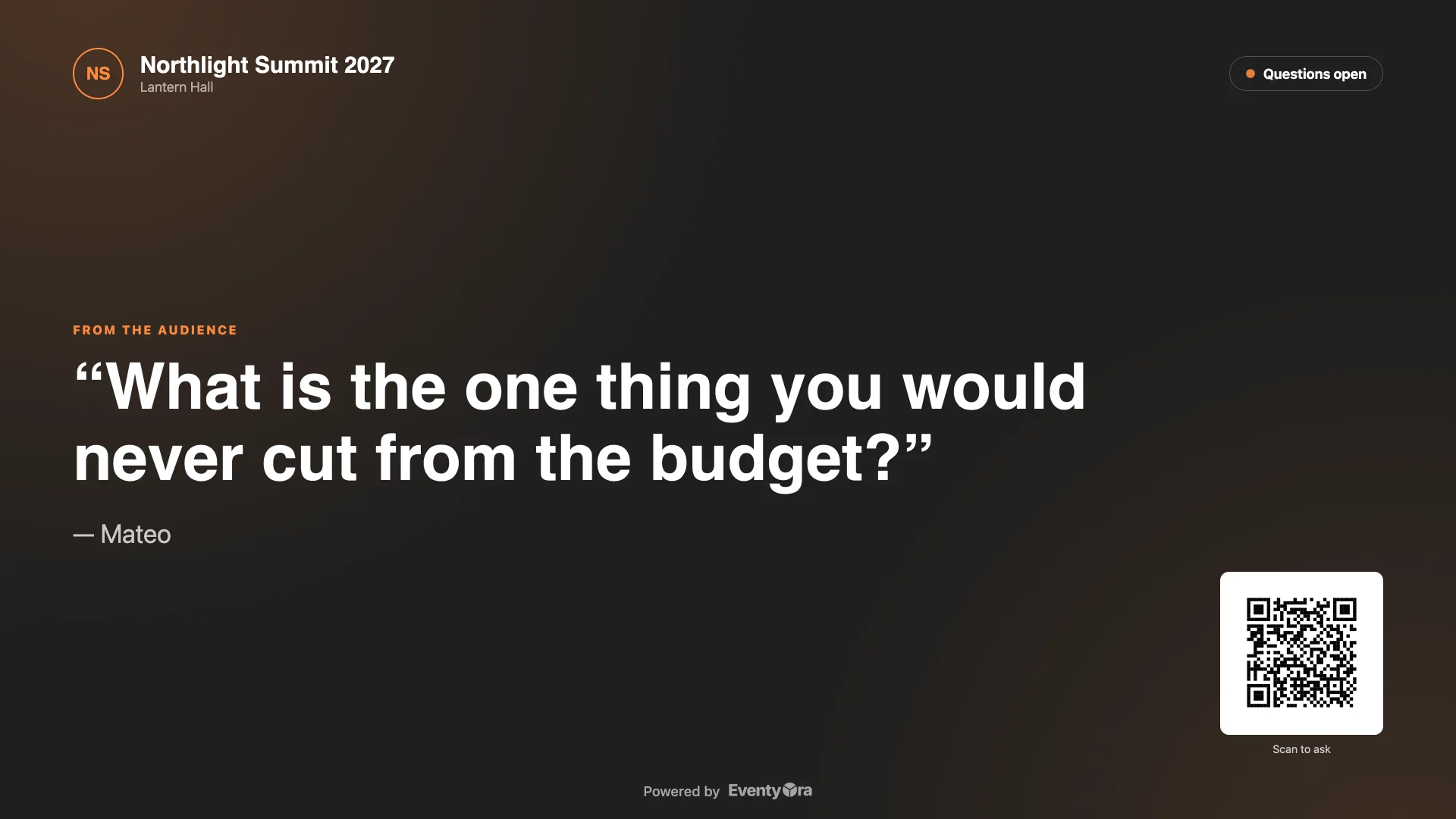
  • Questions from guests appear on the screen.
  • Answers stay hidden until you show them.
  • Press Esc by mistake? Full screen asks before it leaves.
Song requests5
  • DJ link: the DJ sees the queue, no account.
  • Most requested songs rise to the top.
  • Show the queue on the big screen.
  • Guests' names and emails never reach the DJ.
  • Turn off the DJ link and requests stay saved.
Audience Q&A page7
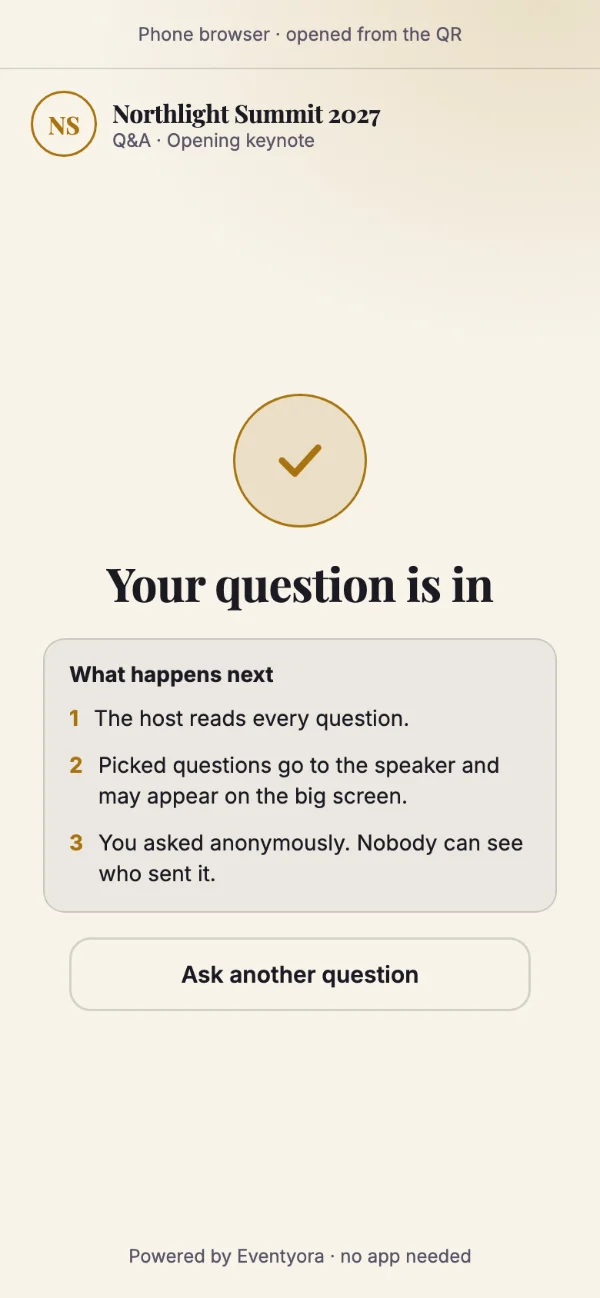
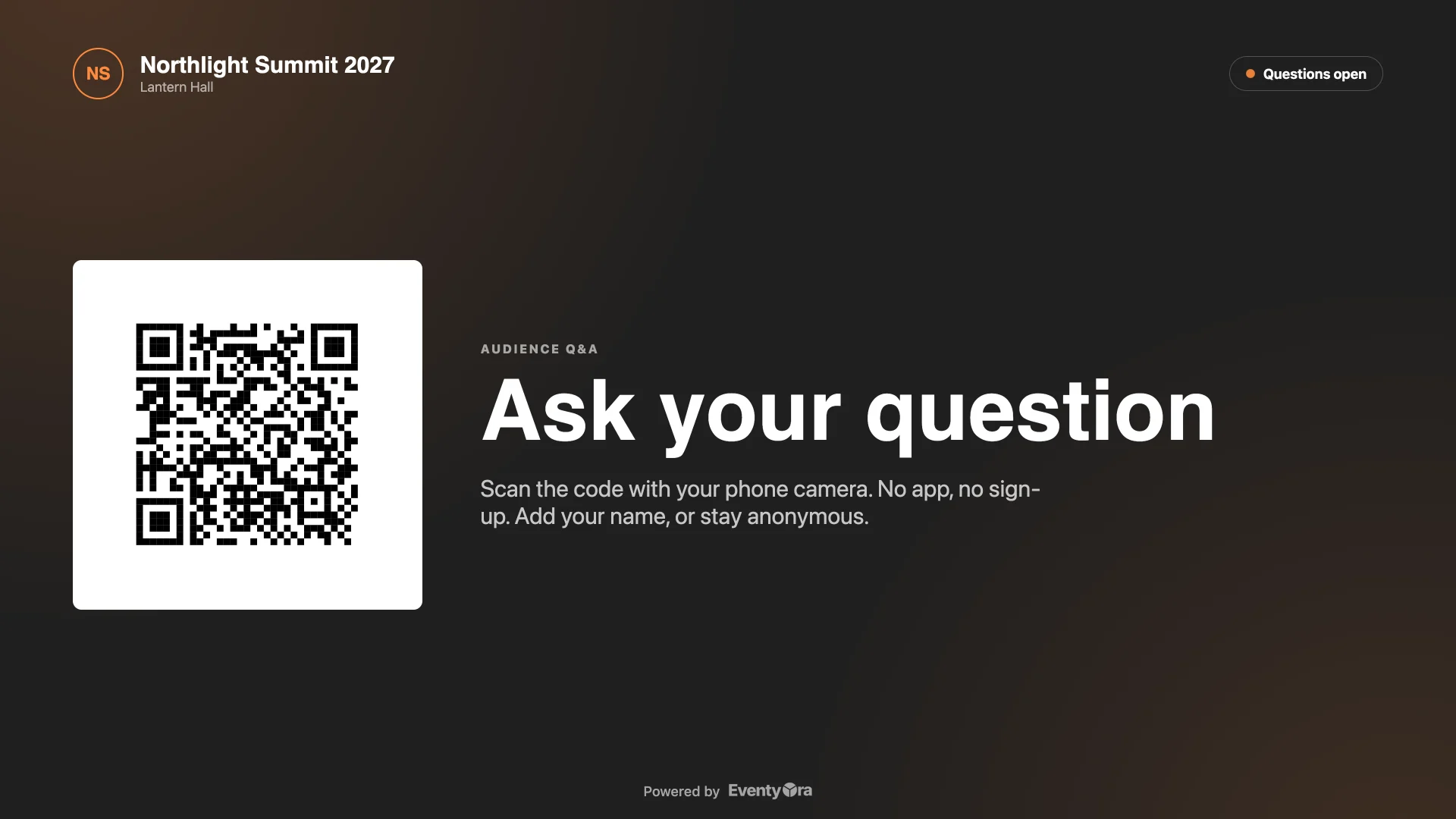
  • Audience Q&A page: one QR for your slides.
  • Q&A remote on a tablet, sign in once.
  • Newest first, or oldest first for the speaker.
  • Show a question on the big screen in one tap.
  • Mark questions discussed, hide the rest.
  • Review questions first, or approve them automatically.
  • Download all questions as a CSV for Excel.
Countdown, stage timer and run of show17
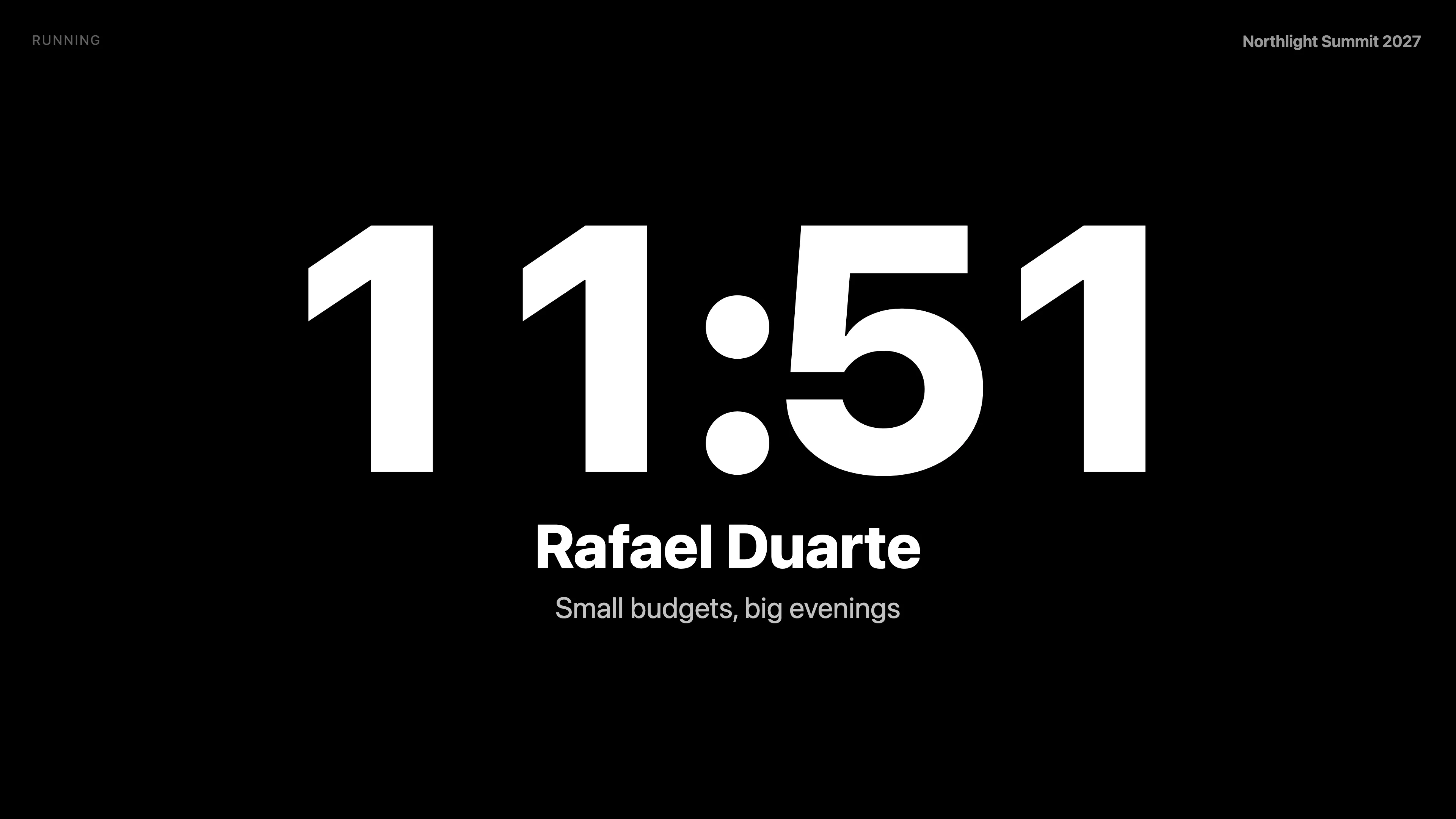
  • Speaker countdown: a big synchronized clock for the stage.
  • Run of show: your program drives the stage timer.
  • Next and Previous load the following talk, ready to start.
  • See who is on now and who is next.
  • Create countdowns from agenda sessions, durations included.
  • Start, pause, reset and add a minute, live.
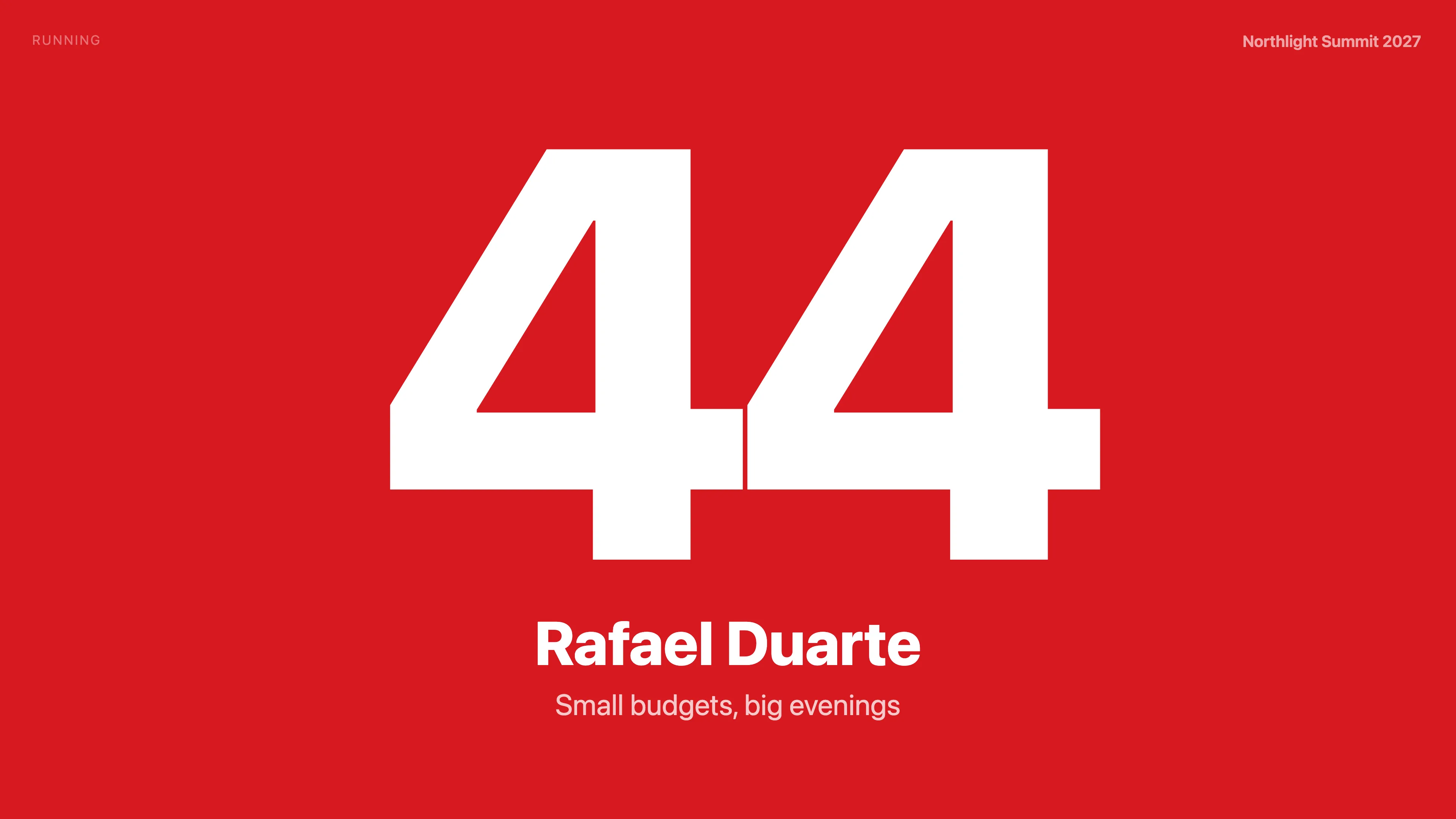
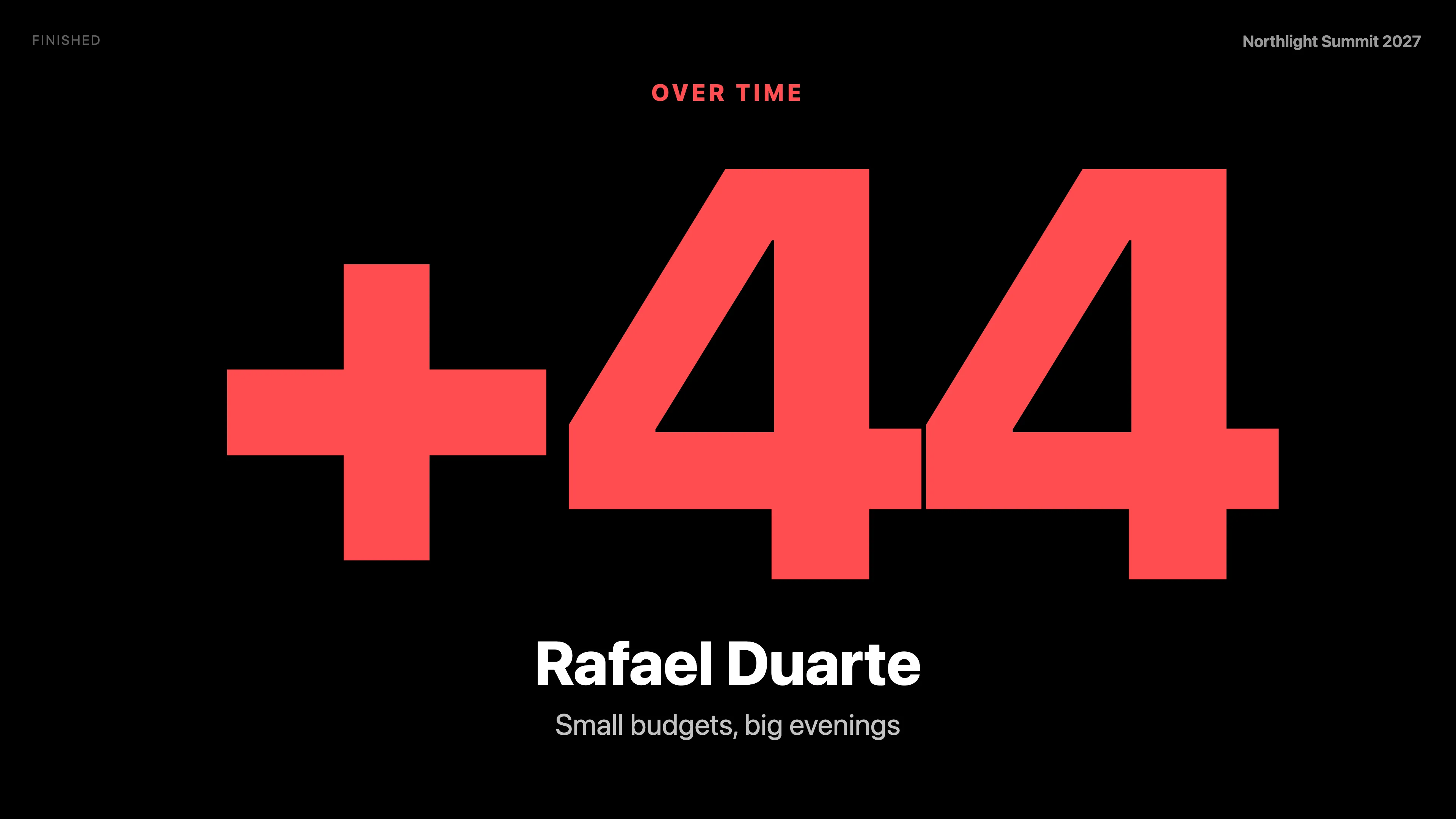
  • Overtime counts up in red: Over time +00:42.
  • Turn red in the last seconds you choose.
  • Up to three beep lines, each with its own rhythm.
  • Final beep at zero is always on.
  • Set timer defaults once, Apply to all talks.
  • Mute and test the beeps from the control page.
  • Subtitle, logo and a black, white and red look.
  • Stage screen shows Idle, Paused and Reconnecting honestly.
  • Full screen on a laptop or tablet, screen stays awake.
  • Open the stage screen by link or QR, signed in once.
  • Download sound cues for the final ten seconds.

Across Eventyora9 more

People and access6
  • One account for CRM and Experience.
  • A won opportunity becomes an event in one click.
  • Event-only access for clients and outside staff.
  • Secure sign-in with password reset by email.
  • Guests keep one Eventyora ID across events.
  • Light and dark mode on every screen.
Documents and data3
  • Branded documents, emails and tickets in your look.
  • Import from Excel and CSV almost everywhere.
  • Export your data whenever you want.

Some features depend on your plan or are turned on per event. AI is in CRM only. Production live tools are an optional add-on per event.

How it works

Three steps. One link for your guests.

  1. Create your event.

    Add the date, hall and details.

  2. Invite your guests.

    Send tickets or invitations. They get one link for the guest app.

  3. Run the day.

    Check people in with Experience, then show live Q&A and polls on the big screen with Production.

Built for

For the people who make events happen.

Venues

Restaurants, salons, hotels and conference centres with halls to fill.

Agencies

Teams running many events for many clients.

Planners

Freelancers who want the whole business in one place.

Corporate teams

In-house organisers of congresses, launches and internal events.

Pricing at launch

Fair pricing, announced at launch.

At launch: free for events up to 30 guests, and a 30-day trial of the CRM. Paid plans and prices are announced at launch. The first 100 on the list get 30% off for life.

Questions

Good to know.

When does Eventyora open?

Soon. Join the list and we'll email you the day it does.

What do the first 100 get?

30% off, for life: for as long as you stay with Eventyora.

Does Eventyora use AI?

Yes, in CRM. Ask Eventyora answers questions about your work in plain language, drafts replies to your clients’ emails, suggests tasks and notes, and helps you set up your workspace. You stay in control: a draft is only a draft until you send it, and suggestions change your data only after you approve them. Money, dates, deletions and sending always need your approval.

Do my guests need to download an app?

No. Guests can use the Eventyora app, or simply open your event in the browser from a link or QR code. The app is optional.

Can I try it free?

At launch: free for events up to 30 guests, and a 30-day trial of the CRM with everything included.

Is my email safe?

We use it only for the launch announcement and your discount. Write to hello@eventyora.com to withdraw or delete it.

The first 100

Be one of the first 100.

30% off for life for the first 100 on the list.

What describes you?

We use this only to tailor your launch email.

Your email is kept by Eventyora, operated by Dynamic BTL Events SRL. We use it only to send launch news and your early-access offer. Unsubscribe or ask us to delete it any time at hello@eventyora.com. Privacy Policy